
Internal tools for teams with engineers — drag the UI, write the SQL.
Pricing
Verified 14 Jul 2026· sourceOverview
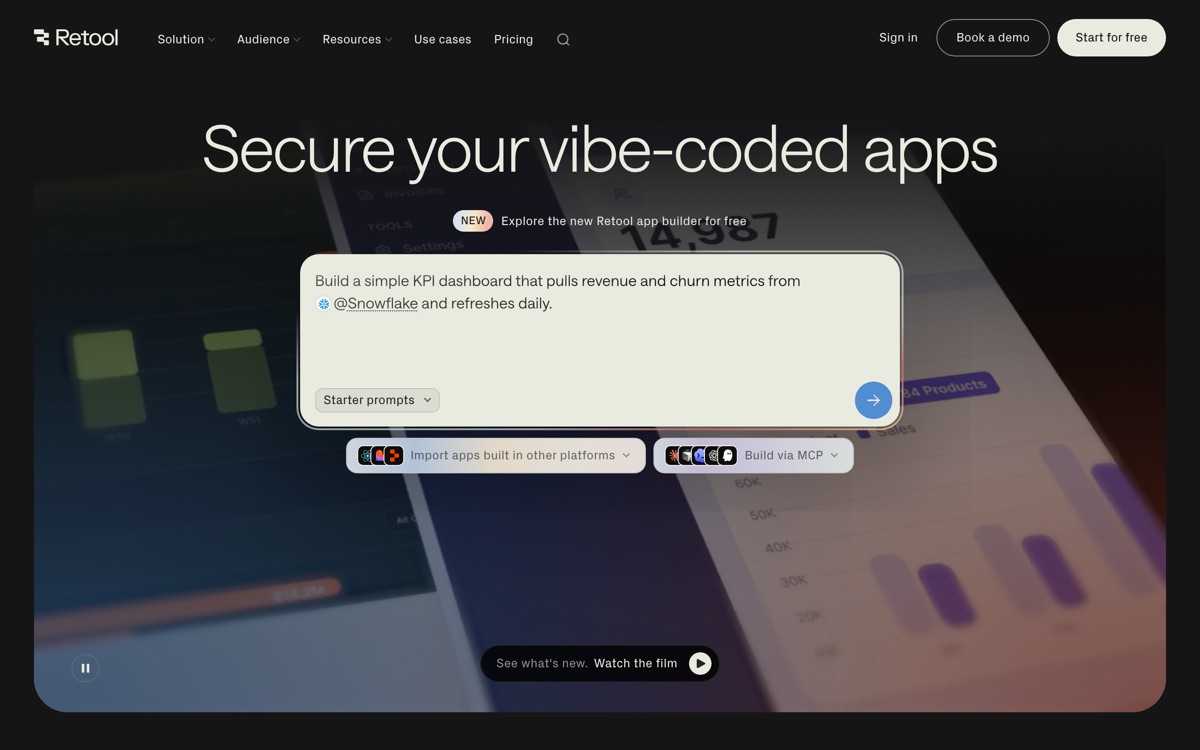
Retool is the internal-tool builder that assumes you can code and stops pretending otherwise. You drag components onto a canvas, then wire them to your data with real SQL queries or JavaScript against your Postgres, MongoDB, REST APIs or SaaS platforms. That combination is the point: admin panels, support consoles and ops dashboards are mostly boring UI over a database, and Retool deletes the boring part while leaving you full control over the query. It can be self-hosted in your own VPC, which is often the deciding factor for anyone whose internal tools touch production customer data. AI credits and agent features have been layered on top. The costs are structural. Seat-based pricing across builders and internal users adds up quickly for a mid-sized company, and it is easy to end up paying meaningfully for tools that a couple of people use twice a week. Complex Retool apps become hard to maintain and version — you are writing an application, just in someone else's editor. And it is emphatically not for non-technical staff.
Features
Pros & cons
Pros
- Removes weeks of tedious CRUD UI work for engineering teams
- Self-hosting in your own VPC keeps sensitive data inside your perimeter
- Connects to essentially any database or API you already run
Cons
- Seat-based pricing across builders and internal users escalates fast at scale
- Requires SQL and JavaScript — non-technical teams cannot use it unaided
- Large apps become hard to version, review and maintain
- Lock-in is real; rebuilding a mature Retool estate elsewhere is a serious project
Who Retool is for
Retool is built for people working with no-code tools. Its free plan makes it easy to evaluate before paying, which suits both individuals and growing teams. Users most often highlight removes weeks of tedious crud ui work for engineering teams.
How Retool compares in AI No-Code Tools
Within no-code tools, the closest alternatives to Retool are Glide, Webflow, Airtable — it is worth comparing them side by side on price and the specific features you need before deciding.
Retool pricing
Retool offers a free plan with paid upgrades. You can start for free and pay only when you need higher limits, advanced features or team seats. See the full Retool pricing breakdown →
Retool FAQ
Is Retool worth it?
Retool is most often praised for removes weeks of tedious crud ui work for engineering teams. The main trade-off is that seat-based pricing across builders and internal users escalates fast at scale. For most no-code tools needs it is a credible choice — trial it against one or two alternatives before you commit. ToolsPantry does not yet carry user reviews for this tool.
Is Retool free?
Retool offers a free plan with paid upgrades. You can start for free and pay only when you need higher limits, advanced features or team seats.
What are the downsides of Retool?
The most commonly noted drawbacks are: Seat-based pricing across builders and internal users escalates fast at scale; Requires SQL and JavaScript — non-technical teams cannot use it unaided; Large apps become hard to version, review and maintain; Lock-in is real; rebuilding a mature Retool estate elsewhere is a serious project. None are dealbreakers for everyone, but weigh them against your specific workflow.
What are the best alternatives to Retool?
Strong alternatives in no-code tools include Glide, Webflow, Airtable, Softr. See the full ranked list on the Retool alternatives page.
The verdict
Retool is a no-code tools option, best known for removes weeks of tedious crud ui work for engineering teams. The main trade-off is that seat-based pricing across builders and internal users escalates fast at scale. Start on the free plan and compare it against the alternatives below before committing.
Embed a badge
Show visitors Retool is on ToolsPantry. Paste this into your site — it links back here. About badges →
<a href="https://toolspantry.com/tools/retool" target="_blank" rel="noopener">
  <img src="https://toolspantry.com/tools/retool/badge" alt="Retool on ToolsPantry" width="252" height="60" />
</a>Alternatives to Retool
The spreadsheet-database hybrid that quietly became half the internet's back office.

The most powerful no-code app builder, and the one you'll most regret at scale.
Turns a spreadsheet into a mobile-shaped business app in an afternoon.