The spreadsheet-database hybrid that quietly became half the internet's back office.
Pricing
Verified 14 Jul 2026· sourceOverview
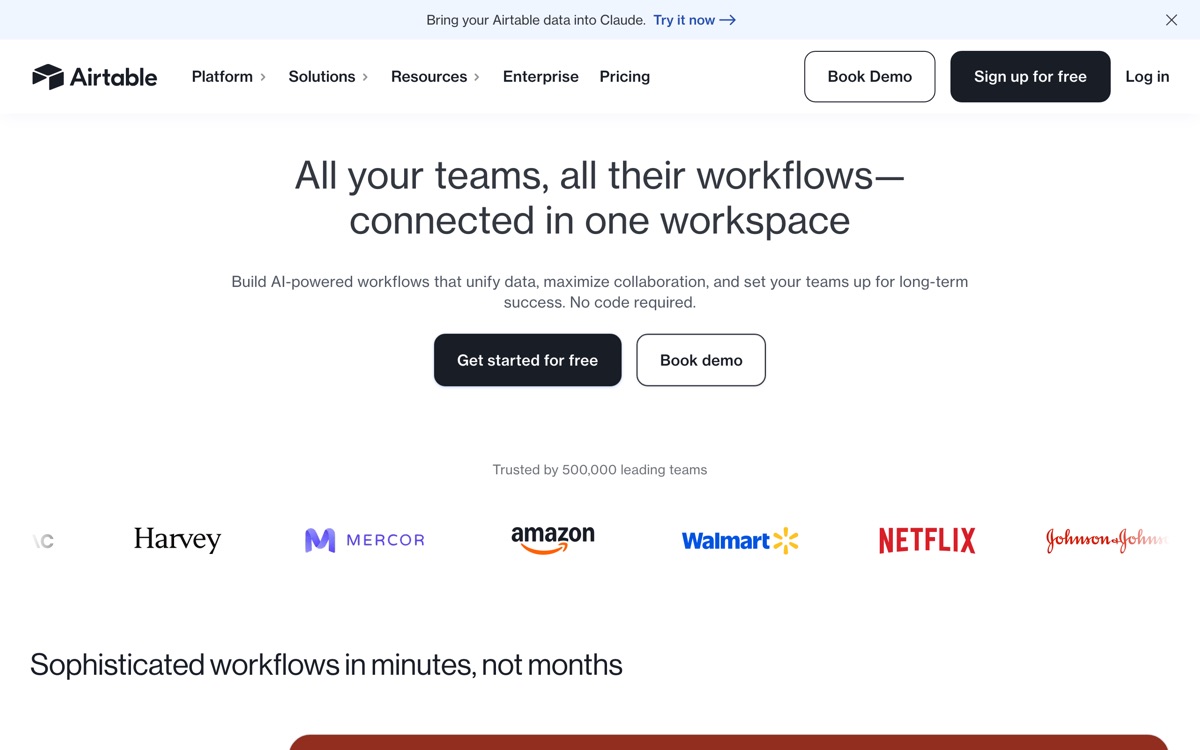
Airtable looks like a spreadsheet and behaves like a relational database. Records link to records, fields have real types — attachments, single-selects, formulas, rollups — and the same underlying data can be viewed as a grid, kanban board, calendar or gallery depending on who is looking. That combination is why it colonised so many teams: it is approachable enough that non-technical staff will actually maintain it, and structured enough that it doesn't collapse the way a shared spreadsheet does. Its AI layer can now categorise, summarise and generate against your records, and Interfaces let you put a usable front end over the data. Where it hurts is scale and cost. Per-seat pricing gets expensive quickly for larger teams, especially when read-only viewers still need seats, and row limits per base are real ceilings that arrive sooner than you expect. Performance sags on large bases. And the more central it becomes, the more clearly you feel that you have built critical infrastructure inside a proprietary product you cannot easily leave.
Features
Pros & cons
Pros
- Approachable enough that non-technical teams genuinely keep it up to date
- Views make one dataset serve very different audiences without duplication
- Mature API and integration ecosystem — nearly everything connects to it
Cons
- Per-seat pricing scales painfully for teams with many light or read-only users
- Record limits per base bite sooner than most people plan for
- Large bases get sluggish, and it is not a substitute for a real database
- Becomes critical infrastructure inside a proprietary product that is hard to leave
Who Airtable is for
Airtable is built for people working with no-code tools. Its free plan makes it easy to evaluate before paying, which suits both individuals and growing teams. Users most often highlight approachable enough that non-technical teams genuinely keep it up to date.
How Airtable compares in AI No-Code Tools
Within no-code tools, the closest alternatives to Airtable are Glide, Retool, Webflow — it is worth comparing them side by side on price and the specific features you need before deciding.
Airtable pricing
Airtable offers a free plan with paid upgrades. You can start for free and pay only when you need higher limits, advanced features or team seats. See the full Airtable pricing breakdown →
Airtable FAQ
Is Airtable worth it?
Airtable is most often praised for approachable enough that non-technical teams genuinely keep it up to date. The main trade-off is that per-seat pricing scales painfully for teams with many light or read-only users. For most no-code tools needs it is a credible choice — trial it against one or two alternatives before you commit. ToolsPantry does not yet carry user reviews for this tool.
Is Airtable free?
Airtable offers a free plan with paid upgrades. You can start for free and pay only when you need higher limits, advanced features or team seats.
What are the downsides of Airtable?
The most commonly noted drawbacks are: Per-seat pricing scales painfully for teams with many light or read-only users; Record limits per base bite sooner than most people plan for; Large bases get sluggish, and it is not a substitute for a real database; Becomes critical infrastructure inside a proprietary product that is hard to leave. None are dealbreakers for everyone, but weigh them against your specific workflow.
What are the best alternatives to Airtable?
Strong alternatives in no-code tools include Glide, Retool, Webflow, Softr. See the full ranked list on the Airtable alternatives page.
The verdict
Airtable is a no-code tools option, best known for approachable enough that non-technical teams genuinely keep it up to date. The main trade-off is that per-seat pricing scales painfully for teams with many light or read-only users. Start on the free plan and compare it against the alternatives below before committing.
Embed a badge
Show visitors Airtable is on ToolsPantry. Paste this into your site — it links back here. About badges →
<a href="https://toolspantry.com/tools/airtable" target="_blank" rel="noopener">
  <img src="https://toolspantry.com/tools/airtable/badge" alt="Airtable on ToolsPantry" width="252" height="60" />
</a>