Turns a spreadsheet into a mobile-shaped business app in an afternoon.
Pricing
Verified 14 Jul 2026· sourceOverview
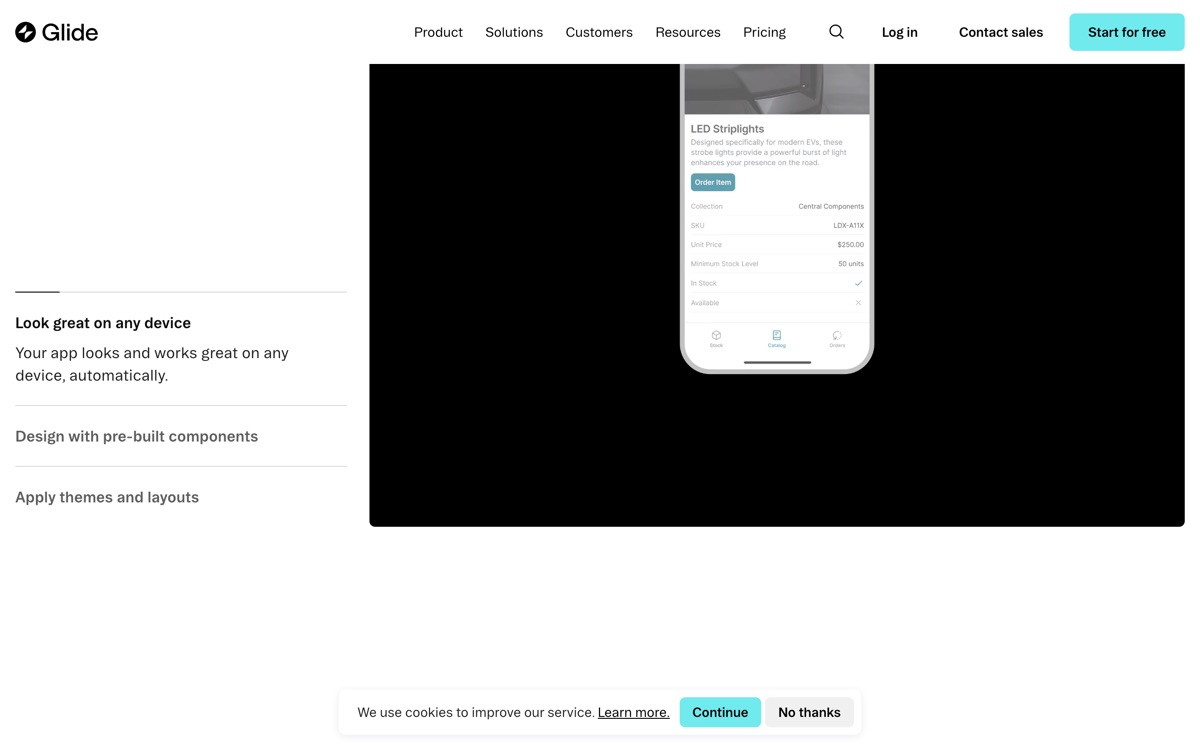
Glide's original trick — point it at a Google Sheet and get a working app — has grown into a platform aimed squarely at internal business tools: inventory tracking, field service, dispatch, simple CRMs, the kind of software small operations otherwise run on paper and WhatsApp. Its strength is speed and, unusually for the category, mobile. Glide apps feel right on a phone, which matters enormously if your users are technicians, drivers or shop staff rather than desk workers. AI features can now generate screens and classify or extract from your data. The commercial reality deserves a plain warning: Glide repositioned towards business customers, and the pricing reflects that. The gap between the hobby tiers and the Business plan is wide, and useful data sources — Airtable, SQL, the larger connector set — are gated behind those higher tiers, so the cheap plans confine you to Glide Tables and Sheets. Customisation is limited by the component set, and it does not suit complex or highly custom applications. Ideal for straightforward operational apps; expensive for anything ambitious.
Features
Pros & cons
Pros
- Fastest path from a spreadsheet to a working internal tool
- Genuinely good mobile experience — rare among no-code app builders
- Sensible role and row-level privacy controls for internal use
Cons
- Steep jump in price to the Business tier, where the useful connectors live
- Cheaper plans restrict you to Sheets and Glide Tables as data sources
- Customisation is bounded by the component set — apps look similar
- Wrong tool for complex logic or customer-facing, differentiated products
Who Glide is for
Glide is built for people working with no-code tools. Its free plan makes it easy to evaluate before paying, which suits both individuals and growing teams. Users most often highlight fastest path from a spreadsheet to a working internal tool.
How Glide compares in AI No-Code Tools
Within no-code tools, the closest alternatives to Glide are Retool, Webflow, Airtable — it is worth comparing them side by side on price and the specific features you need before deciding.
Glide pricing
Glide offers a free plan with paid upgrades. You can start for free and pay only when you need higher limits, advanced features or team seats. See the full Glide pricing breakdown →
Glide FAQ
Is Glide worth it?
Glide is most often praised for fastest path from a spreadsheet to a working internal tool. The main trade-off is that steep jump in price to the business tier, where the useful connectors live. For most no-code tools needs it is a credible choice — trial it against one or two alternatives before you commit. ToolsPantry does not yet carry user reviews for this tool.
Is Glide free?
Glide offers a free plan with paid upgrades. You can start for free and pay only when you need higher limits, advanced features or team seats.
What are the downsides of Glide?
The most commonly noted drawbacks are: Steep jump in price to the Business tier, where the useful connectors live; Cheaper plans restrict you to Sheets and Glide Tables as data sources; Customisation is bounded by the component set — apps look similar; Wrong tool for complex logic or customer-facing, differentiated products. None are dealbreakers for everyone, but weigh them against your specific workflow.
What are the best alternatives to Glide?
Strong alternatives in no-code tools include Retool, Webflow, Airtable, Softr. See the full ranked list on the Glide alternatives page.
The verdict
Glide is a no-code tools option, best known for fastest path from a spreadsheet to a working internal tool. The main trade-off is that steep jump in price to the business tier, where the useful connectors live. Start on the free plan and compare it against the alternatives below before committing.
Embed a badge
Show visitors Glide is on ToolsPantry. Paste this into your site — it links back here. About badges →
<a href="https://toolspantry.com/tools/glide" target="_blank" rel="noopener">
  <img src="https://toolspantry.com/tools/glide/badge" alt="Glide on ToolsPantry" width="252" height="60" />
</a>Alternatives to Glide
The spreadsheet-database hybrid that quietly became half the internet's back office.

The most powerful no-code app builder, and the one you'll most regret at scale.

Internal tools for teams with engineers — drag the UI, write the SQL.