
The most powerful no-code app builder, and the one you'll most regret at scale.
Overview
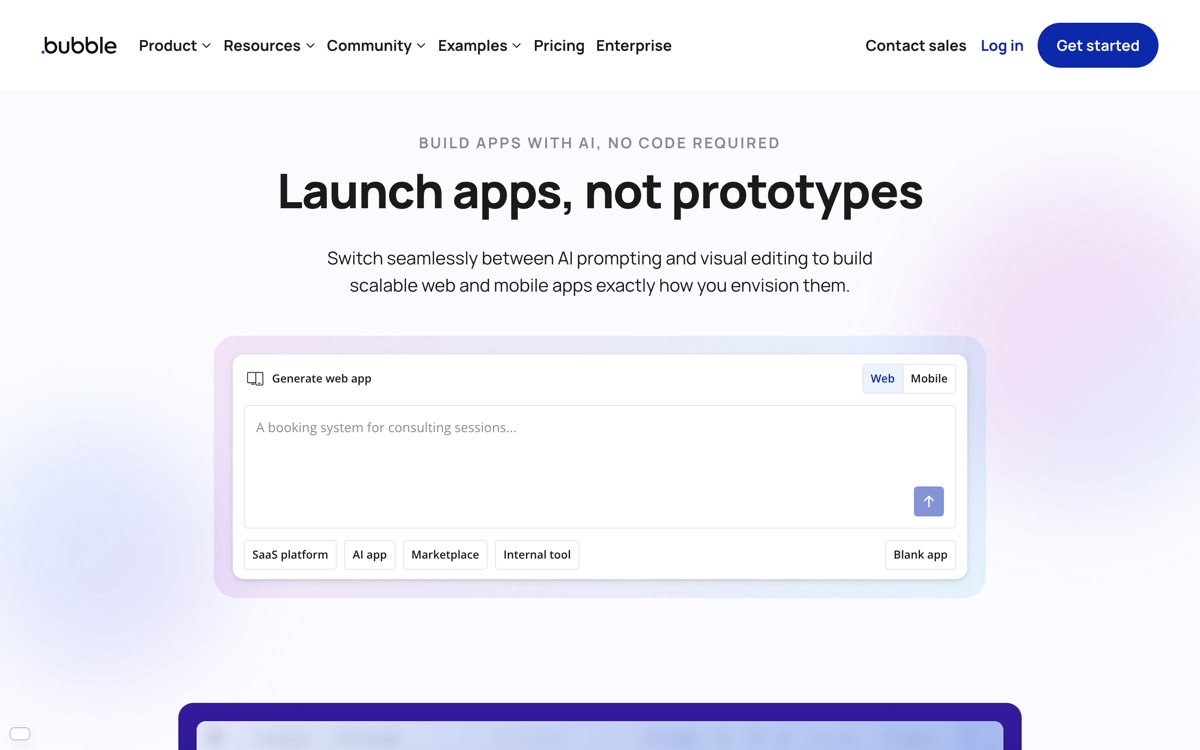
Bubble is the deep end of no-code. Unlike tools that assemble apps from fixed templates, it gives you a pixel-level visual editor, a real database, a workflow engine and an API layer — enough to build a genuine multi-sided web application, complete with logins, payments and permissions, without writing code. Plenty of funded startups launched their first product on it, and for validating an idea before hiring engineers it remains hard to beat. The costs arrive later, and they are consistent. The learning curve is much steeper than the marketing suggests; you are effectively learning a proprietary programming environment with a mouse. Performance on data-heavy pages degrades in ways you have limited power to fix. Usage is metered in workload units, which makes bills unpredictable and punishes inefficient logic you may not know you wrote. And there is no exit — you cannot export a Bubble app to run anywhere else, so a rebuild is the only way out. Use it to prove a business, with your eyes open about the ceiling.
Features
Pros & cons
Pros
- Genuinely capable of full production web apps, not just prototypes
- Removes the need for early engineering hires when validating an idea
- Large plugin ecosystem and an active, helpful community
Cons
- Hard lock-in — no way to export your app and run it elsewhere
- Workload-unit billing makes costs unpredictable as usage grows
- Steep learning curve; it is really visual programming, not simple assembly
- Performance on data-heavy pages is a known ceiling you cannot engineer around
Who Bubble is for
Bubble is built for people working with no-code tools. Its free plan makes it easy to evaluate before paying, which suits both individuals and growing teams. Users most often highlight genuinely capable of full production web apps, not just prototypes.
How Bubble compares in AI No-Code Tools
Within no-code tools, the closest alternatives to Bubble are Glide, Retool, Webflow — it is worth comparing them side by side on price and the specific features you need before deciding.
Bubble pricing
Bubble offers a free plan with paid upgrades. You can start for free and pay only when you need higher limits, advanced features or team seats. See the full Bubble pricing breakdown →
Bubble FAQ
Is Bubble worth it?
Bubble is most often praised for genuinely capable of full production web apps, not just prototypes. The main trade-off is that hard lock-in — no way to export your app and run it elsewhere. For most no-code tools needs it is a credible choice — trial it against one or two alternatives before you commit. ToolsPantry does not yet carry user reviews for this tool.
Is Bubble free?
Bubble offers a free plan with paid upgrades. You can start for free and pay only when you need higher limits, advanced features or team seats.
What are the downsides of Bubble?
The most commonly noted drawbacks are: Hard lock-in — no way to export your app and run it elsewhere; Workload-unit billing makes costs unpredictable as usage grows; Steep learning curve; it is really visual programming, not simple assembly; Performance on data-heavy pages is a known ceiling you cannot engineer around. None are dealbreakers for everyone, but weigh them against your specific workflow.
What are the best alternatives to Bubble?
Strong alternatives in no-code tools include Glide, Retool, Webflow, Airtable. See the full ranked list on the Bubble alternatives page.
The verdict
Bubble is a no-code tools option, best known for genuinely capable of full production web apps, not just prototypes. The main trade-off is that hard lock-in — no way to export your app and run it elsewhere. Start on the free plan and compare it against the alternatives below before committing.
Embed a badge
Show visitors Bubble is on ToolsPantry. Paste this into your site — it links back here. About badges →
<a href="https://toolspantry.com/tools/bubble" target="_blank" rel="noopener">
  <img src="https://toolspantry.com/tools/bubble/badge" alt="Bubble on ToolsPantry" width="252" height="60" />
</a>