
Local Markdown files, a link graph, and a plugin ecosystem you assemble yourself.
Pricing
Verified 14 Jul 2026· sourceOverview
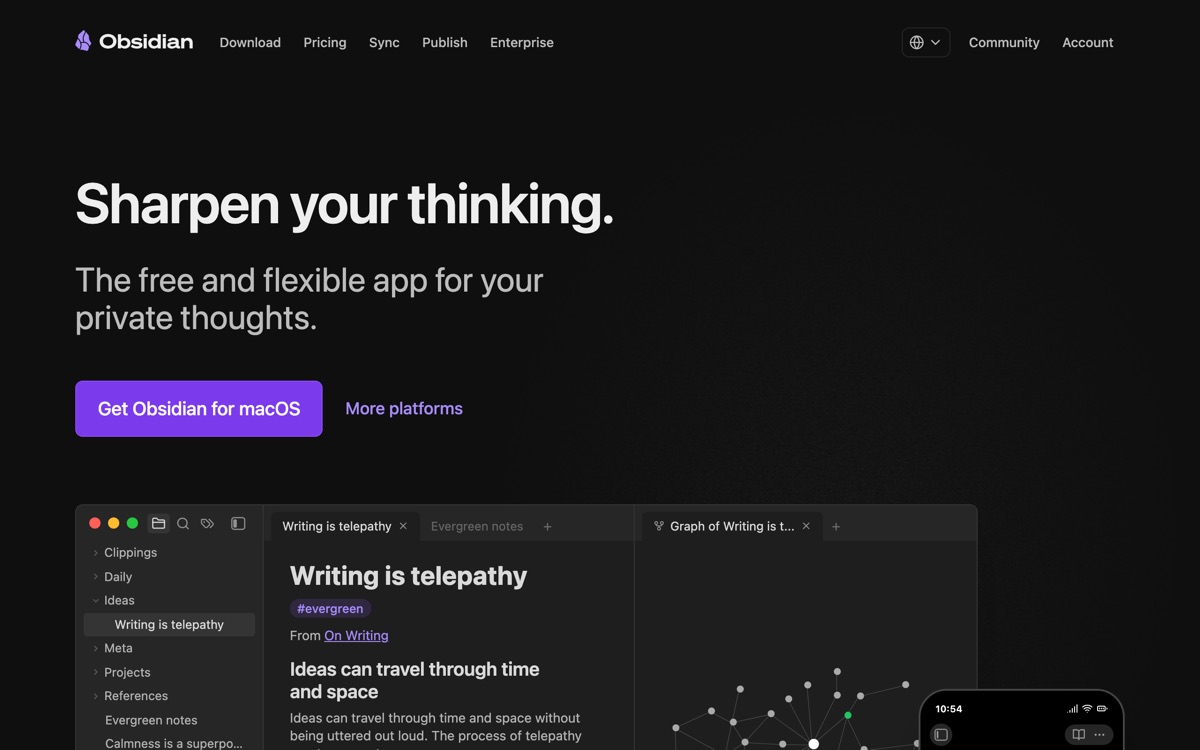
Obsidian is a note-taking app built on plain Markdown files stored on your own disk. That single decision drives everything else. There is no lock-in — your notes are readable in any text editor forever, and if Obsidian disappeared tomorrow you would lose an app, not a library. Notes link to each other and the graph view makes those connections visible, which suits people building a knowledge base rather than a to-do list. A large community plugin ecosystem covers everything from spaced repetition to kanban to AI assistants, and it is free for personal use, with paid add-ons for official sync and publishing. The trade-off is that Obsidian ships as raw material, not a finished product. Getting a system you actually like takes hours of configuration, and plugin-heavy vaults break when plugins go unmaintained. Real-time collaboration is essentially absent — this is a single-player tool. And there is no built-in AI; you bolt it on. Not for anyone who wants to open an app and just start working.
Features
Pros & cons
Pros
- Your notes are plain files on your disk — no lock-in and no vendor dependency
- Works offline, fast, and stays fast as the vault grows
- Free for personal use and endlessly customisable through plugins
Cons
- Significant setup effort before it feels like a coherent system
- Heavy plugin reliance means things break when maintainers move on
- No meaningful real-time collaboration — it is a single-player app
- No native AI; every intelligent feature is a third-party plugin you configure yourself
Who Obsidian is for
Obsidian is built for people working with note-taking tools. Its free plan makes it easy to evaluate before paying, which suits both individuals and growing teams. Users most often highlight your notes are plain files on your disk — no lock-in and no vendor dependency.
How Obsidian compares in AI Note-Taking Tools
Within note-taking tools, the closest alternatives to Obsidian are Anytype, Notion, Tana — it is worth comparing them side by side on price and the specific features you need before deciding.
Obsidian pricing
Obsidian offers a free plan with paid upgrades. You can start for free and pay only when you need higher limits, advanced features or team seats. See the full Obsidian pricing breakdown →
Obsidian FAQ
Is Obsidian worth it?
Obsidian is most often praised for your notes are plain files on your disk — no lock-in and no vendor dependency. The main trade-off is that significant setup effort before it feels like a coherent system. For most note-taking tools needs it is a credible choice — trial it against one or two alternatives before you commit. ToolsPantry does not yet carry user reviews for this tool.
Is Obsidian free?
Obsidian offers a free plan with paid upgrades. You can start for free and pay only when you need higher limits, advanced features or team seats.
What are the downsides of Obsidian?
The most commonly noted drawbacks are: Significant setup effort before it feels like a coherent system; Heavy plugin reliance means things break when maintainers move on; No meaningful real-time collaboration — it is a single-player app; No native AI; every intelligent feature is a third-party plugin you configure yourself. None are dealbreakers for everyone, but weigh them against your specific workflow.
What are the best alternatives to Obsidian?
Strong alternatives in note-taking tools include Anytype, Notion, Tana, Capacities. See the full ranked list on the Obsidian alternatives page.
The verdict
Obsidian is a note-taking tools option, best known for your notes are plain files on your disk — no lock-in and no vendor dependency. The main trade-off is that significant setup effort before it feels like a coherent system. Start on the free plan and compare it against the alternatives below before committing.
Embed a badge
Show visitors Obsidian is on ToolsPantry. Paste this into your site — it links back here. About badges →
<a href="https://toolspantry.com/tools/obsidian" target="_blank" rel="noopener">
  <img src="https://toolspantry.com/tools/obsidian/badge" alt="Obsidian on ToolsPantry" width="252" height="60" />
</a>Alternatives to Obsidian

A fast, encrypted, opinionated notes app for daily writing and networked thought.

Local-first, end-to-end encrypted, and closer to a private Notion than a notes app.
Google's research assistant that only answers from the sources you give it — with citations.