
Local-first, end-to-end encrypted, and closer to a private Notion than a notes app.
Pricing
Verified 14 Jul 2026· sourceOverview
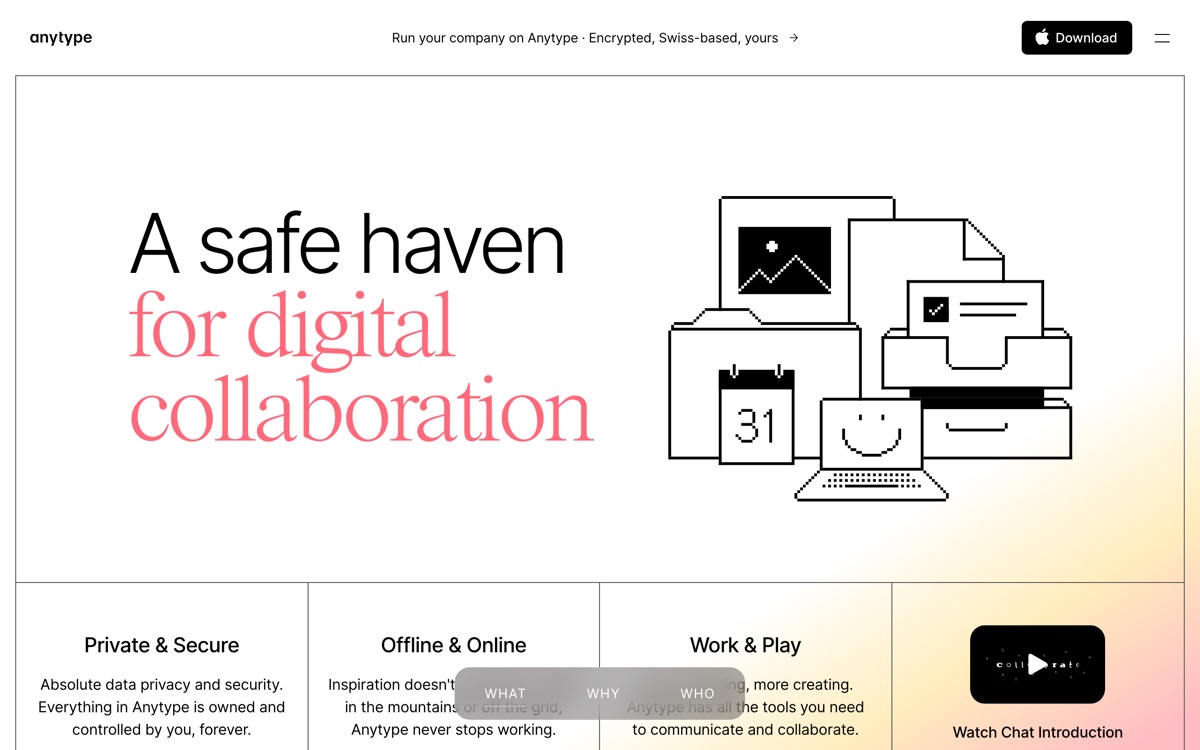
Anytype is what you reach for when you like Notion's object-and-database model but object to storing your working life on someone else's servers. Data lives locally and is end-to-end encrypted; sync happens peer-to-peer across your own devices rather than through a central cloud you must trust. On top of that it offers typed objects, relations, and multiple views, plus spaces you can share with others. It is free for personal use, and open source, which is the strongest possible answer to lock-in worries. What it is not is finished. The app has been in heavy development for years and it shows: rough edges, changing concepts, and features that arrive slowly. The object and relation model is powerful but the terminology is its own, and the docs assume patience. Collaboration is workable but well behind Notion's. There is no meaningful built-in AI. Pick it because privacy and data ownership are non-negotiable for you — not because you want the smoothest experience.
Features
Pros & cons
Pros
- Real data ownership: encrypted, local, and open source
- Notion-like object model without the Notion privacy trade-off
- Free for personal use with no artificial content caps
Cons
- Still visibly rough — the product changes underneath you and edges are unfinished
- Its own vocabulary and concepts make onboarding harder than it should be
- Collaboration is far behind Notion's
- No meaningful built-in AI, which is a real gap in this category now
Who Anytype is for
Anytype is built for people working with note-taking tools. Its free plan makes it easy to evaluate before paying, which suits both individuals and growing teams. Users most often highlight real data ownership: encrypted, local, and open source.
How Anytype compares in AI Note-Taking Tools
Within note-taking tools, the closest alternatives to Anytype are Obsidian, Notion, Tana — it is worth comparing them side by side on price and the specific features you need before deciding.
Anytype pricing
Anytype offers a free plan with paid upgrades. You can start for free and pay only when you need higher limits, advanced features or team seats. See the full Anytype pricing breakdown →
Anytype FAQ
Is Anytype worth it?
Anytype is most often praised for real data ownership: encrypted, local, and open source. The main trade-off is that still visibly rough — the product changes underneath you and edges are unfinished. For most note-taking tools needs it is a credible choice — trial it against one or two alternatives before you commit. ToolsPantry does not yet carry user reviews for this tool.
Is Anytype free?
Anytype offers a free plan with paid upgrades. You can start for free and pay only when you need higher limits, advanced features or team seats.
What are the downsides of Anytype?
The most commonly noted drawbacks are: Still visibly rough — the product changes underneath you and edges are unfinished; Its own vocabulary and concepts make onboarding harder than it should be; Collaboration is far behind Notion's; No meaningful built-in AI, which is a real gap in this category now. None are dealbreakers for everyone, but weigh them against your specific workflow.
What are the best alternatives to Anytype?
Strong alternatives in note-taking tools include Obsidian, Notion, Tana, Capacities. See the full ranked list on the Anytype alternatives page.
The verdict
Anytype is a note-taking tools option, best known for real data ownership: encrypted, local, and open source. The main trade-off is that still visibly rough — the product changes underneath you and edges are unfinished. Start on the free plan and compare it against the alternatives below before committing.
Embed a badge
Show visitors Anytype is on ToolsPantry. Paste this into your site — it links back here. About badges →
<a href="https://toolspantry.com/tools/anytype" target="_blank" rel="noopener">
  <img src="https://toolspantry.com/tools/anytype/badge" alt="Anytype on ToolsPantry" width="252" height="60" />
</a>Alternatives to Anytype

A fast, encrypted, opinionated notes app for daily writing and networked thought.
Google's research assistant that only answers from the sources you give it — with citations.

Notes organised as typed objects rather than folders — structure without the database homework.