
Notes organised as typed objects rather than folders — structure without the database homework.
Pricing
Verified 14 Jul 2026· sourceOverview
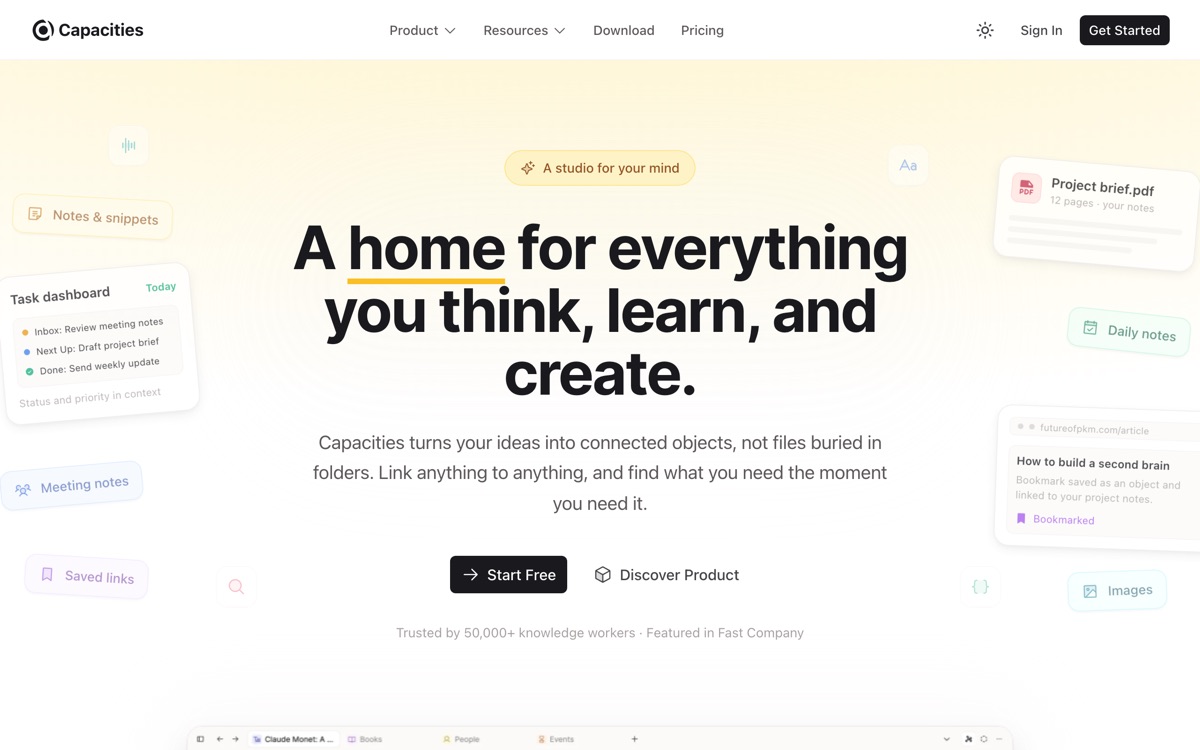
Capacities asks you to stop filing notes in folders and instead treat them as objects: a person, a book, a meeting, an idea, each with its own type and properties, all linkable to each other. It sits deliberately between Obsidian's free-for-all and Tana's demanding schema work — the object types come mostly pre-built, so you get structure without designing a database first. A daily note anchors capture, and AI features assist with writing and search. The visual design is a step above most of the category. It has clear limits. It is cloud-based, so notes live on their servers and offline use is limited, which will rule it out for local-first purists. The object model is friendlier than Tana's but still less flexible — you are working within their idea of what types exist. AI and the more useful capabilities are paid. And it is a small product from a small team, which matters when you are choosing where a decade of notes will live.
Features
Pros & cons
Pros
- Structure you get for free, without Tana's schema-design burden
- Notably good visual design and browsing experience
- Object types make retrieval far easier than folder hierarchies
Cons
- Cloud-only with weak offline support — not local-first
- The object model is less flexible than Tana's if you outgrow the built-in types
- AI and the more powerful features sit behind a paid plan
- Small team and small ecosystem: a longevity risk for a permanent knowledge base
Who Capacities is for
Capacities is built for people working with note-taking tools. Its free plan makes it easy to evaluate before paying, which suits both individuals and growing teams. Users most often highlight structure you get for free, without tana's schema-design burden.
How Capacities compares in AI Note-Taking Tools
Within note-taking tools, the closest alternatives to Capacities are Anytype, Obsidian, Notion — it is worth comparing them side by side on price and the specific features you need before deciding.
Capacities pricing
Capacities offers a free plan with paid upgrades. You can start for free and pay only when you need higher limits, advanced features or team seats. See the full Capacities pricing breakdown →
Capacities FAQ
Is Capacities worth it?
Capacities is most often praised for structure you get for free, without tana's schema-design burden. The main trade-off is that cloud-only with weak offline support — not local-first. For most note-taking tools needs it is a credible choice — trial it against one or two alternatives before you commit. ToolsPantry does not yet carry user reviews for this tool.
Is Capacities free?
Capacities offers a free plan with paid upgrades. You can start for free and pay only when you need higher limits, advanced features or team seats.
What are the downsides of Capacities?
The most commonly noted drawbacks are: Cloud-only with weak offline support — not local-first; The object model is less flexible than Tana's if you outgrow the built-in types; AI and the more powerful features sit behind a paid plan; Small team and small ecosystem: a longevity risk for a permanent knowledge base. None are dealbreakers for everyone, but weigh them against your specific workflow.
What are the best alternatives to Capacities?
Strong alternatives in note-taking tools include Anytype, Obsidian, Notion, Tana. See the full ranked list on the Capacities alternatives page.
The verdict
Capacities is a note-taking tools option, best known for structure you get for free, without tana's schema-design burden. The main trade-off is that cloud-only with weak offline support — not local-first. Start on the free plan and compare it against the alternatives below before committing.
Embed a badge
Show visitors Capacities is on ToolsPantry. Paste this into your site — it links back here. About badges →
<a href="https://toolspantry.com/tools/capacities" target="_blank" rel="noopener">
  <img src="https://toolspantry.com/tools/capacities/badge" alt="Capacities on ToolsPantry" width="252" height="60" />
</a>Alternatives to Capacities

A fast, encrypted, opinionated notes app for daily writing and networked thought.

Local-first, end-to-end encrypted, and closer to a private Notion than a notes app.
Google's research assistant that only answers from the sources you give it — with citations.