
Unlimited forms and unlimited responses, free — and it is not a trick.
Pricing
Verified 14 Jul 2026· sourceOverview
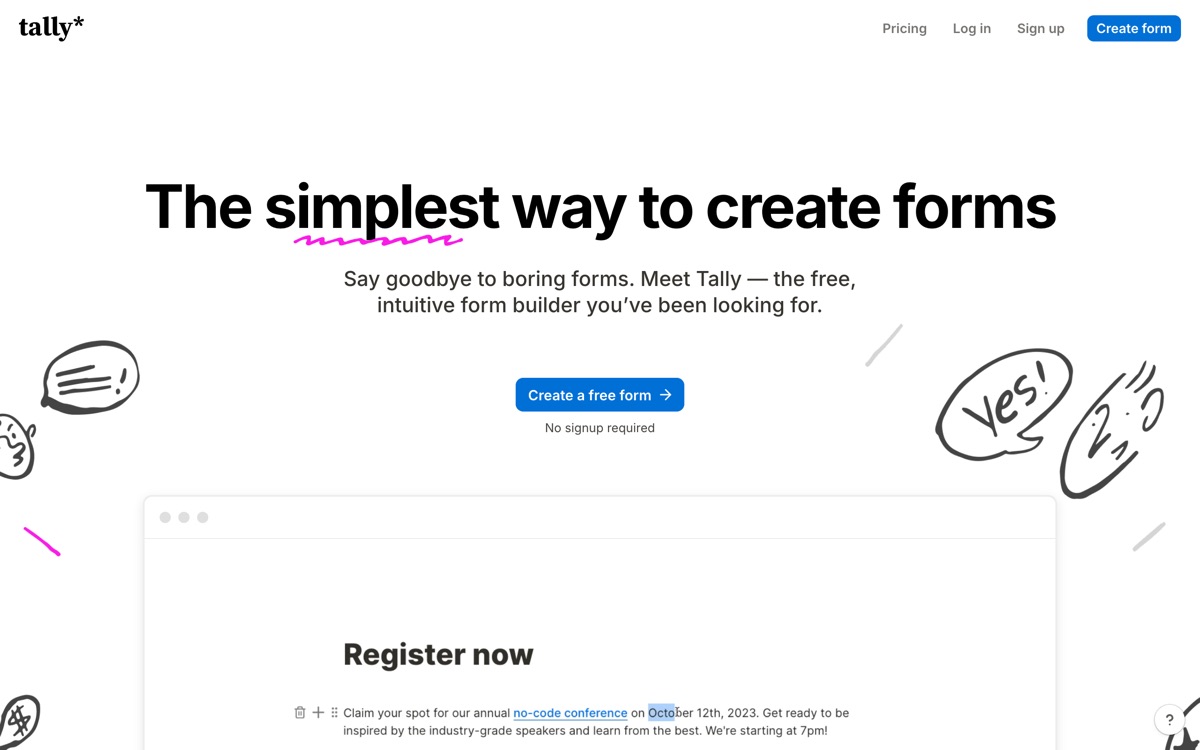
Tally's free plan is the most aggressive thing in the forms market. Unlimited forms, unlimited submissions, and features that competitors reserve for paid tiers — conditional logic, calculations, file uploads, signatures, payment collection, integrations with Sheets, Notion, Airtable and Zapier — all at no cost, subject to fair use. The editor works like a document: you type, and a slash command drops a field in, which is faster than any drag-and-drop builder once it clicks. The paid tier exists mainly to remove Tally's branding, add custom domains, capture partial submissions and unlock deeper analytics. So where is the catch? Mostly in polish and depth. Tally's forms are functional rather than beautiful, and design customisation is limited without custom CSS. Analytics are basic next to Typeform's. Enterprise concerns — SSO, advanced compliance, granular permissions — are thin. And AI capability is not really Tally's story; it is a generous, well-built form tool, not an AI product. For most teams, that is exactly the right trade.
Features
Pros & cons
Pros
- The free plan is genuinely unlimited — no response cap waiting to trap you
- Advanced logic and payments are free, not upsells
- The document-style editor is faster to work in than a drag-and-drop canvas
Cons
- Forms look plain; serious visual customisation needs custom CSS on a paid plan
- Analytics are shallow compared with Typeform
- Enterprise features — SSO, granular permissions, compliance depth — are limited
- AI functionality is minimal; this is a forms tool, not an AI tool
Who Tally is for
Tally is built for people working with form tools. Its free plan makes it easy to evaluate before paying, which suits both individuals and growing teams. Users most often highlight the free plan is genuinely unlimited — no response cap waiting to trap you.
How Tally compares in AI Form Tools
Within form tools, the closest alternatives to Tally are Fillout, Typeform — it is worth comparing them side by side on price and the specific features you need before deciding.
Tally pricing
Tally offers a free plan with paid upgrades. You can start for free and pay only when you need higher limits, advanced features or team seats. See the full Tally pricing breakdown →
Tally FAQ
Is Tally worth it?
Tally is most often praised for the free plan is genuinely unlimited — no response cap waiting to trap you. The main trade-off is that forms look plain; serious visual customisation needs custom css on a paid plan. For most form tools needs it is a credible choice — trial it against one or two alternatives before you commit. ToolsPantry does not yet carry user reviews for this tool.
Is Tally free?
Tally offers a free plan with paid upgrades. You can start for free and pay only when you need higher limits, advanced features or team seats.
What are the downsides of Tally?
The most commonly noted drawbacks are: Forms look plain; serious visual customisation needs custom CSS on a paid plan; Analytics are shallow compared with Typeform; Enterprise features — SSO, granular permissions, compliance depth — are limited; AI functionality is minimal; this is a forms tool, not an AI tool. None are dealbreakers for everyone, but weigh them against your specific workflow.
What are the best alternatives to Tally?
Strong alternatives in form tools include Fillout, Typeform. See the full ranked list on the Tally alternatives page.
The verdict
Tally is a form tools option, best known for the free plan is genuinely unlimited — no response cap waiting to trap you. The main trade-off is that forms look plain; serious visual customisation needs custom css on a paid plan. Start on the free plan and compare it against the alternatives below before committing.
Embed a badge
Show visitors Tally is on ToolsPantry. Paste this into your site — it links back here. About badges →
<a href="https://toolspantry.com/tools/tally" target="_blank" rel="noopener">
  <img src="https://toolspantry.com/tools/tally/badge" alt="Tally on ToolsPantry" width="252" height="60" />
</a>