The form builder for people who outgrew Typeform's response caps but need real logic.
Pricing
Verified 14 Jul 2026· sourceOverview
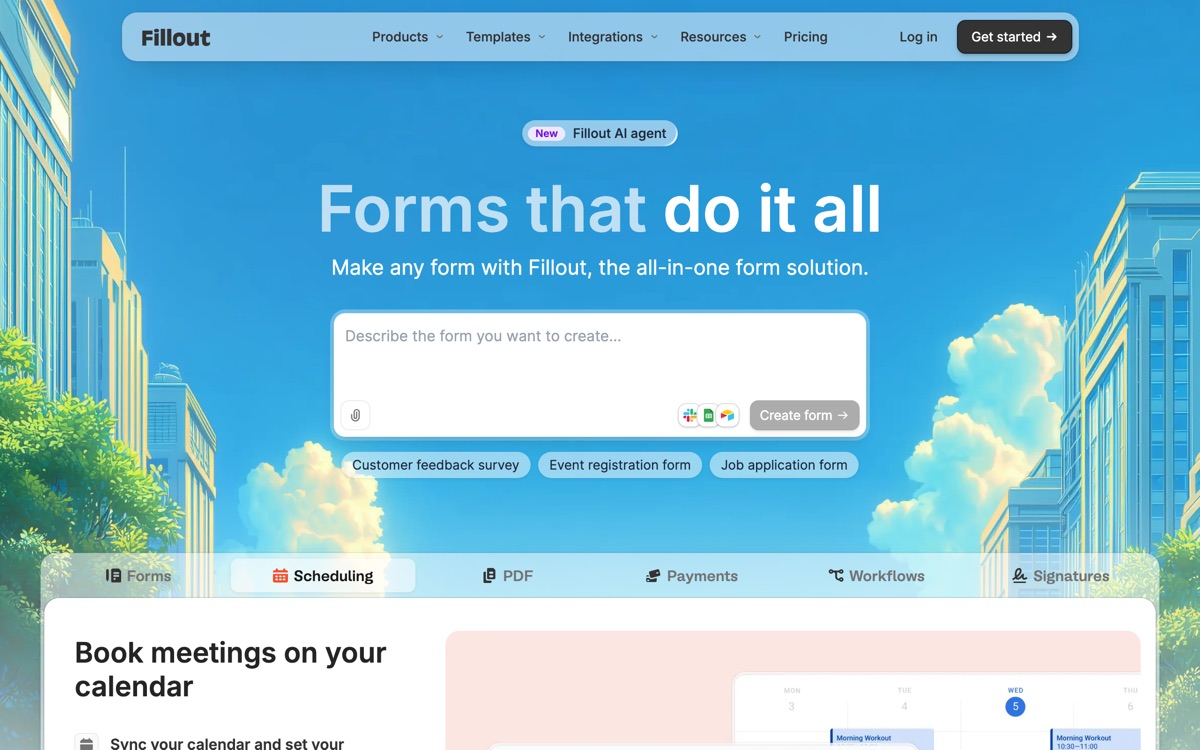
Fillout occupies the practical middle. It is more powerful than Tally on integrations and data handling, meaningfully cheaper than Typeform per response, and it does the things ops teams actually ask for: multi-page forms, dense conditional logic, a very large field-type library, file uploads, payments, scheduling, and writing submissions straight back into Airtable, Notion, HubSpot, Salesforce and similar systems rather than dumping them in a spreadsheet for someone to copy across. The free plan is unusually generous — a substantial monthly response allowance, unlimited forms and unlimited seats — which makes it a serious option and not just a lead magnet. The trade-offs are honest ones. It is less immediately elegant than Typeform, and the sheer configurability means the builder feels busier than its rivals; you will spend time in settings. Paid tiers step up on response volume rather than adding much you cannot live without, which means the pricing is fine until you scale, at which point it climbs.
Features
Pros & cons
Pros
- Free plan is genuinely usable for real work, including unlimited seats
- Deep integrations write data back into your systems rather than a spreadsheet
- Cheaper per response than Typeform for equivalent capability
Cons
- Less visually polished than Typeform out of the box
- The builder is busy — configurability comes at the cost of simplicity
- Paid tiers mostly buy response volume rather than new capability
- Costs climb noticeably once you outgrow the mid tiers
Who Fillout is for
Fillout is built for people working with form tools. Its free plan makes it easy to evaluate before paying, which suits both individuals and growing teams. Users most often highlight free plan is genuinely usable for real work, including unlimited seats.
How Fillout compares in AI Form Tools
Within form tools, the closest alternatives to Fillout are Tally, Typeform — it is worth comparing them side by side on price and the specific features you need before deciding.
Fillout pricing
Fillout offers a free plan with paid upgrades. You can start for free and pay only when you need higher limits, advanced features or team seats. See the full Fillout pricing breakdown →
Fillout FAQ
Is Fillout worth it?
Fillout is most often praised for free plan is genuinely usable for real work, including unlimited seats. The main trade-off is that less visually polished than typeform out of the box. For most form tools needs it is a credible choice — trial it against one or two alternatives before you commit. ToolsPantry does not yet carry user reviews for this tool.
Is Fillout free?
Fillout offers a free plan with paid upgrades. You can start for free and pay only when you need higher limits, advanced features or team seats.
What are the downsides of Fillout?
The most commonly noted drawbacks are: Less visually polished than Typeform out of the box; The builder is busy — configurability comes at the cost of simplicity; Paid tiers mostly buy response volume rather than new capability; Costs climb noticeably once you outgrow the mid tiers. None are dealbreakers for everyone, but weigh them against your specific workflow.
What are the best alternatives to Fillout?
Strong alternatives in form tools include Tally, Typeform. See the full ranked list on the Fillout alternatives page.
The verdict
Fillout is a form tools option, best known for free plan is genuinely usable for real work, including unlimited seats. The main trade-off is that less visually polished than typeform out of the box. Start on the free plan and compare it against the alternatives below before committing.
Embed a badge
Show visitors Fillout is on ToolsPantry. Paste this into your site — it links back here. About badges →
<a href="https://toolspantry.com/tools/fillout" target="_blank" rel="noopener">
  <img src="https://toolspantry.com/tools/fillout/badge" alt="Fillout on ToolsPantry" width="252" height="60" />
</a>