Browser-based 3D design that exports to the web — with AI generation as a paid add-on.
Pricing
Verified 14 Jul 2026· sourceOverview
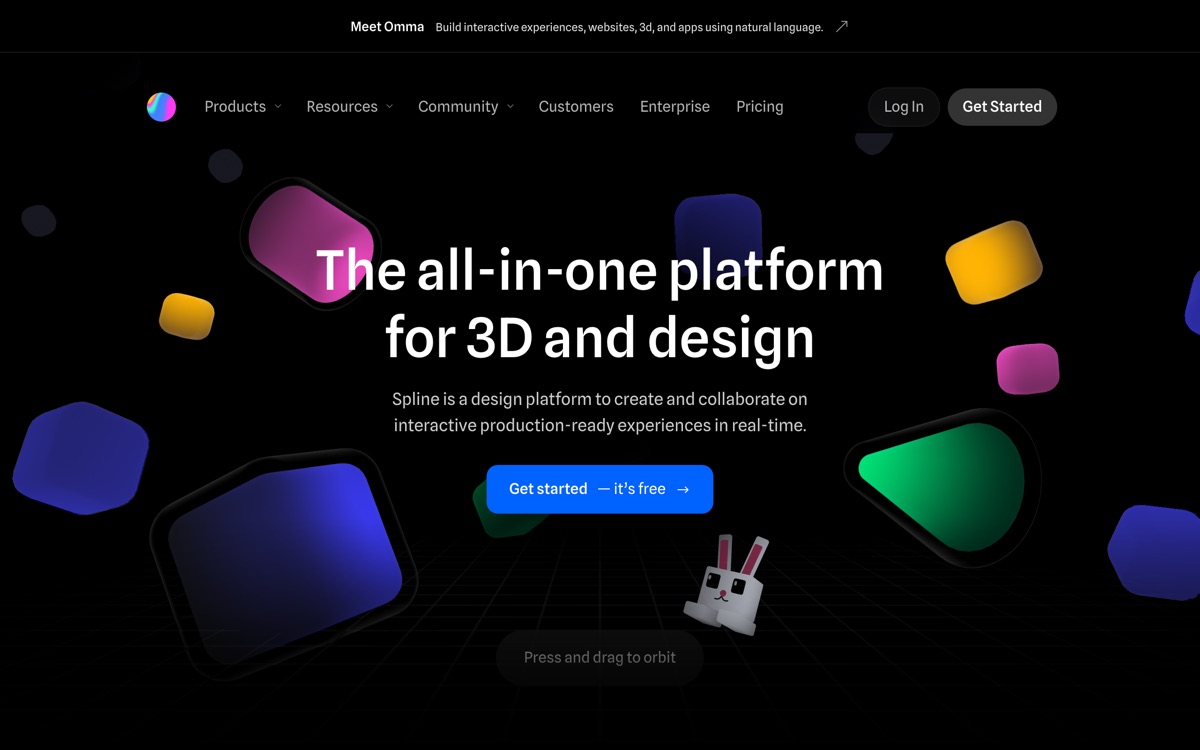
Spline is a 3D design tool for people who are not 3D artists. It runs in the browser, the interface borrows more from Figma than from Blender, and its real purpose is producing interactive 3D that ships on a website — hero scenes, product spinners, animated widgets, with code export and event handling built in. Designers who bounced off traditional 3D software get productive here in an afternoon, which is not a small claim. The AI capabilities are worth being precise about: text-to-3D generation, texture generation and style transfer are an optional paid add-on with its own monthly credit allowance, not something bundled into the base tiers. Treat Spline as a 3D design tool with AI attached rather than an AI tool. Its limits show when you push it: complex scenes get heavy in the browser, it is not a modelling package for detailed organic geometry, and the free plan watermarks web exports and caps files. Excellent for web design; wrong for production 3D pipelines.
Features
Pros & cons
Pros
- By far the easiest on-ramp to 3D for designers with no 3D background
- Interactive web export is genuinely well handled — this is its home turf
- Collaboration works the way designers already expect it to
Cons
- AI generation is a separate paid add-on, not part of the base subscription
- Not a modelling tool — detailed or organic geometry belongs elsewhere
- Heavy scenes hit browser performance limits quickly
- Free plan watermarks web exports and limits file count
Who Spline is for
Spline is built for people working with 3d tools. Its free plan makes it easy to evaluate before paying, which suits both individuals and growing teams. Users most often highlight by far the easiest on-ramp to 3d for designers with no 3d background.
How Spline compares in AI 3D Tools
Within 3d tools, the closest alternatives to Spline are Meshy — it is worth comparing them side by side on price and the specific features you need before deciding.
Spline pricing
Spline offers a free plan with paid upgrades. You can start for free and pay only when you need higher limits, advanced features or team seats. See the full Spline pricing breakdown →
Spline FAQ
Is Spline worth it?
Spline is most often praised for by far the easiest on-ramp to 3d for designers with no 3d background. The main trade-off is that ai generation is a separate paid add-on, not part of the base subscription. For most 3d tools needs it is a credible choice — trial it against one or two alternatives before you commit. ToolsPantry does not yet carry user reviews for this tool.
Is Spline free?
Spline offers a free plan with paid upgrades. You can start for free and pay only when you need higher limits, advanced features or team seats.
What are the downsides of Spline?
The most commonly noted drawbacks are: AI generation is a separate paid add-on, not part of the base subscription; Not a modelling tool — detailed or organic geometry belongs elsewhere; Heavy scenes hit browser performance limits quickly; Free plan watermarks web exports and limits file count. None are dealbreakers for everyone, but weigh them against your specific workflow.
What are the best alternatives to Spline?
Strong alternatives in 3d tools include Meshy. See the full ranked list on the Spline alternatives page.
The verdict
Spline is a 3d tools option, best known for by far the easiest on-ramp to 3d for designers with no 3d background. The main trade-off is that ai generation is a separate paid add-on, not part of the base subscription. Start on the free plan and compare it against the alternatives below before committing.
Embed a badge
Show visitors Spline is on ToolsPantry. Paste this into your site — it links back here. About badges →
<a href="https://toolspantry.com/tools/spline" target="_blank" rel="noopener">
  <img src="https://toolspantry.com/tools/spline/badge" alt="Spline on ToolsPantry" width="252" height="60" />
</a>