
Text or image in, textured 3D mesh out — the quickest way to fill a scene with props.
Pricing
Verified 14 Jul 2026· sourceOverview
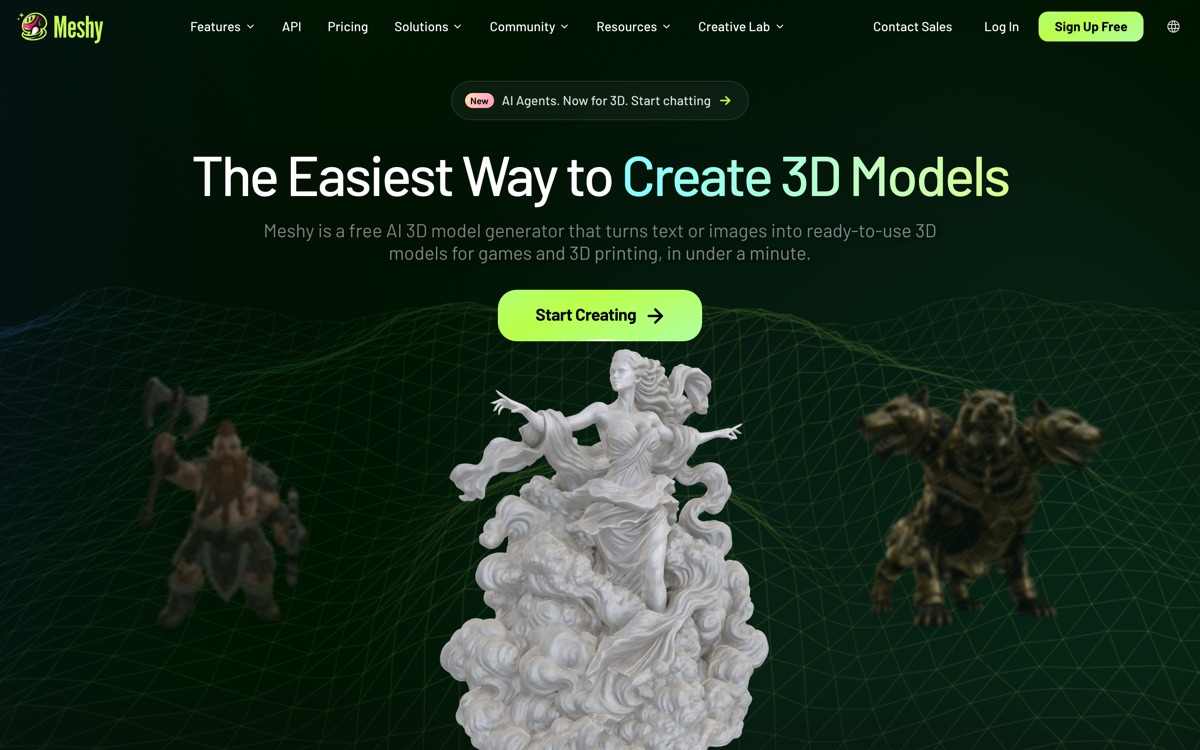
Meshy is the most approachable of the generative 3D tools. Type a description or upload a reference image, and a few minutes later you have a textured mesh you can pull into Blender, Unity or Unreal. It also does AI texturing of existing geometry, which is quietly the more useful feature for anyone who already models. For prototyping, greyboxing a level, filling a background with props, or 3D-printing a hobby piece, it removes an entire day of work. It is not a replacement for a modeller. Topology from generative 3D is still messy — you will get dense, uneven meshes that need retopology before they go anywhere near a rigged character or a performance-critical scene. Detail collapses on thin structures and small features. The credit system is the usual monthly bucket that does not roll over. And there is a licensing trap worth flagging: assets generated on the free plan carry a Creative Commons attribution licence, so commercial use requires a paid plan.
Features
Pros & cons
Pros
- Fastest route from an idea to a usable, textured 3D asset
- AI texturing is useful even if you model everything else by hand
- Exports drop cleanly into Blender, Unity and Unreal workflows
Cons
- Generated topology is dense and messy — retopology is usually unavoidable
- Thin and fine details are consistently lost
- Free-plan assets are CC BY licensed, so commercial use means paying
- Monthly credits do not roll over, and iteration eats them fast
Who Meshy is for
Meshy is built for people working with 3d tools. Its free plan makes it easy to evaluate before paying, which suits both individuals and growing teams. Users most often highlight fastest route from an idea to a usable, textured 3d asset.
How Meshy compares in AI 3D Tools
Within 3d tools, the closest alternatives to Meshy are Spline — it is worth comparing them side by side on price and the specific features you need before deciding.
Meshy pricing
Meshy offers a free plan with paid upgrades. You can start for free and pay only when you need higher limits, advanced features or team seats. See the full Meshy pricing breakdown →
Meshy FAQ
Is Meshy worth it?
Meshy is most often praised for fastest route from an idea to a usable, textured 3d asset. The main trade-off is that generated topology is dense and messy — retopology is usually unavoidable. For most 3d tools needs it is a credible choice — trial it against one or two alternatives before you commit. ToolsPantry does not yet carry user reviews for this tool.
Is Meshy free?
Meshy offers a free plan with paid upgrades. You can start for free and pay only when you need higher limits, advanced features or team seats.
What are the downsides of Meshy?
The most commonly noted drawbacks are: Generated topology is dense and messy — retopology is usually unavoidable; Thin and fine details are consistently lost; Free-plan assets are CC BY licensed, so commercial use means paying; Monthly credits do not roll over, and iteration eats them fast. None are dealbreakers for everyone, but weigh them against your specific workflow.
What are the best alternatives to Meshy?
Strong alternatives in 3d tools include Spline. See the full ranked list on the Meshy alternatives page.
The verdict
Meshy is a 3d tools option, best known for fastest route from an idea to a usable, textured 3d asset. The main trade-off is that generated topology is dense and messy — retopology is usually unavoidable. Start on the free plan and compare it against the alternatives below before committing.
Embed a badge
Show visitors Meshy is on ToolsPantry. Paste this into your site — it links back here. About badges →
<a href="https://toolspantry.com/tools/meshy" target="_blank" rel="noopener">
  <img src="https://toolspantry.com/tools/meshy/badge" alt="Meshy on ToolsPantry" width="252" height="60" />
</a>