
The browser's PDF toolbox — convert, compress, sign, merge — with AI bolted on later.
Pricing
Verified 14 Jul 2026· sourceOverview
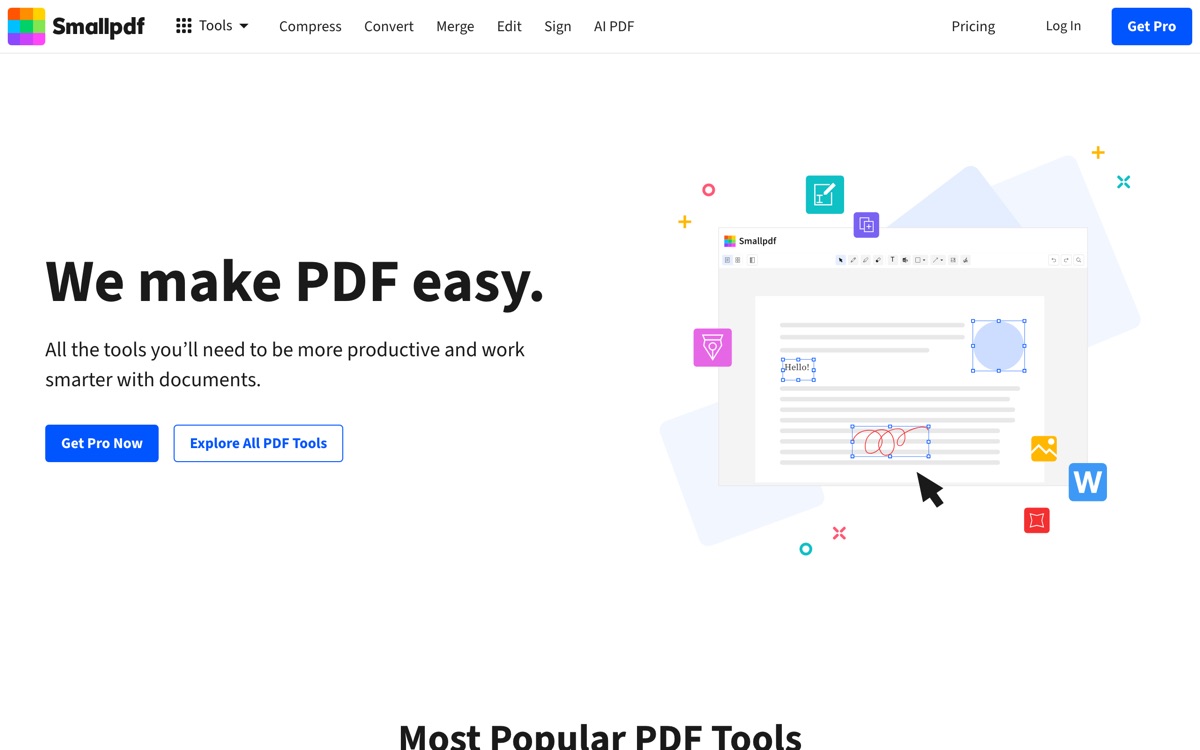
Smallpdf is best understood as a web-based Swiss army knife for PDFs, not as an AI product. Its reputation was built on doing the boring jobs well: converting to and from Word, Excel and images, compressing files that email will not accept, merging, splitting, e-signing, and OCR on scans. The interface is clean and requires no account for the basics, which is why it is the link people send each other. AI chat and summarisation have since been added on top, and they are fine — competent rather than distinctive next to a tool built around document Q&A. The costs are conventional but worth stating plainly. It is a cloud service, so files are uploaded to their servers, which rules it out for anything sensitive. The free tier throttles you: a small number of tasks per day and file-size limits, which is exactly the point at which you are asked to subscribe. And the AI features are not the reason to be here. Come for the utilities, tolerate the AI.
Features
Pros & cons
Pros
- Covers nearly every routine PDF chore in one clean interface
- Usable without an account for one-off tasks
- Conversion and compression quality is consistently good
Cons
- Files are uploaded to their cloud — unsuitable for confidential documents
- Free tier is throttled by daily task limits and file-size caps
- The AI features are an afterthought next to purpose-built document-chat tools
- The upgrade prompts are persistent and get tiring
Who Smallpdf is for
Smallpdf is built for people working with pdf tools. Its free plan makes it easy to evaluate before paying, which suits both individuals and growing teams. Users most often highlight covers nearly every routine pdf chore in one clean interface.
How Smallpdf compares in AI PDF Tools
Within pdf tools, the closest alternatives to Smallpdf are PDF.ai, Afforai, Adobe Acrobat AI Assistant — it is worth comparing them side by side on price and the specific features you need before deciding.
Smallpdf pricing
Smallpdf offers a free plan with paid upgrades. You can start for free and pay only when you need higher limits, advanced features or team seats. See the full Smallpdf pricing breakdown →
Smallpdf FAQ
Is Smallpdf worth it?
Smallpdf is most often praised for covers nearly every routine pdf chore in one clean interface. The main trade-off is that files are uploaded to their cloud — unsuitable for confidential documents. For most pdf tools needs it is a credible choice — trial it against one or two alternatives before you commit. ToolsPantry does not yet carry user reviews for this tool.
Is Smallpdf free?
Smallpdf offers a free plan with paid upgrades. You can start for free and pay only when you need higher limits, advanced features or team seats.
What are the downsides of Smallpdf?
The most commonly noted drawbacks are: Files are uploaded to their cloud — unsuitable for confidential documents; Free tier is throttled by daily task limits and file-size caps; The AI features are an afterthought next to purpose-built document-chat tools; The upgrade prompts are persistent and get tiring. None are dealbreakers for everyone, but weigh them against your specific workflow.
What are the best alternatives to Smallpdf?
Strong alternatives in pdf tools include PDF.ai, Afforai, Adobe Acrobat AI Assistant. See the full ranked list on the Smallpdf alternatives page.
The verdict
Smallpdf is a pdf tools option, best known for covers nearly every routine pdf chore in one clean interface. The main trade-off is that files are uploaded to their cloud — unsuitable for confidential documents. Start on the free plan and compare it against the alternatives below before committing.
Embed a badge
Show visitors Smallpdf is on ToolsPantry. Paste this into your site — it links back here. About badges →
<a href="https://toolspantry.com/tools/smallpdf" target="_blank" rel="noopener">
  <img src="https://toolspantry.com/tools/smallpdf/badge" alt="Smallpdf on ToolsPantry" width="252" height="60" />
</a>Alternatives to Smallpdf

Chat with your PDFs inside the software your organisation already licenses.

A document-chat research assistant aimed at people managing a whole library, not one file.
Upload a PDF, ask it questions, get answers with the page they came from.