
An AI-native Gmail client where the assistant can actually search and act on your mail.
Pricing
Verified 14 Jul 2026· sourceOverview
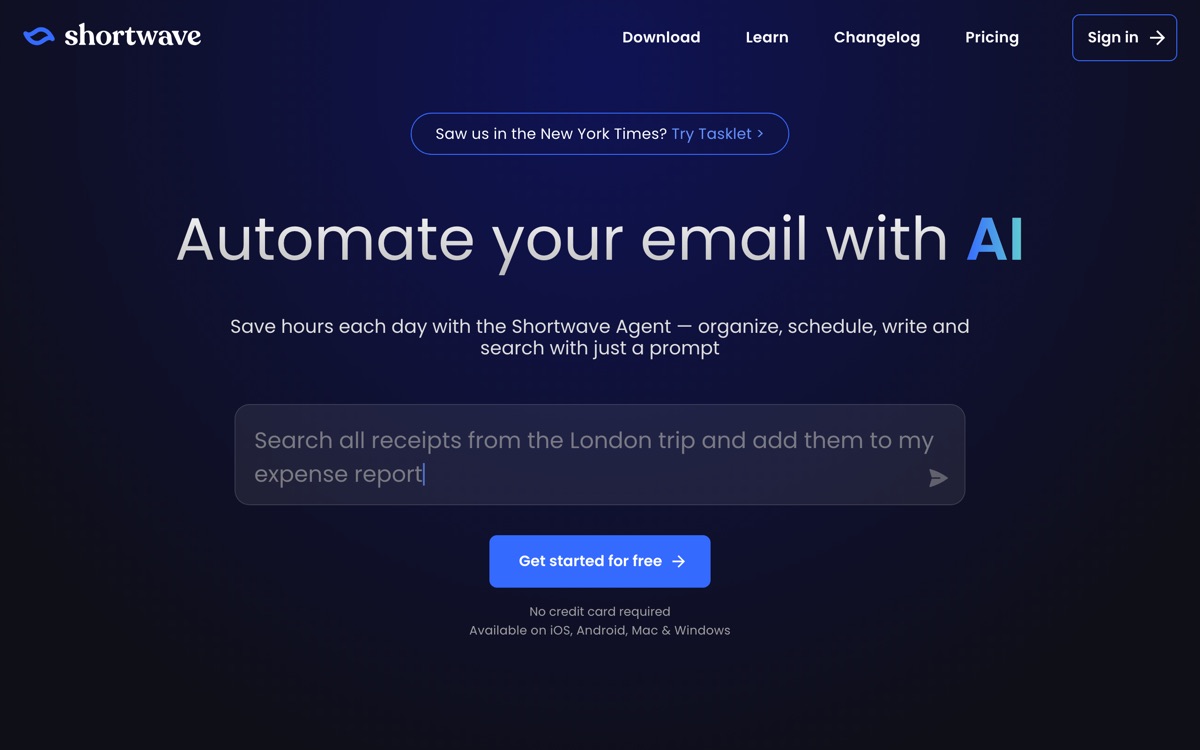
Shortwave rebuilds the Gmail experience around an AI assistant that has real access to your mailbox. You can ask it to find a thread by description rather than keyword, summarise a long chain, draft a reply in your style, or pull the relevant history on a contact before you write to them — and because it indexes your mail semantically, the search holds up when you cannot remember the exact words. It bundles the modern hygiene features too: bundled inboxes, scheduled send, snooze. Against Superhuman it is cheaper and its AI is more capable; against plain Gmail it is a clear upgrade if you live in your inbox. The catches: it is Gmail-only, so Outlook and everything else are excluded. Handing a third party deep semantic access to your entire mail archive is a real privacy decision, not a footnote, and some employers will refuse it. The AI features are largely paid, and the free tier mostly exists to show you the client.
Features
Pros & cons
Pros
- The most genuinely capable AI assistant of any mainstream email client
- Semantic search finds threads you could never have found by keyword
- Meaningfully cheaper than Superhuman for more AI capability
Cons
- Gmail only — no Outlook or IMAP
- Requires granting deep AI access to your entire mail archive, which is a genuine privacy trade-off
- The AI features that justify it are all on paid plans
- Less polished and less fast than Superhuman on raw keyboard navigation
Who Shortwave is for
Shortwave is built for people working with email tools. Its free plan makes it easy to evaluate before paying, which suits both individuals and growing teams. Users most often highlight the most genuinely capable ai assistant of any mainstream email client.
How Shortwave compares in AI Email Tools
Within email tools, the closest alternatives to Shortwave are Gmelius, Superhuman, Missive — it is worth comparing them side by side on price and the specific features you need before deciding.
Shortwave pricing
Shortwave offers a free plan with paid upgrades. You can start for free and pay only when you need higher limits, advanced features or team seats. See the full Shortwave pricing breakdown →
Shortwave FAQ
Is Shortwave worth it?
Shortwave is most often praised for the most genuinely capable ai assistant of any mainstream email client. The main trade-off is that gmail only — no outlook or imap. For most email tools needs it is a credible choice — trial it against one or two alternatives before you commit. ToolsPantry does not yet carry user reviews for this tool.
Is Shortwave free?
Shortwave offers a free plan with paid upgrades. You can start for free and pay only when you need higher limits, advanced features or team seats.
What are the downsides of Shortwave?
The most commonly noted drawbacks are: Gmail only — no Outlook or IMAP; Requires granting deep AI access to your entire mail archive, which is a genuine privacy trade-off; The AI features that justify it are all on paid plans; Less polished and less fast than Superhuman on raw keyboard navigation. None are dealbreakers for everyone, but weigh them against your specific workflow.
What are the best alternatives to Shortwave?
Strong alternatives in email tools include Gmelius, Superhuman, Missive. See the full ranked list on the Shortwave alternatives page.
The verdict
Shortwave is a email tools option, best known for the most genuinely capable ai assistant of any mainstream email client. The main trade-off is that gmail only — no outlook or imap. Start on the free plan and compare it against the alternatives below before committing.
Embed a badge
Show visitors Shortwave is on ToolsPantry. Paste this into your site — it links back here. About badges →
<a href="https://toolspantry.com/tools/shortwave" target="_blank" rel="noopener">
  <img src="https://toolspantry.com/tools/shortwave/badge" alt="Shortwave on ToolsPantry" width="252" height="60" />
</a>Alternatives to Shortwave

Turns a shared Gmail account into something closer to a helpdesk, without leaving Gmail.

One inbox for email, SMS, WhatsApp and social, with team chat sitting inside the thread.

A keyboard-first email client for people who will pay a lot to get out of the inbox faster.