
One inbox for email, SMS, WhatsApp and social, with team chat sitting inside the thread.
Pricing
Verified 14 Jul 2026· sourceOverview
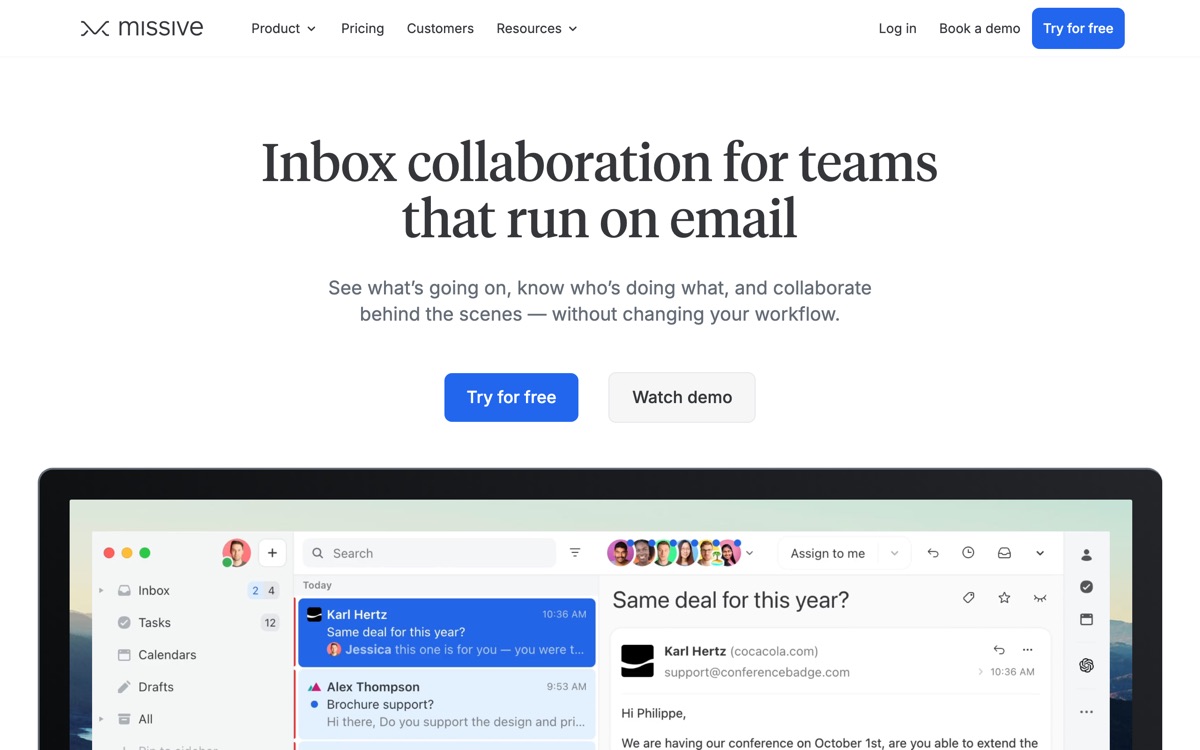
Missive's idea is that a customer conversation should be one thread regardless of which channel it arrived on, and that your colleagues should be able to talk about it in that same place. So email, SMS, WhatsApp, Instagram and Facebook messages land in a shared inbox, and internal discussion happens as chat attached directly to the conversation rather than in a separate Slack channel where context is lost. It supports assignment, collaborative drafting where two people edit a reply together, and rules for routing. It works across providers, unlike the Gmail-locked alternatives. The cost is complexity. Missive is the densest interface in this category and a new team member will not be productive on day one; there are panes, layouts and conventions to learn. Individuals will find it far heavier than they need. And while it does a lot of things well, it is not a full helpdesk — no real ticketing, no SLA management. It suits small client-facing teams, and mostly them.
Features
Pros & cons
Pros
- Genuinely unifies channels that other tools leave scattered
- Internal chat in-thread keeps decision context with the conversation
- Provider-agnostic, unlike the Gmail-only competition
Cons
- Steep learning curve and a dense, busy interface
- Overkill for individuals or teams that only deal in email
- Lacks proper ticketing and SLA features if you actually need a helpdesk
- Per-user pricing with key features tiered up, so the useful plan is not the cheap one
Who Missive is for
Missive is built for people working with email tools. Because it is paid-only, it suits teams ready to commit to a tool rather than experiment for free. Users most often highlight genuinely unifies channels that other tools leave scattered.
How Missive compares in AI Email Tools
Within email tools, the closest alternatives to Missive are Gmelius, Shortwave, Superhuman — it is worth comparing them side by side on price and the specific features you need before deciding.
Missive pricing
Missive is a paid tool — there is no permanent free plan, though a free trial or demo may be available. See the full Missive pricing breakdown →
Missive FAQ
Is Missive worth it?
Missive is most often praised for genuinely unifies channels that other tools leave scattered. The main trade-off is that steep learning curve and a dense, busy interface. For most email tools needs it is a credible choice — trial it against one or two alternatives before you commit. ToolsPantry does not yet carry user reviews for this tool.
Is Missive free?
Missive is a paid tool — there is no permanent free plan, though a free trial or demo may be available.
What are the downsides of Missive?
The most commonly noted drawbacks are: Steep learning curve and a dense, busy interface; Overkill for individuals or teams that only deal in email; Lacks proper ticketing and SLA features if you actually need a helpdesk; Per-user pricing with key features tiered up, so the useful plan is not the cheap one. None are dealbreakers for everyone, but weigh them against your specific workflow.
What are the best alternatives to Missive?
Strong alternatives in email tools include Gmelius, Shortwave, Superhuman. See the full ranked list on the Missive alternatives page.
The verdict
Missive is a email tools option, best known for genuinely unifies channels that other tools leave scattered. The main trade-off is that steep learning curve and a dense, busy interface. Try the demo or trial first and compare it against the alternatives below before committing.
Embed a badge
Show visitors Missive is on ToolsPantry. Paste this into your site — it links back here. About badges →
<a href="https://toolspantry.com/tools/missive" target="_blank" rel="noopener">
  <img src="https://toolspantry.com/tools/missive/badge" alt="Missive on ToolsPantry" width="252" height="60" />
</a>Alternatives to Missive

Turns a shared Gmail account into something closer to a helpdesk, without leaving Gmail.

An AI-native Gmail client where the assistant can actually search and act on your mail.

A keyboard-first email client for people who will pay a lot to get out of the inbox faster.