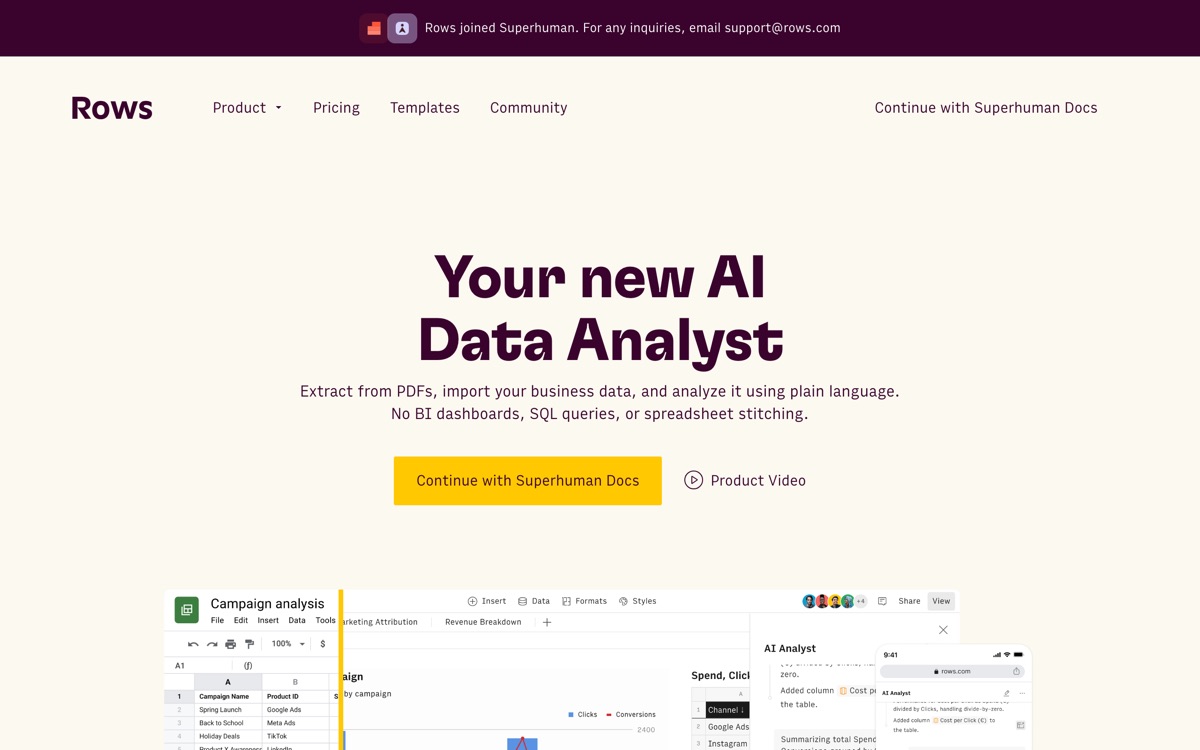
A spreadsheet with data connectors and an AI analyst wired into the grid.
Pricing
Verified 14 Jul 2026· sourceOverview
Rows is a browser spreadsheet that assumes your data lives in other systems. It ships with connectors to a long list of services, so you can pull rows from a CRM, an ads platform or a database into a sheet without an export-import ritual, then ask an AI analyst to summarise, categorise or chart what it finds. It also reads PDFs and images, which is useful for pulling numbers out of invoices and reports. Sheets can be shared as clean, presentable pages rather than raw grids, which makes it a decent lightweight reporting layer for small teams. The free plan exists but the AI task allowance is small enough that you will hit it in an afternoon of real work. The bigger question is switching cost: Rows is not a drop-in replacement for Excel or Google Sheets. Complex existing models, add-ons and the muscle memory of your finance team do not migrate cleanly, and the jump from the cheap per-user tier to the Pro plan is steep.
Features
Pros & cons
Pros
- Connectors remove a lot of manual export-and-paste work
- AI analysis and PDF extraction are properly integrated, not bolted on
- Cheap per-user tier for small teams
Cons
- AI task quotas are stingy on the free plan
- Not a realistic replacement for entrenched Excel or Google Sheets models
- Price jumps sharply once you need the Pro tier's automation
- AI answers still need checking — it will happily summarise a badly joined dataset
Who Rows is for
Rows is built for people working with spreadsheet tools. Its free plan makes it easy to evaluate before paying, which suits both individuals and growing teams. Users most often highlight connectors remove a lot of manual export-and-paste work.
How Rows compares in AI Spreadsheet Tools
Within spreadsheet tools, the closest alternatives to Rows are Equals, Numerous.ai — it is worth comparing them side by side on price and the specific features you need before deciding.
Rows pricing
Rows offers a free plan with paid upgrades. You can start for free and pay only when you need higher limits, advanced features or team seats. See the full Rows pricing breakdown →
Rows FAQ
Is Rows worth it?
Rows is most often praised for connectors remove a lot of manual export-and-paste work. The main trade-off is that ai task quotas are stingy on the free plan. For most spreadsheet tools needs it is a credible choice — trial it against one or two alternatives before you commit. ToolsPantry does not yet carry user reviews for this tool.
Is Rows free?
Rows offers a free plan with paid upgrades. You can start for free and pay only when you need higher limits, advanced features or team seats.
What are the downsides of Rows?
The most commonly noted drawbacks are: AI task quotas are stingy on the free plan; Not a realistic replacement for entrenched Excel or Google Sheets models; Price jumps sharply once you need the Pro tier's automation; AI answers still need checking — it will happily summarise a badly joined dataset. None are dealbreakers for everyone, but weigh them against your specific workflow.
What are the best alternatives to Rows?
Strong alternatives in spreadsheet tools include Equals, Numerous.ai. See the full ranked list on the Rows alternatives page.
The verdict
Rows is a spreadsheet tools option, best known for connectors remove a lot of manual export-and-paste work. The main trade-off is that ai task quotas are stingy on the free plan. Start on the free plan and compare it against the alternatives below before committing.
Embed a badge
Show visitors Rows is on ToolsPantry. Paste this into your site — it links back here. About badges →
<a href="https://toolspantry.com/tools/rows" target="_blank" rel="noopener">
  <img src="https://toolspantry.com/tools/rows/badge" alt="Rows on ToolsPantry" width="252" height="60" />
</a>