Interactive classroom lessons with live AI feedback on student writing.
Pricing
Verified 14 Jul 2026· sourceOverview
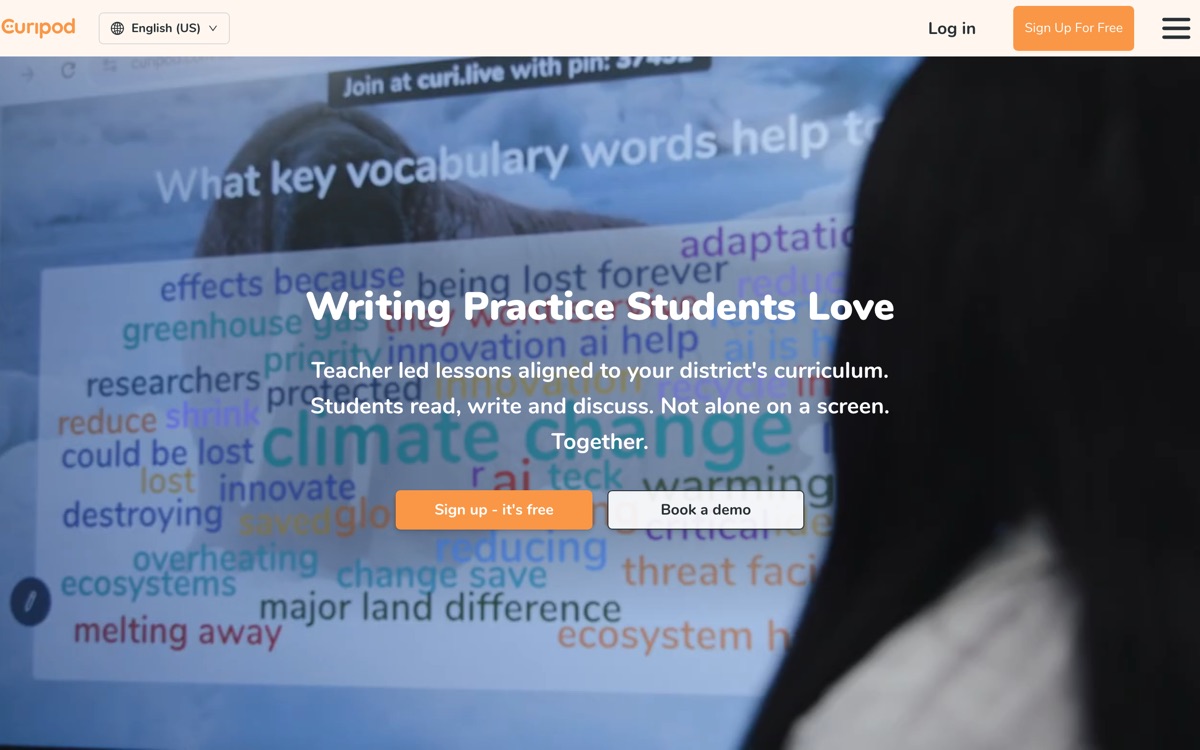
Curipod builds teacher-led interactive lessons — slides with polls, word clouds, drawing prompts and open-ended writing tasks that a whole class works through together. Its sharper focus now is writing: students write, AI gives them feedback in real time, and the teacher gets a report on where the class is actually struggling rather than an impression gathered by walking around the room. That feedback loop, at classroom speed, is the reason to look at it over a generic slide generator. It aligns with curricula including HMH Into Reading and Amplify CKLA, and carries FERPA, COPPA and GDPR compliance for district procurement. There is a free plan with paid and district tiers above. The reservations: AI feedback on student writing is formulaic and can reward surface features over substance, which is exactly the wrong lesson for a young writer; it needs one device per student to work as designed; and if you already run Pear Deck or Nearpod, the incremental gain is narrower than the marketing suggests.
Features
Pros & cons
Pros
- Real-time writing feedback at classroom scale is genuinely hard to do otherwise
- Free plan lets a teacher trial it without a procurement conversation
- Reports turn a lesson into usable data on class understanding
Cons
- AI writing feedback tends toward formulaic, surface-level correction
- Requires one device per student — not viable in every classroom
- Overlaps heavily with Pear Deck and Nearpod if you already own one
- Free tier is limited enough that school-wide use means paying
Who Curipod is for
Curipod is built for people working with education tools. Its free plan makes it easy to evaluate before paying, which suits both individuals and growing teams. Users most often highlight real-time writing feedback at classroom scale is genuinely hard to do otherwise.
How Curipod compares in AI Education Tools
Within education tools, the closest alternatives to Curipod are Khanmigo, MagicSchool AI, Brisk Teaching — it is worth comparing them side by side on price and the specific features you need before deciding.
Curipod pricing
Curipod offers a free plan with paid upgrades. You can start for free and pay only when you need higher limits, advanced features or team seats. See the full Curipod pricing breakdown →
Curipod FAQ
Is Curipod worth it?
Curipod is most often praised for real-time writing feedback at classroom scale is genuinely hard to do otherwise. The main trade-off is that ai writing feedback tends toward formulaic, surface-level correction. For most education tools needs it is a credible choice — trial it against one or two alternatives before you commit. ToolsPantry does not yet carry user reviews for this tool.
Is Curipod free?
Curipod offers a free plan with paid upgrades. You can start for free and pay only when you need higher limits, advanced features or team seats.
What are the downsides of Curipod?
The most commonly noted drawbacks are: AI writing feedback tends toward formulaic, surface-level correction; Requires one device per student — not viable in every classroom; Overlaps heavily with Pear Deck and Nearpod if you already own one; Free tier is limited enough that school-wide use means paying. None are dealbreakers for everyone, but weigh them against your specific workflow.
What are the best alternatives to Curipod?
Strong alternatives in education tools include Khanmigo, MagicSchool AI, Brisk Teaching, Socratic. See the full ranked list on the Curipod alternatives page.
The verdict
Curipod is a education tools option, best known for real-time writing feedback at classroom scale is genuinely hard to do otherwise. The main trade-off is that ai writing feedback tends toward formulaic, surface-level correction. Start on the free plan and compare it against the alternatives below before committing.
Embed a badge
Show visitors Curipod is on ToolsPantry. Paste this into your site — it links back here. About badges →
<a href="https://toolspantry.com/tools/curipod" target="_blank" rel="noopener">
  <img src="https://toolspantry.com/tools/curipod/badge" alt="Curipod on ToolsPantry" width="252" height="60" />
</a>