
Static analysis, security scanning and coverage in one dashboard — plus guardrails for AI-written code.
Pricing
Verified 14 Jul 2026· sourceOverview
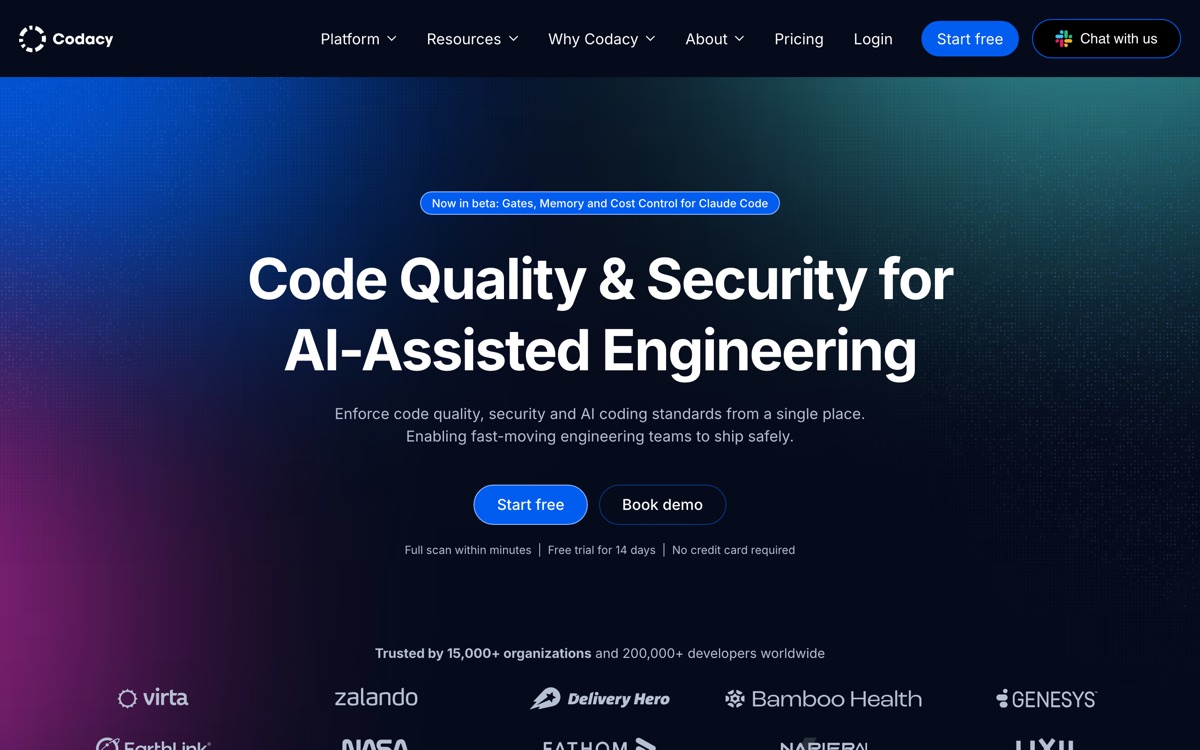
Codacy is a code quality and security platform rather than an AI assistant, and that framing matters: it is the thing you point at code, including code an AI wrote. It runs static analysis for quality violations, complexity and duplication; security scanning covering secrets, SAST, dependency vulnerabilities and infrastructure-as-code; and test coverage tracking that flags what is untested. Its newer AI Guardrails feature enforces your standards inside AI agents and IDEs, catching things like unapproved model calls and prompt-injection exposure — a sensible response to teams now merging large volumes of machine-generated code. The Developer tier is free forever, and the Team tier is free for open-source projects, which makes it easy to try honestly. The recurring complaint is noise. Default rule sets flag a great deal, much of it stylistic, and a team that does not spend an afternoon tuning the configuration will drown in warnings and start ignoring the quality gate — the classic failure mode for tools in this category.
Features
Pros & cons
Pros
- Free-forever Developer tier, and Team-tier features free for open-source projects
- One dashboard for quality, security and coverage instead of three separate tools
- AI Guardrails is a genuinely useful answer to reviewing machine-generated code
- Broad language coverage out of the box with no per-language configuration
Cons
- Default rule sets are noisy; without tuning the team will start ignoring the gate
- Coverage reporting setup is fiddly and a common source of CI friction
- Much of the core static analysis is available free from open-source linters — you are paying for the dashboard and the gate
- Large monorepos can make the interface sluggish
Who Codacy is for
Codacy is built for people working with developer tools. Its free plan makes it easy to evaluate before paying, which suits both individuals and growing teams. Users most often highlight free-forever developer tier, and team-tier features free for open-source projects.
How Codacy compares in AI Developer Tools
Within developer tools, the closest alternatives to Codacy are Qodo, Sourcegraph, Graphite — it is worth comparing them side by side on price and the specific features you need before deciding.
Codacy pricing
Codacy offers a free plan with paid upgrades. You can start for free and pay only when you need higher limits, advanced features or team seats. See the full Codacy pricing breakdown →
Codacy FAQ
Is Codacy worth it?
Codacy is most often praised for free-forever developer tier, and team-tier features free for open-source projects. The main trade-off is that default rule sets are noisy; without tuning the team will start ignoring the gate. For most developer tools needs it is a credible choice — trial it against one or two alternatives before you commit. ToolsPantry does not yet carry user reviews for this tool.
Is Codacy free?
Codacy offers a free plan with paid upgrades. You can start for free and pay only when you need higher limits, advanced features or team seats.
What are the downsides of Codacy?
The most commonly noted drawbacks are: Default rule sets are noisy; without tuning the team will start ignoring the gate; Coverage reporting setup is fiddly and a common source of CI friction; Much of the core static analysis is available free from open-source linters — you are paying for the dashboard and the gate; Large monorepos can make the interface sluggish. None are dealbreakers for everyone, but weigh them against your specific workflow.
What are the best alternatives to Codacy?
Strong alternatives in developer tools include Qodo, Sourcegraph, Graphite, CodeRabbit. See the full ranked list on the Codacy alternatives page.
The verdict
Codacy is a developer tools option, best known for free-forever developer tier, and team-tier features free for open-source projects. The main trade-off is that default rule sets are noisy; without tuning the team will start ignoring the gate. Start on the free plan and compare it against the alternatives below before committing.
Embed a badge
Show visitors Codacy is on ToolsPantry. Paste this into your site — it links back here. About badges →
<a href="https://toolspantry.com/tools/codacy" target="_blank" rel="noopener">
  <img src="https://toolspantry.com/tools/codacy/badge" alt="Codacy on ToolsPantry" width="252" height="60" />
</a>Alternatives to Codacy

An AI reviewer on every pull request — thorough, occasionally exhausting.

Code review that indexes the whole repo first, so it catches the bug three files away.

Stacked pull requests, a merge queue, and an AI reviewer on top — but the workflow is the product.