
Design for non-designers, now with a large pile of AI generation stacked on top.
Overview
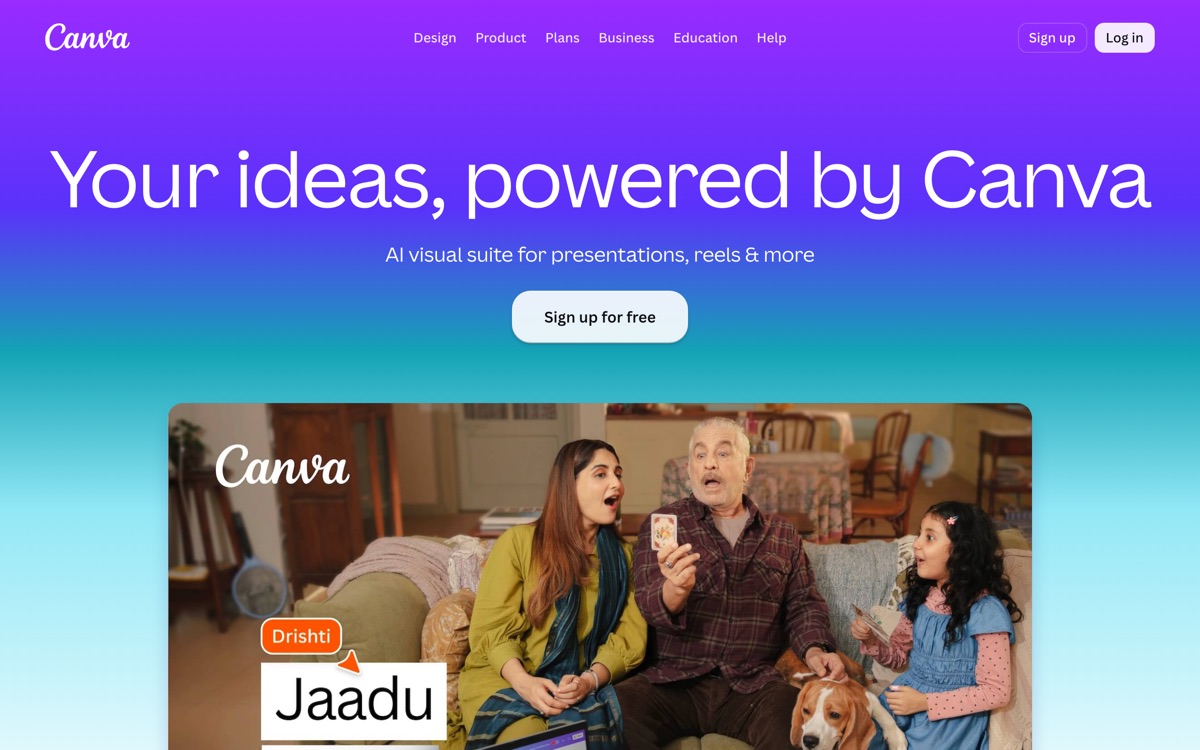
Canva's achievement is making design approachable: templates, drag-and-drop, and a component library that lets someone with no training produce a passable social post, deck or poster in ten minutes. The AI layer — text-to-image generation, background removal, Magic Write for copy, object erasing, video assistance — is now deeply woven in, and much of the routine work it does used to require Photoshop and an hour. Brand kits and shared folders make it workable for a team, and the free tier is unusually substantial. The honest caveats: Canva output is recognisably Canva. Template-based design converges, and if everyone in your market uses the same tool from the same starting points, your brand looks like theirs. The generative image quality trails dedicated image models. The best assets, most AI credits and the brand controls sit on the paid tier, and AI usage is metered rather than unlimited. And it is not a professional design tool — for precise typographic or print work it will frustrate you. Excellent for volume, poor for distinctiveness.
Features
Pros & cons
Pros
- Anyone can produce something decent in minutes with no design training
- Unusually generous free tier for the amount of capability on offer
- AI editing tools handle chores that used to need professional software
Cons
- Template-driven output looks like everyone else's template-driven output
- Generative image quality lags behind dedicated image models
- AI features are credit-metered and the best assets are paywalled
- Not a professional design tool — precise typography and print production will frustrate you
Who Canva is for
Canva is built for people working with design tools. Its free plan makes it easy to evaluate before paying, which suits both individuals and growing teams. Users most often highlight anyone can produce something decent in minutes with no design training.
How Canva compares in AI Design Tools
Within design tools, the closest alternatives to Canva are Uizard, Figma, Framer — it is worth comparing them side by side on price and the specific features you need before deciding.
Canva pricing
Canva offers a free plan with paid upgrades. You can start for free and pay only when you need higher limits, advanced features or team seats. See the full Canva pricing breakdown →
Canva FAQ
Is Canva worth it?
Canva is most often praised for anyone can produce something decent in minutes with no design training. The main trade-off is that template-driven output looks like everyone else's template-driven output. For most design tools needs it is a credible choice — trial it against one or two alternatives before you commit. ToolsPantry does not yet carry user reviews for this tool.
Is Canva free?
Canva offers a free plan with paid upgrades. You can start for free and pay only when you need higher limits, advanced features or team seats.
What are the downsides of Canva?
The most commonly noted drawbacks are: Template-driven output looks like everyone else's template-driven output; Generative image quality lags behind dedicated image models; AI features are credit-metered and the best assets are paywalled; Not a professional design tool — precise typography and print production will frustrate you. None are dealbreakers for everyone, but weigh them against your specific workflow.
What are the best alternatives to Canva?
Strong alternatives in design tools include Uizard, Figma, Framer, Galileo AI. See the full ranked list on the Canva alternatives page.
The verdict
Canva is a design tools option, best known for anyone can produce something decent in minutes with no design training. The main trade-off is that template-driven output looks like everyone else's template-driven output. Start on the free plan and compare it against the alternatives below before committing.
Embed a badge
Show visitors Canva is on ToolsPantry. Paste this into your site — it links back here. About badges →
<a href="https://toolspantry.com/tools/canva" target="_blank" rel="noopener">
  <img src="https://toolspantry.com/tools/canva/badge" alt="Canva on ToolsPantry" width="252" height="60" />
</a>