Terminal pair programmer that commits its own work to git, one change at a time.
Overview
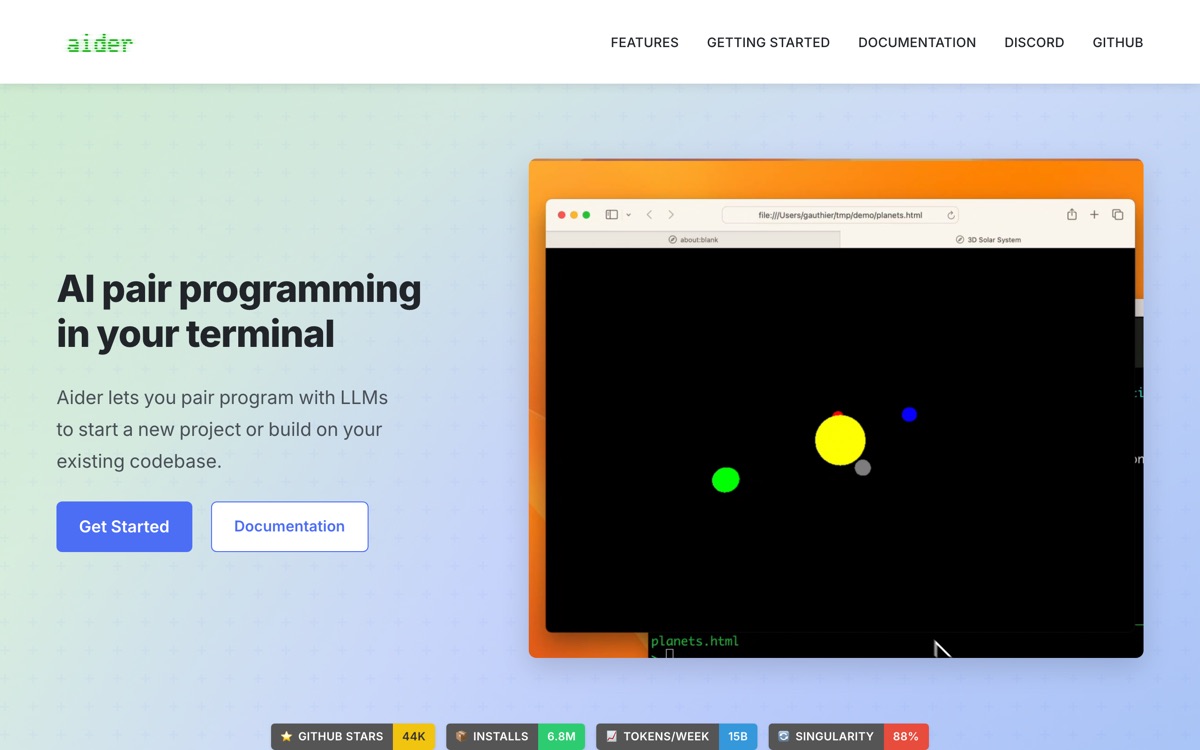
Aider is a command-line coding assistant with an unusual and, in practice, excellent design decision: it treats git as the interface. Every change it makes lands as a commit with a sensible message, so reviewing, reverting or bisecting the AI's work uses the tools you already have rather than a proprietary diff viewer. It builds a repository map to give the model structural context without dumping the whole codebase into a prompt, and it works with essentially any model you have a key for. Because it lives in the terminal, it slots into whatever editor you already use instead of asking you to adopt a new one. The trade-off is bluntness. There is no GUI, no click-to-accept, no agent dashboard — you converse, it edits, it commits. On very large monorepos the repo map starts to strain, and you will spend time telling it which files matter. For developers who already live in a terminal, that is a feature.
Features
Pros & cons
Pros
- Git-native workflow makes reviewing and reverting AI changes trivial
- Free and open source, with no subscription layered on top of token cost
- Editor-agnostic — it does not ask you to abandon your setup
- Excellent for surgical, well-scoped changes where you know what you want
Cons
- Terminal-only; if you want a visual diff-and-accept flow, this is the wrong tool
- Repo map degrades on very large codebases and needs manual file scoping
- You pay per token, and iterating on a stubborn bug gets expensive
- The agentic loop is less autonomous than IDE-integrated rivals — it expects you to steer
Who Aider is for
Aider is built for people working with coding tools. Being free, it is an easy first choice when you want to get going without a budget. Users most often highlight git-native workflow makes reviewing and reverting ai changes trivial.
How Aider compares in AI Coding Tools
Within coding tools, the closest alternatives to Aider are GitHub Copilot, Zed, Cursor — it is worth comparing them side by side on price and the specific features you need before deciding.
Aider pricing
Aider is free to use — there is no paid tier required for its core features. See the full Aider pricing breakdown →
Aider FAQ
Is Aider worth it?
Aider is most often praised for git-native workflow makes reviewing and reverting ai changes trivial. The main trade-off is that terminal-only; if you want a visual diff-and-accept flow, this is the wrong tool. For most coding tools needs it is a credible choice — trial it against one or two alternatives before you commit. ToolsPantry does not yet carry user reviews for this tool.
Is Aider free?
Aider is free to use — there is no paid tier required for its core features.
What are the downsides of Aider?
The most commonly noted drawbacks are: Terminal-only; if you want a visual diff-and-accept flow, this is the wrong tool; Repo map degrades on very large codebases and needs manual file scoping; You pay per token, and iterating on a stubborn bug gets expensive; The agentic loop is less autonomous than IDE-integrated rivals — it expects you to steer. None are dealbreakers for everyone, but weigh them against your specific workflow.
What are the best alternatives to Aider?
Strong alternatives in coding tools include GitHub Copilot, Zed, Cursor, Replit AI. See the full ranked list on the Aider alternatives page.
The verdict
Aider is a coding tools option, best known for git-native workflow makes reviewing and reverting ai changes trivial. The main trade-off is that terminal-only; if you want a visual diff-and-accept flow, this is the wrong tool. Start on the free plan and compare it against the alternatives below before committing.
Embed a badge
Show visitors Aider is on ToolsPantry. Paste this into your site — it links back here. About badges →
<a href="https://toolspantry.com/tools/aider" target="_blank" rel="noopener">
  <img src="https://toolspantry.com/tools/aider/badge" alt="Aider on ToolsPantry" width="252" height="60" />
</a>