Google's video generator, and the one that ships usable audio with the picture.
Overview
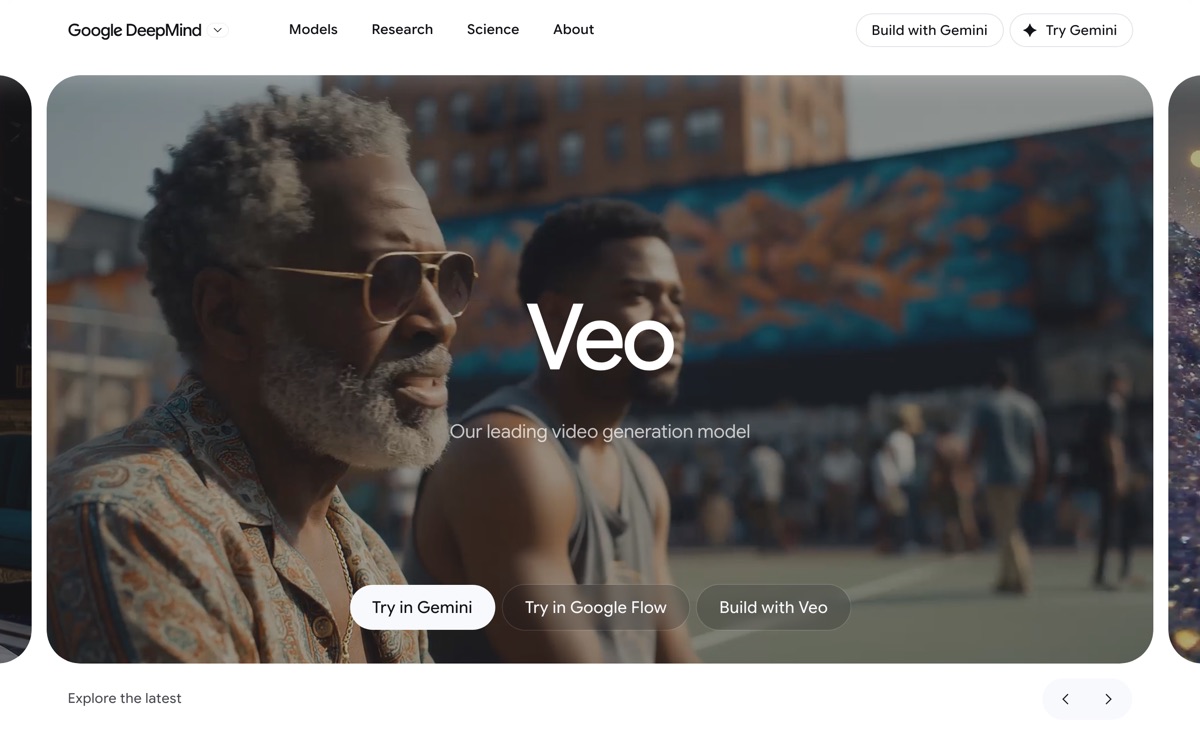
Veo is Google DeepMind's video model, currently in its 3.x generation, and its distinguishing feature is native audio: it generates dialogue, ambient sound and effects together with the picture rather than leaving you to score a silent clip. That single design decision removes an entire post-production step and is the main reason to prefer it over rivals for quick narrative work. Output runs to 1080p and 4K, and access is deliberately spread across Google's surfaces — the Gemini app for casual use, Flow for a filmmaking-oriented workspace, and Vertex AI and the Gemini API for developers and production pipelines — so where you meet it, and what it costs, depends heavily on which door you come through. The constraints are real. Generations are short, so anything longer is a stitching exercise. Prompt adherence on precise camera direction is loose compared with what a director would want. Content filtering around real people is strict and refusals are common. And Google itself acknowledges that short spoken segments remain unreliable.
Features
Pros & cons
Pros
- Synchronised audio generation is a real advantage over silent-output rivals
- Motion and prompt understanding are at the top of the category
- Multiple access routes, from casual app use to a production API
- High-resolution output suitable for real delivery
Cons
- Clips are only a few seconds long — long-form requires stitching many generations
- Access requires a paid Google AI plan or metered API billing; casual free use is limited
- Strict safety filtering, with frequent refusals around real people
- Google acknowledges short spoken segments still sound unnatural
Who Google Veo is for
Google Veo is built for people working with video tools. Because it is paid-only, it suits teams ready to commit to a tool rather than experiment for free. Users most often highlight synchronised audio generation is a real advantage over silent-output rivals.
How Google Veo compares in AI Video Tools
Within video tools, the closest alternatives to Google Veo are Pika, Runway, HeyGen — it is worth comparing them side by side on price and the specific features you need before deciding.
Google Veo pricing
Google Veo is a paid tool — there is no permanent free plan, though a free trial or demo may be available. See the full Google Veo pricing breakdown →
Google Veo FAQ
Is Google Veo worth it?
Google Veo is most often praised for synchronised audio generation is a real advantage over silent-output rivals. The main trade-off is that clips are only a few seconds long — long-form requires stitching many generations. For most video tools needs it is a credible choice — trial it against one or two alternatives before you commit. ToolsPantry does not yet carry user reviews for this tool.
Is Google Veo free?
Google Veo is a paid tool — there is no permanent free plan, though a free trial or demo may be available.
What are the downsides of Google Veo?
The most commonly noted drawbacks are: Clips are only a few seconds long — long-form requires stitching many generations; Access requires a paid Google AI plan or metered API billing; casual free use is limited; Strict safety filtering, with frequent refusals around real people; Google acknowledges short spoken segments still sound unnatural. None are dealbreakers for everyone, but weigh them against your specific workflow.
What are the best alternatives to Google Veo?
Strong alternatives in video tools include Pika, Runway, HeyGen, Luma AI. See the full ranked list on the Google Veo alternatives page.
The verdict
Google Veo is a video tools option, best known for synchronised audio generation is a real advantage over silent-output rivals. The main trade-off is that clips are only a few seconds long — long-form requires stitching many generations. Try the demo or trial first and compare it against the alternatives below before committing.
Embed a badge
Show visitors Google Veo is on ToolsPantry. Paste this into your site — it links back here. About badges →
<a href="https://toolspantry.com/tools/veo" target="_blank" rel="noopener">
  <img src="https://toolspantry.com/tools/veo/badge" alt="Google Veo on ToolsPantry" width="252" height="60" />
</a>