
Heavyweight upscaling and denoise that runs on your own GPU — and now on a subscription.
Pricing
Verified 14 Jul 2026· sourceOverview
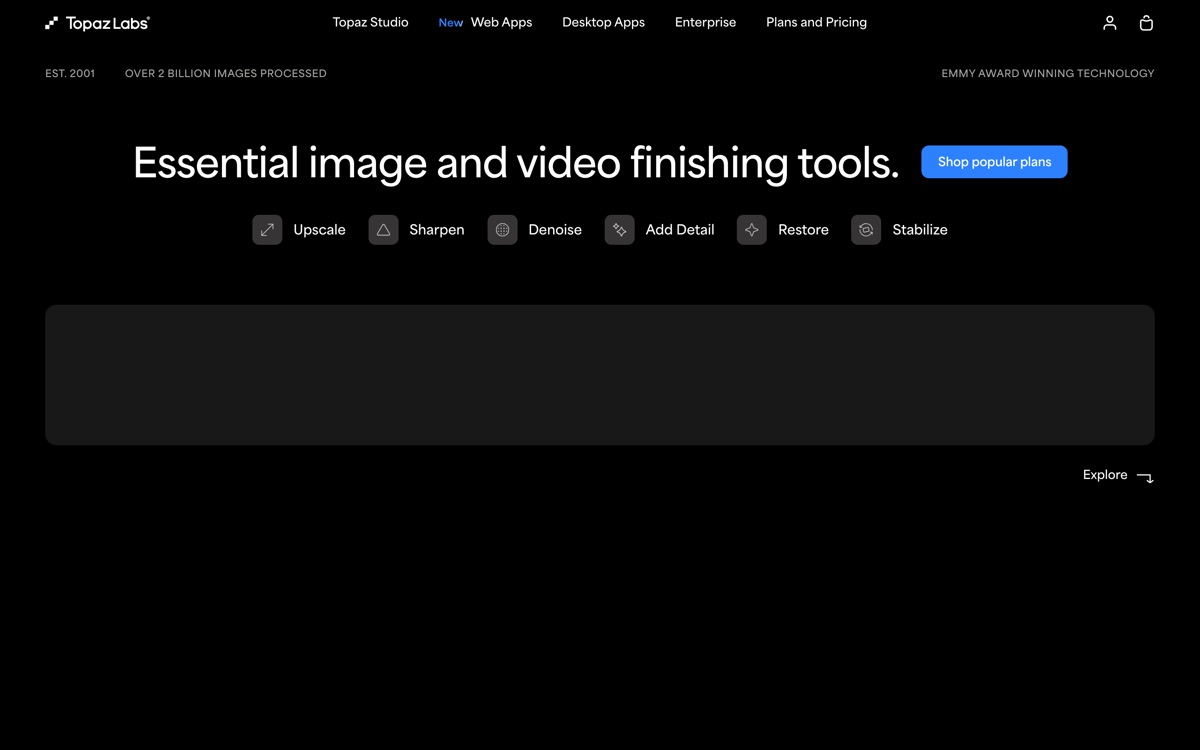
Topaz makes the tools professionals reach for when footage or stills need to be rescued rather than restyled: upscaling, denoising, sharpening, deblurring, frame interpolation and restoration, across a family of photo, video and Gigapixel apps plus newer cloud offerings. The quality genuinely is at the top of the category, and because the desktop apps run locally on your own GPU there are no per-image charges and nothing leaves your machine — which matters for client work under NDA. Two things should give buyers pause. First, Topaz has moved onto subscription pricing rather than the perpetual licences long-time users bought, which changes the maths considerably if you only need it occasionally. Second, these models do not recover detail so much as invent plausible detail: skin, foliage and text can acquire a waxy, over-processed quality, and on faces the result can drift from the person in the original. That is fine for a hobby restoration and a real problem for evidentiary, documentary or product-accurate work.
Features
Pros & cons
Pros
- Best-in-class output quality for upscaling and restoration
- Runs locally — no per-image cost and no uploading client material
- Batch processing handles large archives unattended
- Distinct models for distinct damage, rather than one generic 'enhance' button
Cons
- Now sold by subscription rather than the perpetual licence long-time users expect
- Punishing hardware demands; video renders can take hours without a strong GPU
- Models hallucinate detail — faces and text can end up plausible but wrong
- Expensive once you need more than one app in the family
Who Topaz Labs is for
Topaz Labs is built for people working with photo editing tools. Because it is paid-only, it suits teams ready to commit to a tool rather than experiment for free. Users most often highlight best-in-class output quality for upscaling and restoration.
How Topaz Labs compares in AI Photo Editing Tools
Within photo editing tools, the closest alternatives to Topaz Labs are PhotoRoom, remove.bg, Magnific AI — it is worth comparing them side by side on price and the specific features you need before deciding.
Topaz Labs pricing
Topaz Labs is a paid tool — there is no permanent free plan, though a free trial or demo may be available. See the full Topaz Labs pricing breakdown →
Topaz Labs FAQ
Is Topaz Labs worth it?
Topaz Labs is most often praised for best-in-class output quality for upscaling and restoration. The main trade-off is that now sold by subscription rather than the perpetual licence long-time users expect. For most photo editing tools needs it is a credible choice — trial it against one or two alternatives before you commit. ToolsPantry does not yet carry user reviews for this tool.
Is Topaz Labs free?
Topaz Labs is a paid tool — there is no permanent free plan, though a free trial or demo may be available.
What are the downsides of Topaz Labs?
The most commonly noted drawbacks are: Now sold by subscription rather than the perpetual licence long-time users expect; Punishing hardware demands; video renders can take hours without a strong GPU; Models hallucinate detail — faces and text can end up plausible but wrong; Expensive once you need more than one app in the family. None are dealbreakers for everyone, but weigh them against your specific workflow.
What are the best alternatives to Topaz Labs?
Strong alternatives in photo editing tools include PhotoRoom, remove.bg, Magnific AI. See the full ranked list on the Topaz Labs alternatives page.
The verdict
Topaz Labs is a photo editing tools option, best known for best-in-class output quality for upscaling and restoration. The main trade-off is that now sold by subscription rather than the perpetual licence long-time users expect. Try the demo or trial first and compare it against the alternatives below before committing.
Embed a badge
Show visitors Topaz Labs is on ToolsPantry. Paste this into your site — it links back here. About badges →
<a href="https://toolspantry.com/tools/topaz-labs" target="_blank" rel="noopener">
  <img src="https://toolspantry.com/tools/topaz-labs/badge" alt="Topaz Labs on ToolsPantry" width="252" height="60" />
</a>