
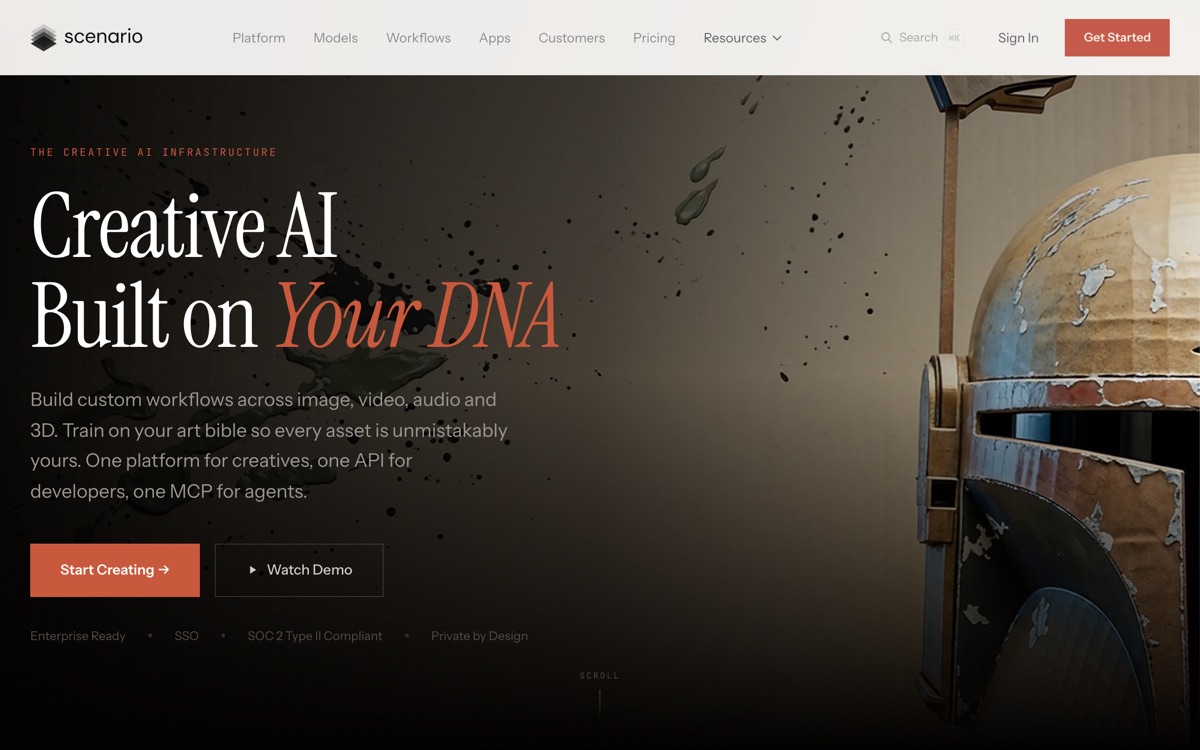
Train generative models on your own art bible so every asset stays on-style.
Pricing
Verified 14 Jul 2026· sourceOverview
Scenario exists because generic image models are useless to a game studio. A studio does not want a good image; it wants an image that matches the four hundred assets it already shipped. Scenario's answer is custom model training — feed it your art bible, get a model that produces new props, characters and environments in your established style — plus a workflow layer that stretches across image, video, audio and 3D. That is a meaningfully different product from a prompt box, and it explains its traction with game teams and, increasingly, brand and e-commerce teams with the same consistency problem. It also states plainly that it does not use your training data or images to improve other models, which for a studio is not a nice-to-have. The costs are real. Training a usable style model takes a curated dataset and iteration; there is no shortcut. Credits deplete on generation, and the workflow builder has a learning curve. A solo creator making one-off images is paying for machinery they will not use.
Features
Pros & cons
Pros
- Style consistency via custom-trained models is exactly what studios actually need
- Explicit data-ownership stance matters for teams with IP to protect
- Workflow layer covers several media types rather than images alone
Cons
- Training a good style model needs a curated dataset and real iteration — not a one-click affair
- Workflow builder has a learning curve; casual users will find it heavy
- Credit-based pricing makes heavy iteration expensive to forecast
- Overbuilt for anyone who just wants occasional one-off images
Who Scenario is for
Scenario is built for people working with gaming tools. Its free plan makes it easy to evaluate before paying, which suits both individuals and growing teams. Users most often highlight style consistency via custom-trained models is exactly what studios actually need.
How Scenario compares in AI Gaming Tools
Within gaming tools, the closest alternatives to Scenario are Inworld AI — it is worth comparing them side by side on price and the specific features you need before deciding.
Scenario pricing
Scenario offers a free plan with paid upgrades. You can start for free and pay only when you need higher limits, advanced features or team seats. See the full Scenario pricing breakdown →
Scenario FAQ
Is Scenario worth it?
Scenario is most often praised for style consistency via custom-trained models is exactly what studios actually need. The main trade-off is that training a good style model needs a curated dataset and real iteration — not a one-click affair. For most gaming tools needs it is a credible choice — trial it against one or two alternatives before you commit. ToolsPantry does not yet carry user reviews for this tool.
Is Scenario free?
Scenario offers a free plan with paid upgrades. You can start for free and pay only when you need higher limits, advanced features or team seats.
What are the downsides of Scenario?
The most commonly noted drawbacks are: Training a good style model needs a curated dataset and real iteration — not a one-click affair; Workflow builder has a learning curve; casual users will find it heavy; Credit-based pricing makes heavy iteration expensive to forecast; Overbuilt for anyone who just wants occasional one-off images. None are dealbreakers for everyone, but weigh them against your specific workflow.
What are the best alternatives to Scenario?
Strong alternatives in gaming tools include Inworld AI. See the full ranked list on the Scenario alternatives page.
The verdict
Scenario is a gaming tools option, best known for style consistency via custom-trained models is exactly what studios actually need. The main trade-off is that training a good style model needs a curated dataset and real iteration — not a one-click affair. Start on the free plan and compare it against the alternatives below before committing.
Embed a badge
Show visitors Scenario is on ToolsPantry. Paste this into your site — it links back here. About badges →
<a href="https://toolspantry.com/tools/scenario" target="_blank" rel="noopener">
  <img src="https://toolspantry.com/tools/scenario/badge" alt="Scenario on ToolsPantry" width="252" height="60" />
</a>