
A browser canvas where the image redraws itself as you type or sketch.
Pricing
Verified 14 Jul 2026· sourceOverview
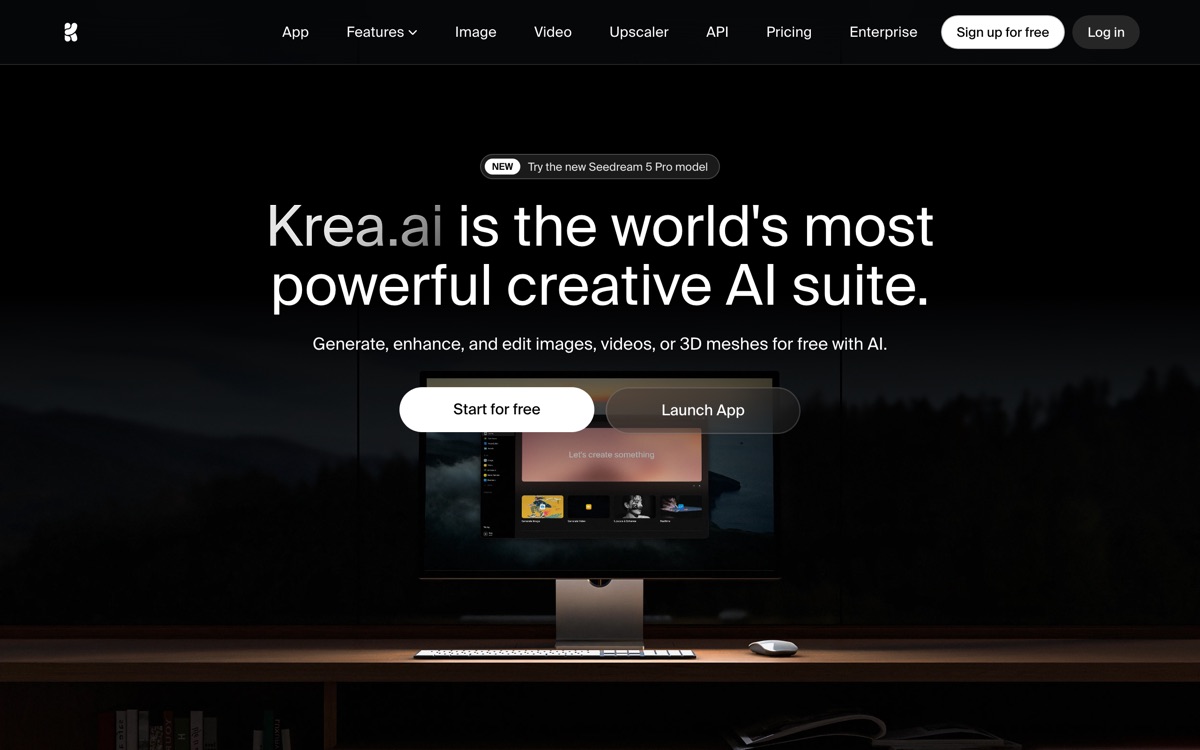
Krea's pitch rests on one trick, and it is a good one: real-time generation. Instead of writing a prompt, waiting half a minute and judging the result, you drag a shape or edit a word and the image updates almost immediately. For anyone doing exploratory work — mood-boarding, composition sketches, style hunting — that feedback loop changes how you work, and no amount of faster batch generation elsewhere quite replicates it. Around the canvas, Krea has accumulated the rest of a creative suite: an upscaler and enhancer, video generation, style training, and access to a rotating cast of third-party models. That breadth is also the weakness. Krea is a front end over models it does not own, so the ceiling on any single output is set by whichever model is fashionable that quarter, and features arrive faster than they are documented. The free tier gives you a daily allowance of compute units, which is enough to judge the real-time canvas but not enough to finish a project.
Features
Pros & cons
Pros
- The real-time canvas is a genuinely different way to explore ideas, not a gimmick
- One subscription reaches several image and video models instead of separate bills
- Free tier is usable enough to judge the tool before paying
Cons
- Output quality depends on models Krea licenses, not builds — the ceiling moves out of its control
- Compute units burn quickly on video; the entry paid tier is thin for serious work
- Feature sprawl means the interface has grown crowded and inconsistently documented
- Not a fit if you need repeatable, spec-locked assets rather than exploration
Who Krea AI is for
Krea AI is built for people working with image tools. Its free plan makes it easy to evaluate before paying, which suits both individuals and growing teams. Users most often highlight the real-time canvas is a genuinely different way to explore ideas, not a gimmick.
How Krea AI compares in AI Image Tools
Within image tools, the closest alternatives to Krea AI are FLUX, Recraft, Leonardo AI — it is worth comparing them side by side on price and the specific features you need before deciding.
Krea AI pricing
Krea AI offers a free plan with paid upgrades. You can start for free and pay only when you need higher limits, advanced features or team seats. See the full Krea AI pricing breakdown →
Krea AI FAQ
Is Krea AI worth it?
Krea AI is most often praised for the real-time canvas is a genuinely different way to explore ideas, not a gimmick. The main trade-off is that output quality depends on models krea licenses, not builds — the ceiling moves out of its control. For most image tools needs it is a credible choice — trial it against one or two alternatives before you commit. ToolsPantry does not yet carry user reviews for this tool.
Is Krea AI free?
Krea AI offers a free plan with paid upgrades. You can start for free and pay only when you need higher limits, advanced features or team seats.
What are the downsides of Krea AI?
The most commonly noted drawbacks are: Output quality depends on models Krea licenses, not builds — the ceiling moves out of its control; Compute units burn quickly on video; the entry paid tier is thin for serious work; Feature sprawl means the interface has grown crowded and inconsistently documented; Not a fit if you need repeatable, spec-locked assets rather than exploration. None are dealbreakers for everyone, but weigh them against your specific workflow.
What are the best alternatives to Krea AI?
Strong alternatives in image tools include FLUX, Recraft, Leonardo AI, ComfyUI. See the full ranked list on the Krea AI alternatives page.
The verdict
Krea AI is a image tools option, best known for the real-time canvas is a genuinely different way to explore ideas, not a gimmick. The main trade-off is that output quality depends on models krea licenses, not builds — the ceiling moves out of its control. Start on the free plan and compare it against the alternatives below before committing.
Embed a badge
Show visitors Krea AI is on ToolsPantry. Paste this into your site — it links back here. About badges →
<a href="https://toolspantry.com/tools/krea" target="_blank" rel="noopener">
  <img src="https://toolspantry.com/tools/krea/badge" alt="Krea AI on ToolsPantry" width="252" height="60" />
</a>