
Generate realistic AI video from text and images.
Overview
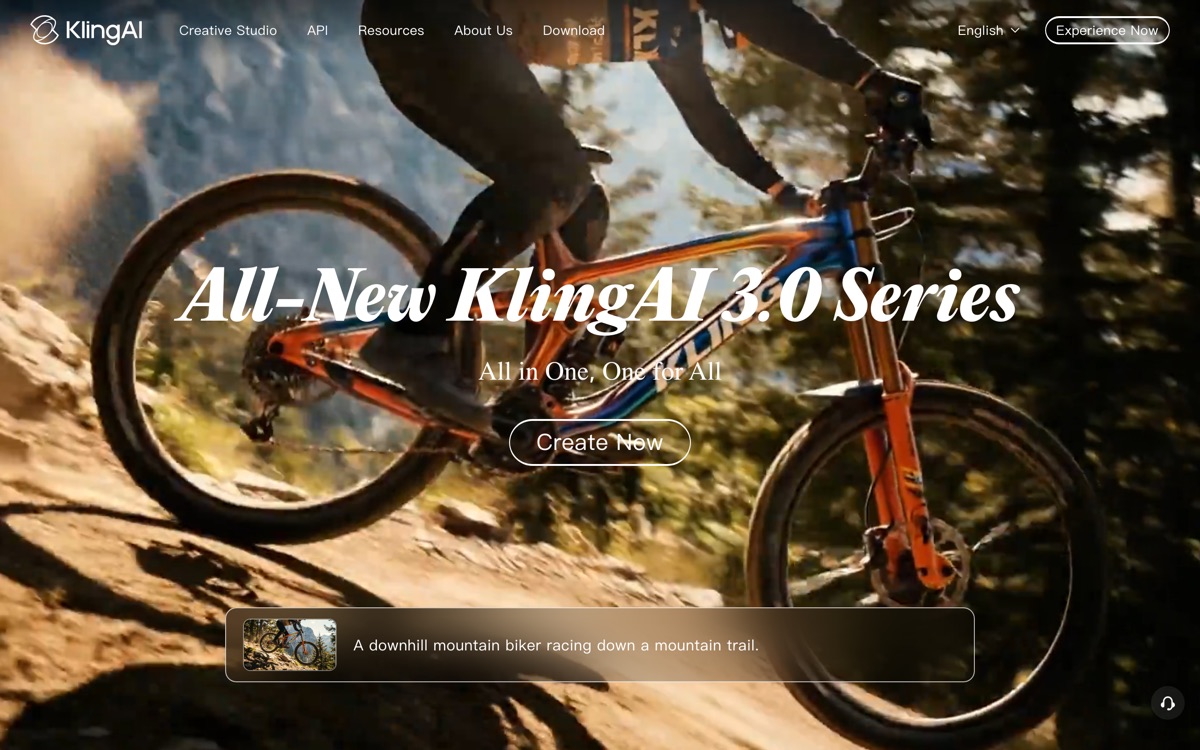
Generates realistic AI video from text prompts and images, drawing attention for the quality of its motion and detail. It appeals to creators experimenting with longer, more lifelike clips than many earlier text-to-video options produced.
Features
Pros & cons
Pros
- Realistic motion and detail
- Text and image-to-video
- Handles longer clips well
Cons
- Generation can be slow
- Output quality varies by prompt
Who Kling AI is for
Kling AI is built for people working with video tools who need text-to-video, image-to-video, realism. Its free plan makes it easy to evaluate before paying, which suits both individuals and growing teams. Users most often highlight realistic motion and detail.
How Kling AI compares in AI Video Tools
Within video tools, the closest alternatives to Kling AI are Pika, Runway, HeyGen — it is worth comparing them side by side on price and the specific features you need before deciding.
Kling AI pricing
Kling AI offers a free plan with paid upgrades. You can start for free and pay only when you need higher limits, advanced features or team seats. See the full Kling AI pricing breakdown →
Kling AI FAQ
Is Kling AI worth it?
Kling AI is most often praised for realistic motion and detail. The main trade-off is that generation can be slow. For most video tools needs it is a credible choice — trial it against one or two alternatives before you commit. ToolsPantry does not yet carry user reviews for this tool.
Is Kling AI free?
Kling AI offers a free plan with paid upgrades. You can start for free and pay only when you need higher limits, advanced features or team seats.
What are the downsides of Kling AI?
The most commonly noted drawbacks are: Generation can be slow; Output quality varies by prompt. None are dealbreakers for everyone, but weigh them against your specific workflow.
What are the best alternatives to Kling AI?
Strong alternatives in video tools include Pika, Runway, HeyGen, Luma AI. See the full ranked list on the Kling AI alternatives page.
The verdict
Kling AI is a video tools option, best known for realistic motion and detail. The main trade-off is that generation can be slow. Start on the free plan and compare it against the alternatives below before committing.
Embed a badge
Show visitors Kling AI is on ToolsPantry. Paste this into your site — it links back here. About badges →
<a href="https://toolspantry.com/tools/kling" target="_blank" rel="noopener">
  <img src="https://toolspantry.com/tools/kling/badge" alt="Kling AI on ToolsPantry" width="252" height="60" />
</a>