
AI woven through a CRM most teams already run — priced by outcome, which cuts both ways.
Pricing
Verified 14 Jul 2026· sourceOverview
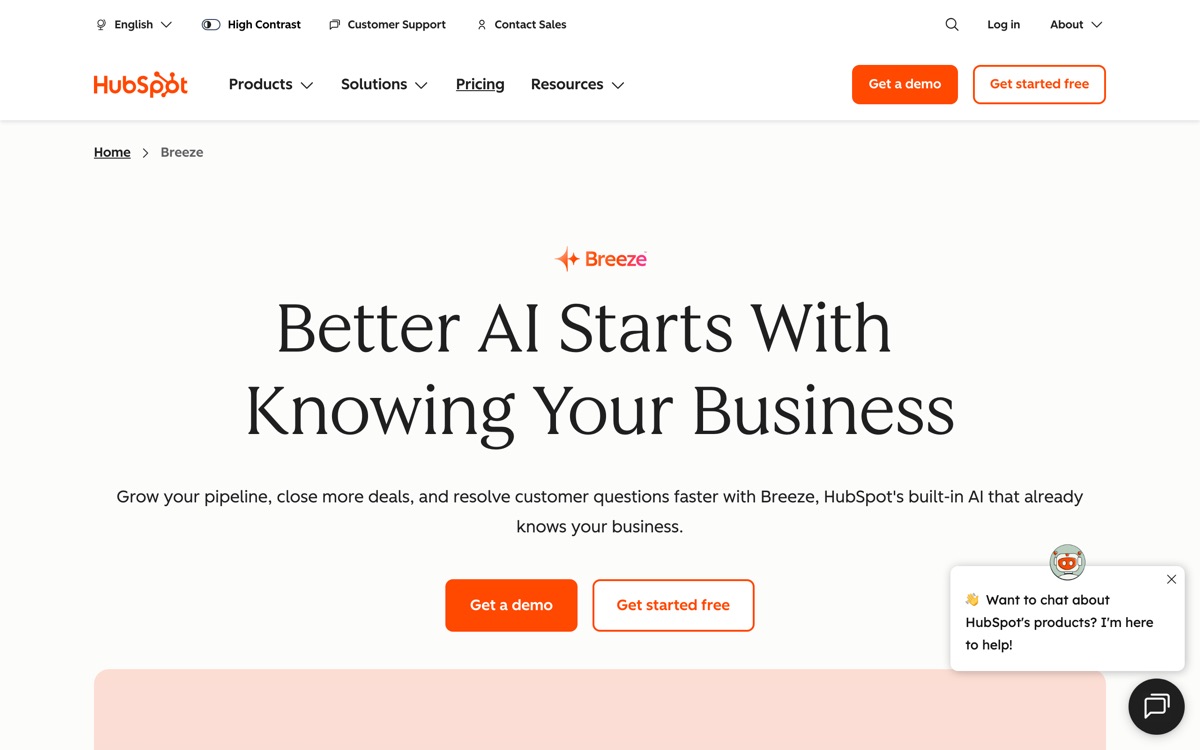
HubSpot's AI layer, branded Breeze, is less a product than a set of capabilities distributed across the CRM: an assistant that answers questions grounded in your CRM data, agents that prospect, resolve support tickets and enrich records, and a long tail of AI features embedded in content, sales and service tooling. The strategic advantage is context. These features sit on top of the contact, deal and ticket data you already keep in HubSpot, so they start with knowledge that a bolt-on tool would have to be told. The billing model is unusual and worth understanding: outcome-based HubSpot Credits, charged per lead sourced, per ticket resolved, per answer returned, rather than a flat AI subscription. That is fairer in principle — you pay when work completes — but it makes forecasting harder and can surprise you on a busy month. The wider caution is the one that has always applied to HubSpot: it is comfortable and expensive, agent quality is uneven across the suite, better agents are gated to higher editions, and the whole strategy deepens a lock-in that is already hard to unwind.
Features
Pros & cons
Pros
- Grounded in CRM data you already hold — far more context than a bolt-on AI tool
- Outcome-based credits mean you pay when work actually completes, not for access
- Assistant is available even at the free tier, so you can try before committing
Cons
- Credit-per-outcome billing makes monthly costs hard to forecast
- The best agents are gated behind Professional and Enterprise editions
- Quality varies noticeably between agents — some are far weaker than others
- Deepens HubSpot lock-in; migrating away gets harder the more you adopt
Who HubSpot AI is for
HubSpot AI is built for people working with crm tools. Its free plan makes it easy to evaluate before paying, which suits both individuals and growing teams. Users most often highlight grounded in crm data you already hold — far more context than a bolt-on ai tool.
How HubSpot AI compares in AI CRM Tools
Within crm tools, the closest alternatives to HubSpot AI are Folk, Attio, Salesforce Einstein — it is worth comparing them side by side on price and the specific features you need before deciding.
HubSpot AI pricing
HubSpot AI offers a free plan with paid upgrades. You can start for free and pay only when you need higher limits, advanced features or team seats. See the full HubSpot AI pricing breakdown →
HubSpot AI FAQ
Is HubSpot AI worth it?
HubSpot AI is most often praised for grounded in crm data you already hold — far more context than a bolt-on ai tool. The main trade-off is that credit-per-outcome billing makes monthly costs hard to forecast. For most crm tools needs it is a credible choice — trial it against one or two alternatives before you commit. ToolsPantry does not yet carry user reviews for this tool.
Is HubSpot AI free?
HubSpot AI offers a free plan with paid upgrades. You can start for free and pay only when you need higher limits, advanced features or team seats.
What are the downsides of HubSpot AI?
The most commonly noted drawbacks are: Credit-per-outcome billing makes monthly costs hard to forecast; The best agents are gated behind Professional and Enterprise editions; Quality varies noticeably between agents — some are far weaker than others; Deepens HubSpot lock-in; migrating away gets harder the more you adopt. None are dealbreakers for everyone, but weigh them against your specific workflow.
What are the best alternatives to HubSpot AI?
Strong alternatives in crm tools include Folk, Attio, Salesforce Einstein. See the full ranked list on the HubSpot AI alternatives page.
The verdict
HubSpot AI is a crm tools option, best known for grounded in crm data you already hold — far more context than a bolt-on ai tool. The main trade-off is that credit-per-outcome billing makes monthly costs hard to forecast. Start on the free plan and compare it against the alternatives below before committing.
Embed a badge
Show visitors HubSpot AI is on ToolsPantry. Paste this into your site — it links back here. About badges →
<a href="https://toolspantry.com/tools/hubspot-ai" target="_blank" rel="noopener">
  <img src="https://toolspantry.com/tools/hubspot-ai/badge" alt="HubSpot AI on ToolsPantry" width="252" height="60" />
</a>