
The writing assistant that lives everywhere you type — strongest on mechanics, weakest on judgment.
Pricing
Verified 14 Jul 2026· sourceOverview
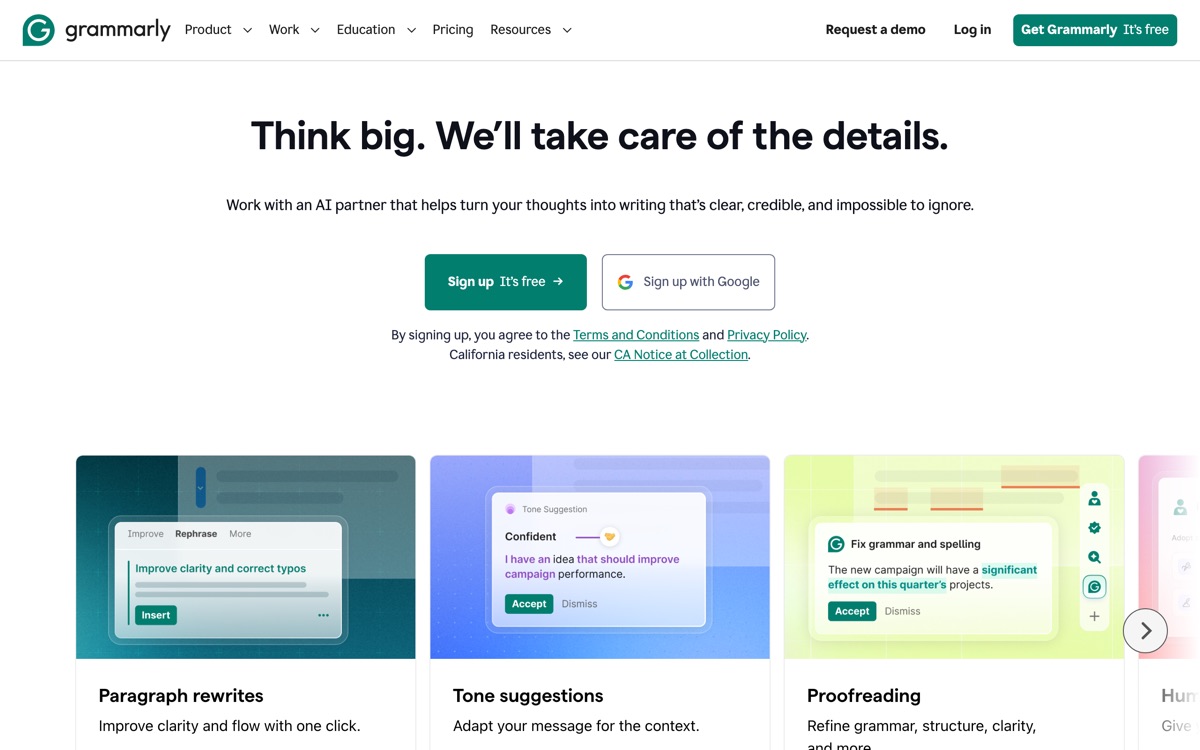
Grammarly's advantage was never the model; it was distribution. It runs in the browser, in Word, in Google Docs, in Slack and in the desktop apps, catching grammar, spelling and punctuation errors in situ rather than making you paste text into yet another tab. That ubiquity is genuinely why people keep it. The free tier handles core correctness well, and paid plans add tone adjustment, clarity rewrites, full-sentence rewrites, a plagiarism check and generative drafting, with business tiers layering on shared style guides and brand tone — a real asset for teams trying to keep support and marketing copy consistent. Where it falls down is above the sentence. Its suggestions optimise for clean, safe, corporate prose, and applied uncritically they will iron the personality out of your writing — the clarity rewrite is often just a shorter, blander sentence. It over-flags stylistic choices, misreads technical and creative writing, and the AI detector it markets should not be trusted to adjudicate anything that matters. Excellent proofreader, mediocre editor, and no substitute for knowing what you meant to say.
Features
Pros & cons
Pros
- Works inside virtually every app you already write in
- Free tier genuinely covers everyday correctness
- Style guides keep team writing consistent
- Fast, unobtrusive and reliable on mechanics
Cons
- Suggestions flatten voice — safe, corporate prose by default
- Over-flags deliberate stylistic choices, and struggles with technical or creative writing
- The AI-detection feature is unreliable and shouldn't decide anything consequential
- Premium is expensive for what is, at core, a proofreader
Who Grammarly is for
Grammarly is built for people working with writing tools. Its free plan makes it easy to evaluate before paying, which suits both individuals and growing teams. Users most often highlight works inside virtually every app you already write in.
How Grammarly compares in AI Writing Tools
Within writing tools, the closest alternatives to Grammarly are Sudowrite, QuillBot — it is worth comparing them side by side on price and the specific features you need before deciding.
Grammarly pricing
Grammarly offers a free plan with paid upgrades. You can start for free and pay only when you need higher limits, advanced features or team seats. See the full Grammarly pricing breakdown →
Grammarly FAQ
Is Grammarly worth it?
Grammarly is most often praised for works inside virtually every app you already write in. The main trade-off is that suggestions flatten voice — safe, corporate prose by default. For most writing tools needs it is a credible choice — trial it against one or two alternatives before you commit. ToolsPantry does not yet carry user reviews for this tool.
Is Grammarly free?
Grammarly offers a free plan with paid upgrades. You can start for free and pay only when you need higher limits, advanced features or team seats.
What are the downsides of Grammarly?
The most commonly noted drawbacks are: Suggestions flatten voice — safe, corporate prose by default; Over-flags deliberate stylistic choices, and struggles with technical or creative writing; The AI-detection feature is unreliable and shouldn't decide anything consequential; Premium is expensive for what is, at core, a proofreader. None are dealbreakers for everyone, but weigh them against your specific workflow.
What are the best alternatives to Grammarly?
Strong alternatives in writing tools include Sudowrite, QuillBot. See the full ranked list on the Grammarly alternatives page.
The verdict
Grammarly is a writing tools option, best known for works inside virtually every app you already write in. The main trade-off is that suggestions flatten voice — safe, corporate prose by default. Start on the free plan and compare it against the alternatives below before committing.
Embed a badge
Show visitors Grammarly is on ToolsPantry. Paste this into your site — it links back here. About badges →
<a href="https://toolspantry.com/tools/grammarly" target="_blank" rel="noopener">
  <img src="https://toolspantry.com/tools/grammarly/badge" alt="Grammarly on ToolsPantry" width="252" height="60" />
</a>Alternatives to Grammarly

A paraphraser that became a writing suite — useful for rewording, routinely misused for academic laundering.

The AI writing tool that actually understands fiction — and doesn't pretend to write your novel for you.

AI-assisted video editing for social and short-form content.