
Enterprise search and agents over everything your company already stores.
Overview
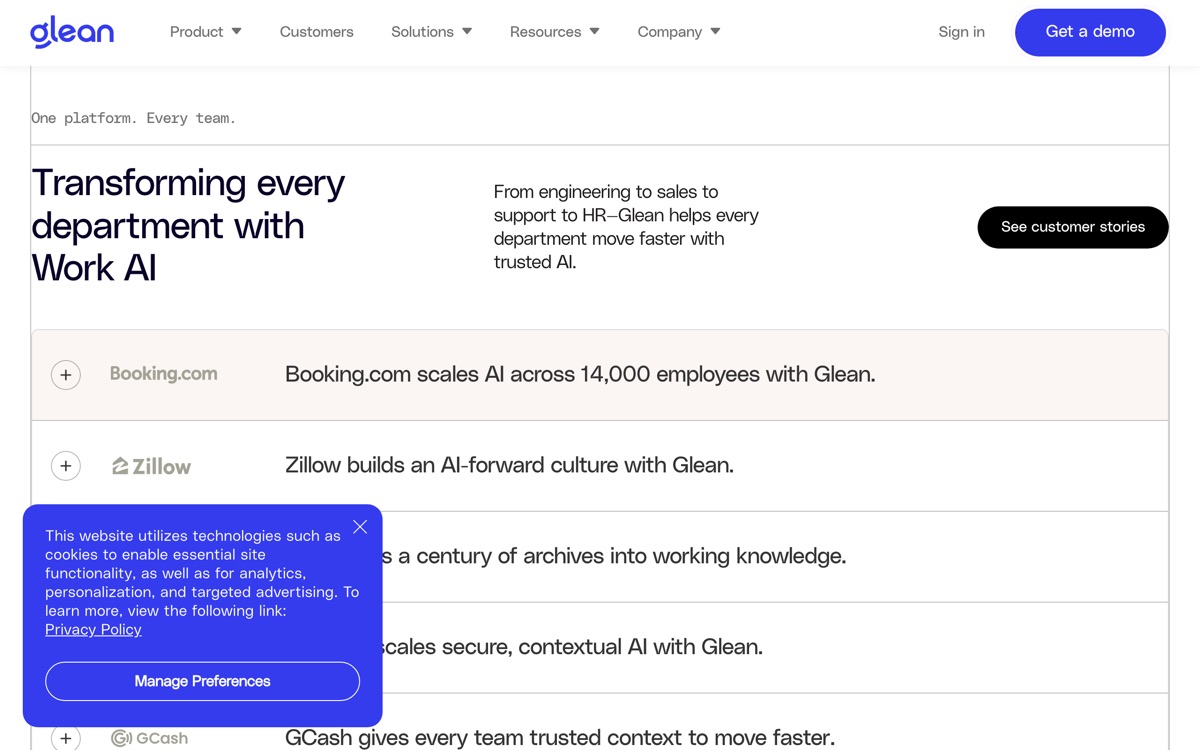
Glean indexes the tools a large company already runs — Slack, Drive, Confluence, Jira, SharePoint, GitHub, Salesforce and dozens more — and puts a permission-aware search and answer layer over the top, with an agent-building framework alongside it. The pitch is not that it stores knowledge, but that it finds knowledge you already have and never manage to locate. In organisations past a certain size that problem is real and expensive, and Glean is the most credible product addressing it; the permissions model, which ensures answers never leak documents a user could not otherwise open, is the hard engineering that competitors underestimate. It is unambiguously an enterprise purchase. There is no published pricing and no self-serve entry — you go through a demo and a sales cycle. Value scales with the messiness of your data estate, which means a well-organised 50-person company will wonder what it paid for. And its answers are only as good as the documents beneath them: Glean surfaces your outdated wiki page faithfully, it does not fix it.
Features
Pros & cons
Pros
- Permissions handling is genuinely rigorous — answers do not leak restricted documents
- Connector coverage is broad enough to actually index a real enterprise stack
- Solves a problem that gets more expensive the bigger the company gets
Cons
- Enterprise-only: no public pricing, no self-serve trial, a real sales cycle
- Answer quality is capped by document quality — it surfaces your stale wiki, it does not fix it
- Value falls sharply for smaller or already well-organised teams
- Deployment and connector configuration take meaningful IT effort
Who Glean is for
Glean is built for people working with knowledge base tools. Because it is paid-only, it suits teams ready to commit to a tool rather than experiment for free. Users most often highlight permissions handling is genuinely rigorous — answers do not leak restricted documents.
How Glean compares in AI Knowledge Base Tools
Within knowledge base tools, the closest alternatives to Glean are Slite, Guru — it is worth comparing them side by side on price and the specific features you need before deciding.
Glean pricing
Glean is a paid tool — there is no permanent free plan, though a free trial or demo may be available. See the full Glean pricing breakdown →
Glean FAQ
Is Glean worth it?
Glean is most often praised for permissions handling is genuinely rigorous — answers do not leak restricted documents. The main trade-off is that enterprise-only: no public pricing, no self-serve trial, a real sales cycle. For most knowledge base tools needs it is a credible choice — trial it against one or two alternatives before you commit. ToolsPantry does not yet carry user reviews for this tool.
Is Glean free?
Glean is a paid tool — there is no permanent free plan, though a free trial or demo may be available.
What are the downsides of Glean?
The most commonly noted drawbacks are: Enterprise-only: no public pricing, no self-serve trial, a real sales cycle; Answer quality is capped by document quality — it surfaces your stale wiki, it does not fix it; Value falls sharply for smaller or already well-organised teams; Deployment and connector configuration take meaningful IT effort. None are dealbreakers for everyone, but weigh them against your specific workflow.
What are the best alternatives to Glean?
Strong alternatives in knowledge base tools include Slite, Guru. See the full ranked list on the Glean alternatives page.
The verdict
Glean is a knowledge base tools option, best known for permissions handling is genuinely rigorous — answers do not leak restricted documents. The main trade-off is that enterprise-only: no public pricing, no self-serve trial, a real sales cycle. Try the demo or trial first and compare it against the alternatives below before committing.
Embed a badge
Show visitors Glean is on ToolsPantry. Paste this into your site — it links back here. About badges →
<a href="https://toolspantry.com/tools/glean" target="_blank" rel="noopener">
  <img src="https://toolspantry.com/tools/glean/badge" alt="Glean on ToolsPantry" width="252" height="60" />
</a>