
Turns scripts, blog posts and slides into narrated video with a large voice library.
Pricing
Verified 14 Jul 2026· sourceOverview
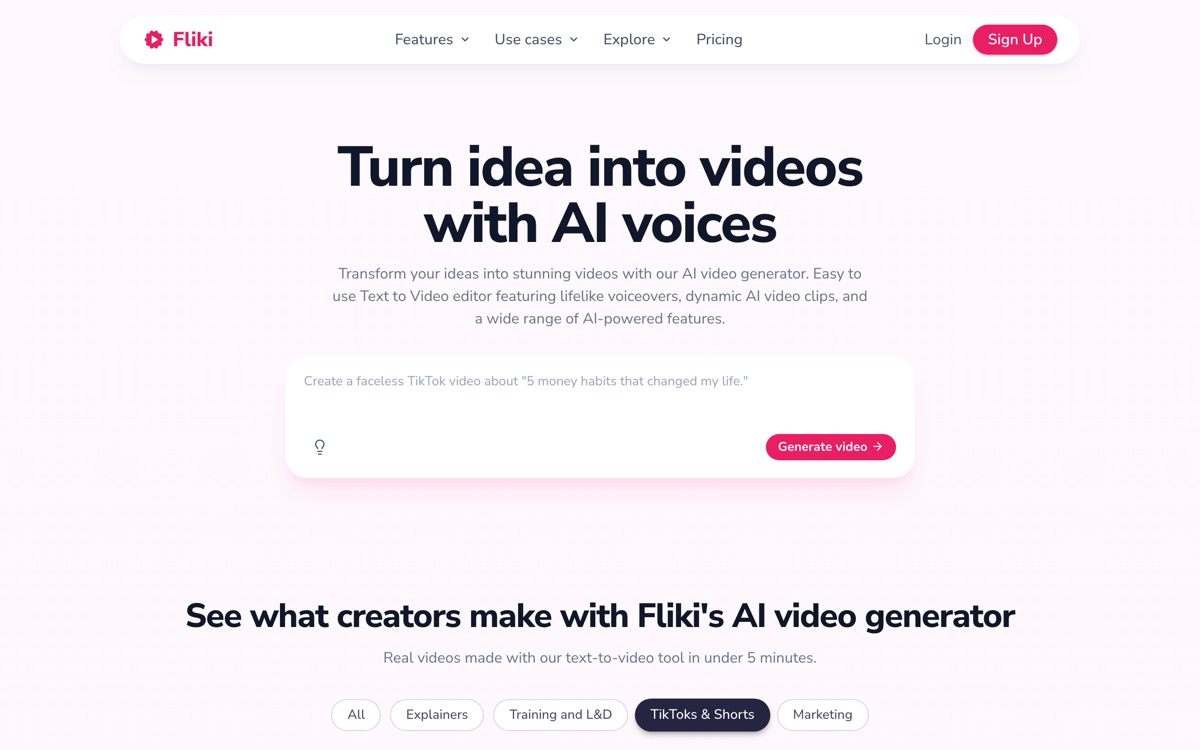
Fliki is built around a specific, unglamorous job: you have text — a blog post, a script, a deck — and you want a narrated video out of it without recording your own voice. It generates the voiceover from a deep library of AI voices across many languages, matches stock clips and images to the script, adds subtitles, and can clone your voice or place an avatar on screen. For faceless YouTube channels, localisation and turning written content into social video at volume, it is efficient and cheap. The trade-off is the same one every text-to-video tool makes and none has solved: because the visuals are assembled from stock rather than authored, the result is generic, and scenes are matched to keywords rather than meaning, so you will regularly find a clip that is literally correct and tonally wrong. The free tier is a demo — a handful of minutes, capped at 720p, watermarked and limited to very short exports — so any real use means paying.
Features
Pros & cons
Pros
- Very fast for turning written content into narrated video at volume
- Voice range and language coverage are strong for the price
- Voice cloning lets you keep a consistent channel identity
- Cheaper than most competitors doing the same job
Cons
- Stock-matched visuals look generic and often miss the tone of the line
- Free tier is a demo: watermarked, 720p and capped at very short exports
- Avatars are stiff and read as synthetic on screen
- Credit accounting is confusing and easy to overspend
Who Fliki is for
Fliki is built for people working with video tools. Its free plan makes it easy to evaluate before paying, which suits both individuals and growing teams. Users most often highlight very fast for turning written content into narrated video at volume.
How Fliki compares in AI Video Tools
Within video tools, the closest alternatives to Fliki are Pika, Runway, HeyGen — it is worth comparing them side by side on price and the specific features you need before deciding.
Fliki pricing
Fliki offers a free plan with paid upgrades. You can start for free and pay only when you need higher limits, advanced features or team seats. See the full Fliki pricing breakdown →
Fliki FAQ
Is Fliki worth it?
Fliki is most often praised for very fast for turning written content into narrated video at volume. The main trade-off is that stock-matched visuals look generic and often miss the tone of the line. For most video tools needs it is a credible choice — trial it against one or two alternatives before you commit. ToolsPantry does not yet carry user reviews for this tool.
Is Fliki free?
Fliki offers a free plan with paid upgrades. You can start for free and pay only when you need higher limits, advanced features or team seats.
What are the downsides of Fliki?
The most commonly noted drawbacks are: Stock-matched visuals look generic and often miss the tone of the line; Free tier is a demo: watermarked, 720p and capped at very short exports; Avatars are stiff and read as synthetic on screen; Credit accounting is confusing and easy to overspend. None are dealbreakers for everyone, but weigh them against your specific workflow.
What are the best alternatives to Fliki?
Strong alternatives in video tools include Pika, Runway, HeyGen, Luma AI. See the full ranked list on the Fliki alternatives page.
The verdict
Fliki is a video tools option, best known for very fast for turning written content into narrated video at volume. The main trade-off is that stock-matched visuals look generic and often miss the tone of the line. Start on the free plan and compare it against the alternatives below before committing.
Embed a badge
Show visitors Fliki is on ToolsPantry. Paste this into your site — it links back here. About badges →
<a href="https://toolspantry.com/tools/fliki" target="_blank" rel="noopener">
  <img src="https://toolspantry.com/tools/fliki/badge" alt="Fliki on ToolsPantry" width="252" height="60" />
</a>