A collaborative notebook where SQL, Python and an AI copilot share the same document.
Pricing
Verified 14 Jul 2026· sourceOverview
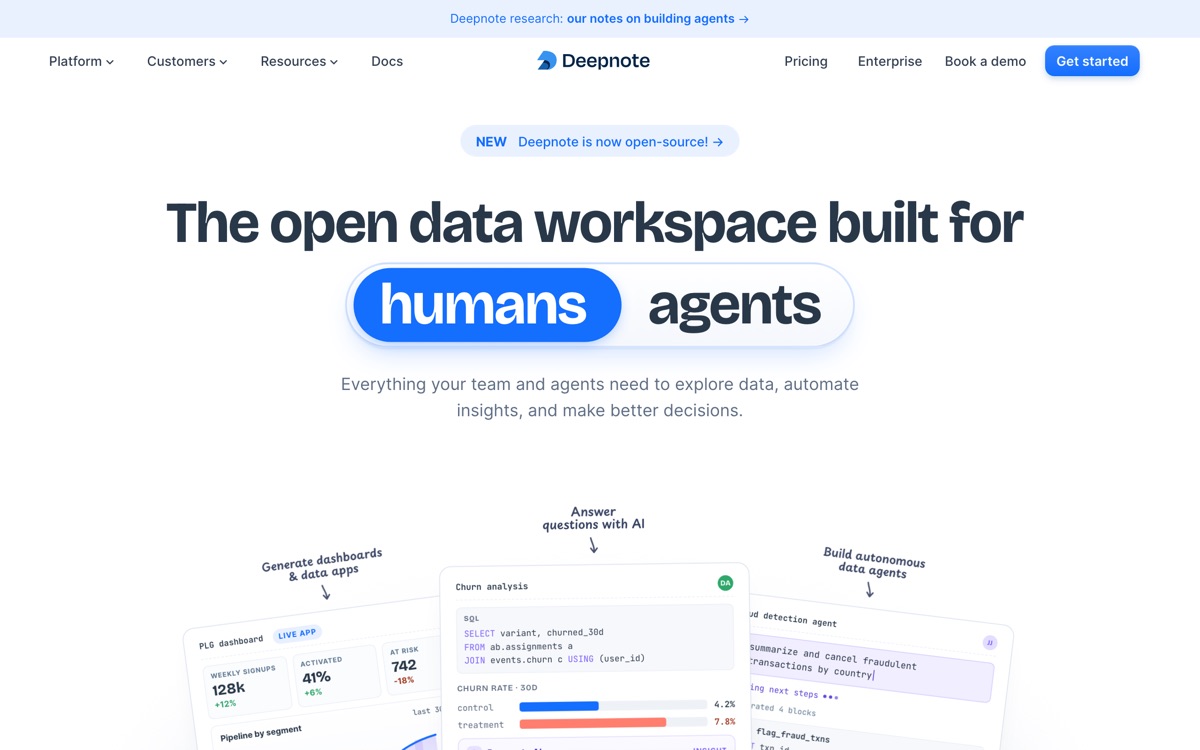
Deepnote is a hosted, real-time-collaborative take on the Jupyter notebook. Two people can work in the same document at once, leave comments like they would in a Google Doc, mix SQL blocks against a warehouse with Python cells, and publish the result as an interactive dashboard rather than a wall of code. It connects to the usual warehouses and databases, syncs with Git for version control, schedules notebooks to run on a timetable, and includes an AI assistant that writes, explains and edits code in place. For a data team that keeps losing work to notebook-sharing chaos, it solves a genuine problem. Where it gets harder to justify is cost: Jupyter and Colab are free, and the paid editor seat here is not cheap once you multiply it by a team. The free tier's compute is modest, AI calls are metered, and your data sits on Deepnote's infrastructure unless you pay for enterprise deployment options — which is a conversation with your security team, not a checkbox.
Features
Pros & cons
Pros
- Best-in-class collaboration for a notebook environment
- Mixing SQL and Python in one document removes a lot of glue work
- Publishing a notebook as a dashboard is genuinely easy
Cons
- Per-editor pricing is steep against free Jupyter or Colab
- Free tier compute and AI allowances are quickly exhausted on real work
- Data lives on Deepnote's infrastructure unless you buy enterprise deployment
- The AI assistant speeds up an analyst; it does not replace one
Who Deepnote is for
Deepnote is built for people working with data & analytics tools. Its free plan makes it easy to evaluate before paying, which suits both individuals and growing teams. Users most often highlight best-in-class collaboration for a notebook environment.
How Deepnote compares in AI Data & Analytics Tools
Within data & analytics tools, the closest alternatives to Deepnote are Powerdrill, Julius AI, Hex — it is worth comparing them side by side on price and the specific features you need before deciding.
Deepnote pricing
Deepnote offers a free plan with paid upgrades. You can start for free and pay only when you need higher limits, advanced features or team seats. See the full Deepnote pricing breakdown →
Deepnote FAQ
Is Deepnote worth it?
Deepnote is most often praised for best-in-class collaboration for a notebook environment. The main trade-off is that per-editor pricing is steep against free jupyter or colab. For most data & analytics tools needs it is a credible choice — trial it against one or two alternatives before you commit. ToolsPantry does not yet carry user reviews for this tool.
Is Deepnote free?
Deepnote offers a free plan with paid upgrades. You can start for free and pay only when you need higher limits, advanced features or team seats.
What are the downsides of Deepnote?
The most commonly noted drawbacks are: Per-editor pricing is steep against free Jupyter or Colab; Free tier compute and AI allowances are quickly exhausted on real work; Data lives on Deepnote's infrastructure unless you buy enterprise deployment; The AI assistant speeds up an analyst; it does not replace one. None are dealbreakers for everyone, but weigh them against your specific workflow.
What are the best alternatives to Deepnote?
Strong alternatives in data & analytics tools include Powerdrill, Julius AI, Hex, Akkio. See the full ranked list on the Deepnote alternatives page.
The verdict
Deepnote is a data & analytics tools option, best known for best-in-class collaboration for a notebook environment. The main trade-off is that per-editor pricing is steep against free jupyter or colab. Start on the free plan and compare it against the alternatives below before committing.
Embed a badge
Show visitors Deepnote is on ToolsPantry. Paste this into your site — it links back here. About badges →
<a href="https://toolspantry.com/tools/deepnote" target="_blank" rel="noopener">
  <img src="https://toolspantry.com/tools/deepnote/badge" alt="Deepnote on ToolsPantry" width="252" height="60" />
</a>