A rewriting assistant from the translation company — strongest where English is a second language.
Pricing
Verified 14 Jul 2026· sourceOverview
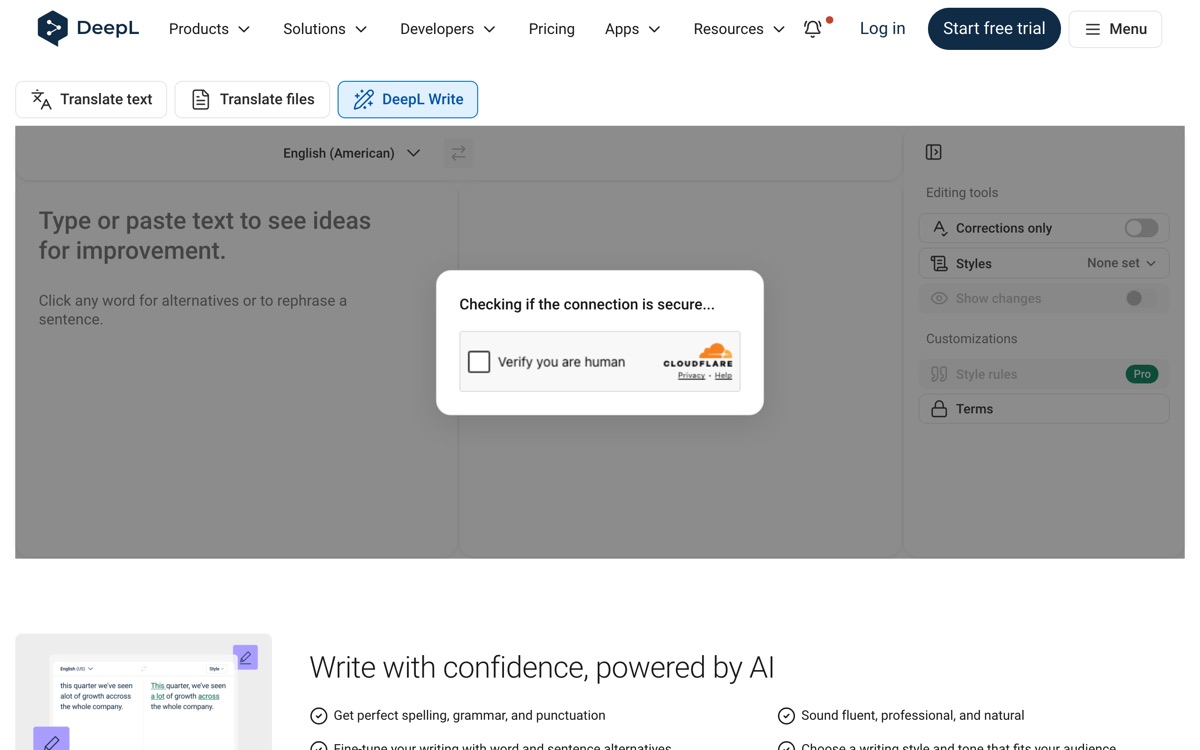
DeepL Write is not a grammar checker with a thesaurus attached. It rewrites: paste a paragraph, and it returns reformulated sentences you can accept, plus alternatives on any word or phrase you click, with controls for tone and style. The lineage matters — DeepL built its reputation on translation quality, and Write inherits an unusually good ear for natural phrasing, which is most visible when the input is stiff, over-literal English written by a non-native speaker. That is its real audience, and against Grammarly it is the clearly better tool for that job. Its narrowness is also its limit. Write does not manage citations, does not check documents across apps the way Grammarly's ubiquitous integrations do, and language coverage, though growing, is narrower than DeepL's translation product. Suggestions occasionally smooth away deliberate voice — the confident writer will reject more than they accept. The free version is capped on text length and features, with the useful controls sitting inside DeepL's paid plans.
Features
Pros & cons
Pros
- Best-in-class at making non-native English read naturally
- Rewrites whole sentences rather than nagging about commas
- Inherits DeepL's genuinely good sense of natural phrasing
Cons
- Narrow scope — no citations, plagiarism checking or document-wide editing
- Fewer app integrations than Grammarly, so it lives in its own window
- Language coverage is narrower than DeepL's translation product
- Suggestions can flatten deliberate stylistic choices; free version caps text length
Who DeepL Write is for
DeepL Write is built for people working with translation tools. Its free plan makes it easy to evaluate before paying, which suits both individuals and growing teams. Users most often highlight best-in-class at making non-native english read naturally.
How DeepL Write compares in AI Translation Tools
Within translation tools, the closest alternatives to DeepL Write are Smartling, Taia, Weglot — it is worth comparing them side by side on price and the specific features you need before deciding.
DeepL Write pricing
DeepL Write offers a free plan with paid upgrades. You can start for free and pay only when you need higher limits, advanced features or team seats. See the full DeepL Write pricing breakdown →
DeepL Write FAQ
Is DeepL Write worth it?
DeepL Write is most often praised for best-in-class at making non-native english read naturally. The main trade-off is that narrow scope — no citations, plagiarism checking or document-wide editing. For most translation tools needs it is a credible choice — trial it against one or two alternatives before you commit. ToolsPantry does not yet carry user reviews for this tool.
Is DeepL Write free?
DeepL Write offers a free plan with paid upgrades. You can start for free and pay only when you need higher limits, advanced features or team seats.
What are the downsides of DeepL Write?
The most commonly noted drawbacks are: Narrow scope — no citations, plagiarism checking or document-wide editing; Fewer app integrations than Grammarly, so it lives in its own window; Language coverage is narrower than DeepL's translation product; Suggestions can flatten deliberate stylistic choices; free version caps text length. None are dealbreakers for everyone, but weigh them against your specific workflow.
What are the best alternatives to DeepL Write?
Strong alternatives in translation tools include Smartling, Taia, Weglot, DeepL. See the full ranked list on the DeepL Write alternatives page.
The verdict
DeepL Write is a translation tools option, best known for best-in-class at making non-native english read naturally. The main trade-off is that narrow scope — no citations, plagiarism checking or document-wide editing. Start on the free plan and compare it against the alternatives below before committing.
Embed a badge
Show visitors DeepL Write is on ToolsPantry. Paste this into your site — it links back here. About badges →
<a href="https://toolspantry.com/tools/deepl-write" target="_blank" rel="noopener">
  <img src="https://toolspantry.com/tools/deepl-write/badge" alt="DeepL Write on ToolsPantry" width="252" height="60" />
</a>