
Prompt-to-deck in a couple of minutes, with speaker notes written for you — and no free plan.
Pricing
Verified 14 Jul 2026· sourceOverview
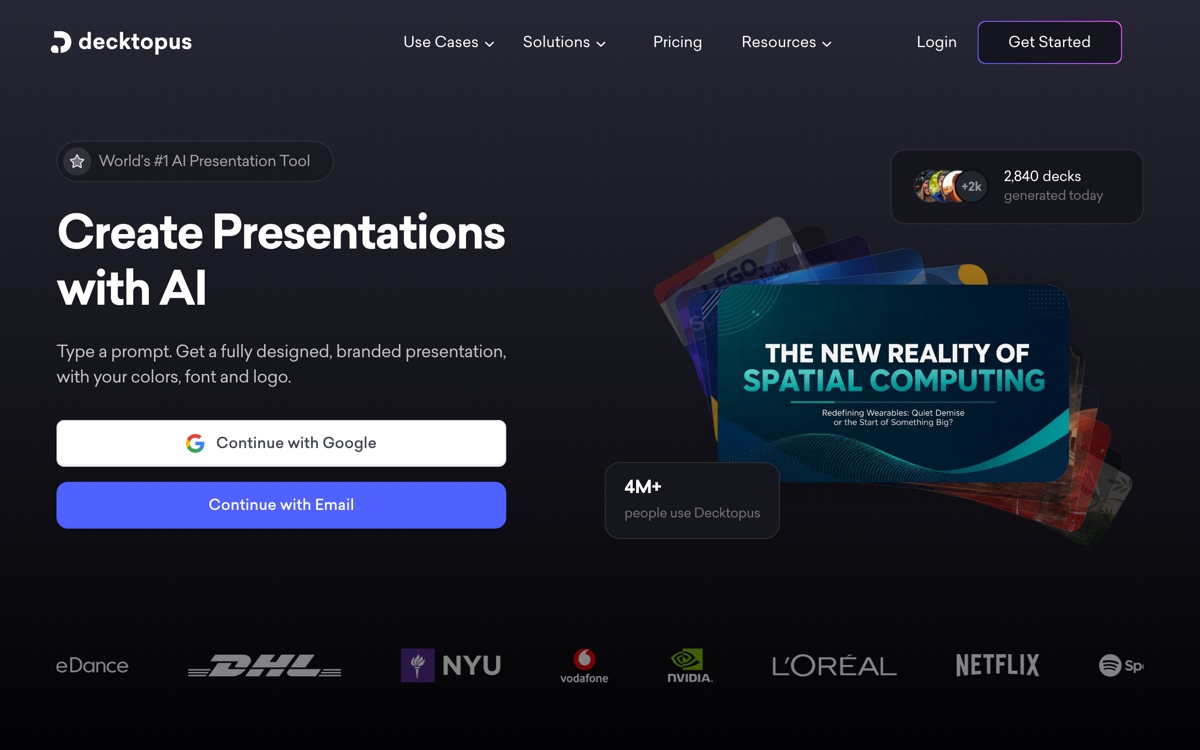
Decktopus is aimed at people who need a presentable deck now and have no interest in learning a design tool. You type a prompt, or paste text, or import a PDF, and it returns a designed, branded presentation applying your colours, fonts and logo; slides can be regenerated in alternative styles, images are AI-generated rather than pulled from a stock library, and it writes speaker notes and talking points — a small feature that is genuinely useful for anyone who freezes at a podium. Business tiers add a custom domain, viewer analytics, webhooks, team access and a Zapier connection. Pricing runs on annual AI credits, with Pro around $14.99/month and Business around $34.99/user/month; there is no free plan, only a trial. Set expectations accordingly. The design ceiling is low — decks look tidy and templated, and you will not out-design a human with it. The credit model means heavy regeneration burns allowance. Editing controls are shallower than a real design tool, and PDF is the export path that's clearly supported, so anyone who must hand over a fully editable PowerPoint should verify that before buying.
Features
Pros & cons
Pros
- Genuinely fast — usable draft deck from a prompt in minutes
- Auto-branding saves the tedious part of deck-building
- Speaker notes are a small feature with outsized value for nervous presenters
- Cheaper than most enterprise presentation platforms
Cons
- No free plan — trial only, then paid
- Design ceiling is low; output looks templated
- Credit-based AI allowance means regenerating slides burns through your quota
- Editing controls are shallow, and editable PowerPoint export isn't clearly supported
Who Decktopus is for
Decktopus is built for people working with presentation tools. Because it is paid-only, it suits teams ready to commit to a tool rather than experiment for free. Users most often highlight genuinely fast — usable draft deck from a prompt in minutes.
How Decktopus compares in AI Presentation Tools
Within presentation tools, the closest alternatives to Decktopus are Pitch, Beautiful.ai, Gamma — it is worth comparing them side by side on price and the specific features you need before deciding.
Decktopus pricing
Decktopus is a paid tool — there is no permanent free plan, though a free trial or demo may be available. See the full Decktopus pricing breakdown →
Decktopus FAQ
Is Decktopus worth it?
Decktopus is most often praised for genuinely fast — usable draft deck from a prompt in minutes. The main trade-off is that no free plan — trial only, then paid. For most presentation tools needs it is a credible choice — trial it against one or two alternatives before you commit. ToolsPantry does not yet carry user reviews for this tool.
Is Decktopus free?
Decktopus is a paid tool — there is no permanent free plan, though a free trial or demo may be available.
What are the downsides of Decktopus?
The most commonly noted drawbacks are: No free plan — trial only, then paid; Design ceiling is low; output looks templated; Credit-based AI allowance means regenerating slides burns through your quota; Editing controls are shallow, and editable PowerPoint export isn't clearly supported. None are dealbreakers for everyone, but weigh them against your specific workflow.
What are the best alternatives to Decktopus?
Strong alternatives in presentation tools include Pitch, Beautiful.ai, Gamma, Tome. See the full ranked list on the Decktopus alternatives page.
The verdict
Decktopus is a presentation tools option, best known for genuinely fast — usable draft deck from a prompt in minutes. The main trade-off is that no free plan — trial only, then paid. Try the demo or trial first and compare it against the alternatives below before committing.
Embed a badge
Show visitors Decktopus is on ToolsPantry. Paste this into your site — it links back here. About badges →
<a href="https://toolspantry.com/tools/decktopus" target="_blank" rel="noopener">
  <img src="https://toolspantry.com/tools/decktopus/badge" alt="Decktopus on ToolsPantry" width="252" height="60" />
</a>