
Open-source node graph for image and video models — total control, zero hand-holding.
Pricing
Verified 14 Jul 2026· sourceOverview
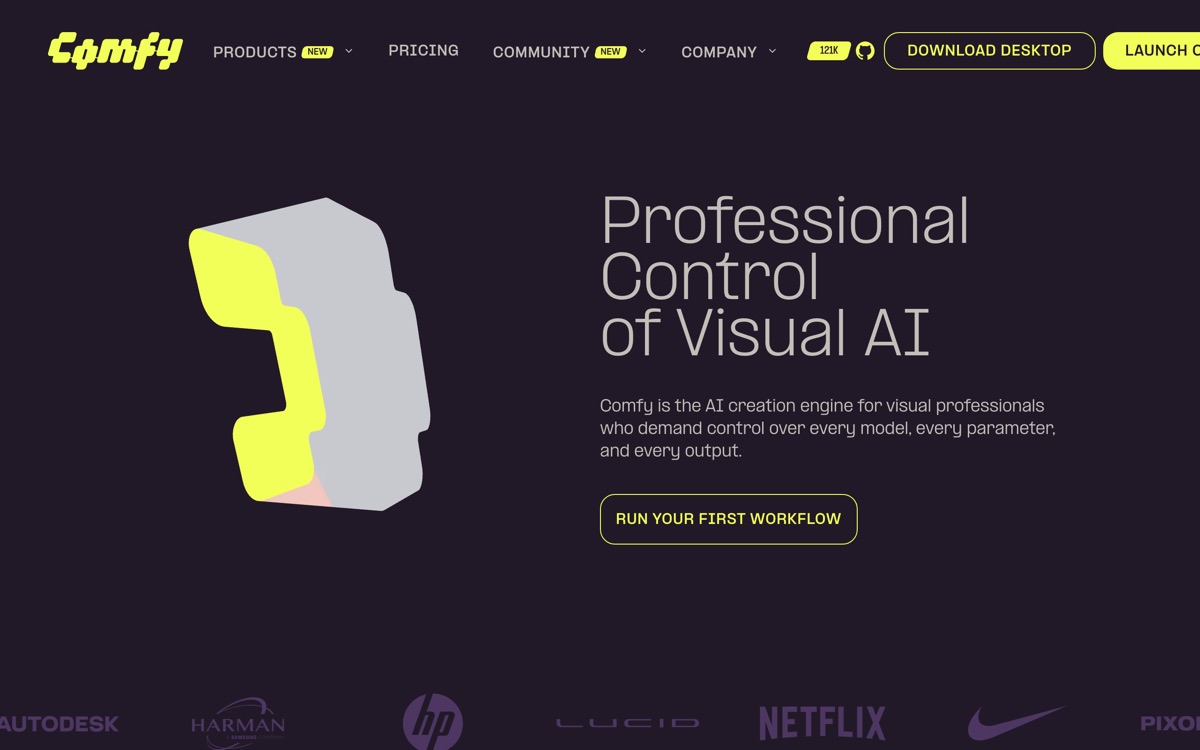
ComfyUI is what you use when the slider-and-prompt-box tools stop being enough. It exposes generative image and video pipelines as a node graph: models, samplers, conditioning, masks and post-processing are all boxes you wire together yourself. Nothing is hidden, which means anything is possible — multi-stage refinement, ControlNet stacks, custom LoRA chains, batch pipelines — and it also means nothing is done for you. The software is free and open source, runs on your own hardware, and has a very large ecosystem of community nodes and shareable workflow files, which in practice is how most people learn it: you download someone's graph and reverse-engineer it. There is now an optional paid cloud and API offering for people who want the same graphs without owning a GPU. Be honest with yourself about the learning curve. The first week is genuinely unpleasant, community nodes break on updates, and a workflow that worked last month may not survive a dependency bump. The reward is control nothing else offers.
Features
Pros & cons
Pros
- Free, open source, and gives you control no consumer tool comes close to
- Workflows are files — reproducible, versionable, and shareable with a team
- Enormous community means someone has usually already built the graph you need
Cons
- Steep, genuinely frustrating learning curve for anyone without technical patience
- Needs a capable GPU locally, or you are back to paying for cloud anyway
- Community node ecosystem is fragile; updates break workflows regularly
- No project management, collaboration or asset library — it is a graph editor, nothing more
Who ComfyUI is for
ComfyUI is built for people working with image tools. Being free, it is an easy first choice when you want to get going without a budget. Users most often highlight free, open source, and gives you control no consumer tool comes close to.
How ComfyUI compares in AI Image Tools
Within image tools, the closest alternatives to ComfyUI are FLUX, Recraft, Leonardo AI — it is worth comparing them side by side on price and the specific features you need before deciding.
ComfyUI pricing
ComfyUI is free to use — there is no paid tier required for its core features. See the full ComfyUI pricing breakdown →
ComfyUI FAQ
Is ComfyUI worth it?
ComfyUI is most often praised for free, open source, and gives you control no consumer tool comes close to. The main trade-off is that steep, genuinely frustrating learning curve for anyone without technical patience. For most image tools needs it is a credible choice — trial it against one or two alternatives before you commit. ToolsPantry does not yet carry user reviews for this tool.
Is ComfyUI free?
ComfyUI is free to use — there is no paid tier required for its core features.
What are the downsides of ComfyUI?
The most commonly noted drawbacks are: Steep, genuinely frustrating learning curve for anyone without technical patience; Needs a capable GPU locally, or you are back to paying for cloud anyway; Community node ecosystem is fragile; updates break workflows regularly; No project management, collaboration or asset library — it is a graph editor, nothing more. None are dealbreakers for everyone, but weigh them against your specific workflow.
What are the best alternatives to ComfyUI?
Strong alternatives in image tools include FLUX, Recraft, Leonardo AI, Stable Diffusion. See the full ranked list on the ComfyUI alternatives page.
The verdict
ComfyUI is a image tools option, best known for free, open source, and gives you control no consumer tool comes close to. The main trade-off is that steep, genuinely frustrating learning curve for anyone without technical patience. Start on the free plan and compare it against the alternatives below before committing.
Embed a badge
Show visitors ComfyUI is on ToolsPantry. Paste this into your site — it links back here. About badges →
<a href="https://toolspantry.com/tools/comfyui" target="_blank" rel="noopener">
  <img src="https://toolspantry.com/tools/comfyui/badge" alt="ComfyUI on ToolsPantry" width="252" height="60" />
</a>