
The cheapest credible way to queue posts across a dozen networks — and the one that charges per channel, not per seat.
Pricing
Verified 14 Jul 2026· sourceOverview
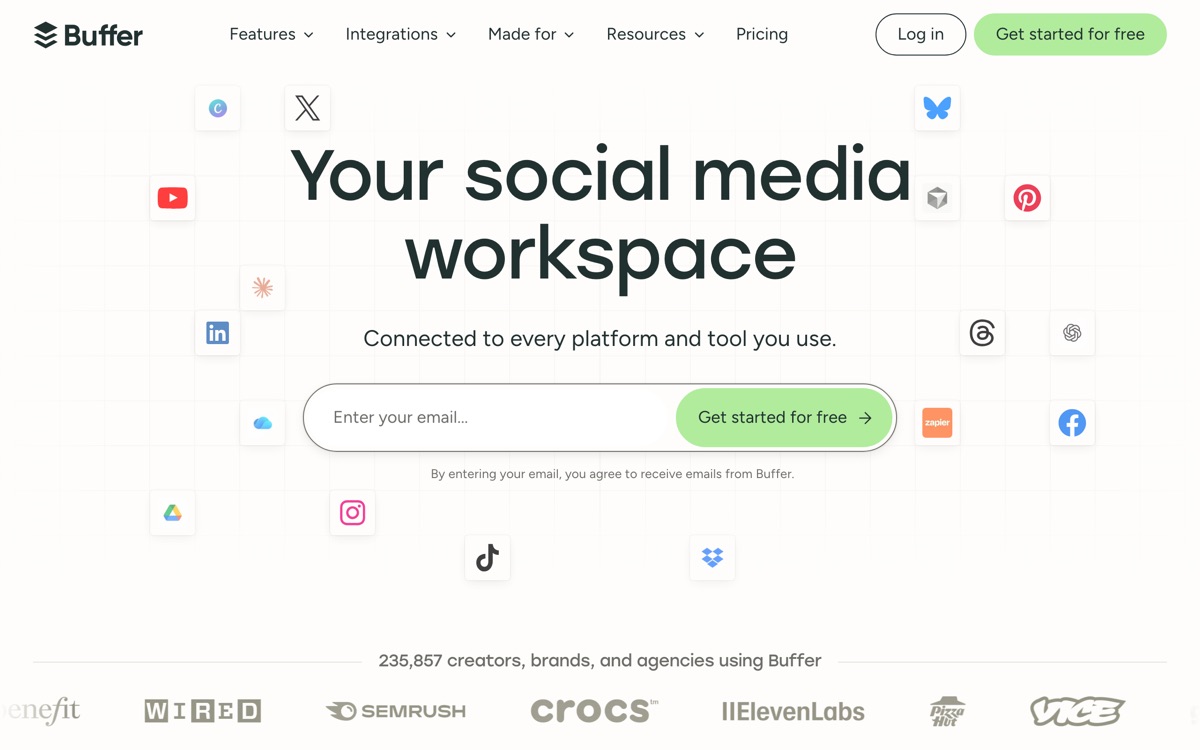
Buffer is a scheduling tool first and a marketing suite a distant second, which is precisely why small teams keep choosing it. You connect channels — Instagram, LinkedIn, X, TikTok, Facebook, YouTube, Threads, Pinterest, Bluesky, Mastodon, Google Business Profile — drop posts into a queue, and Buffer publishes them on the slots you set. The billing model is the real differentiator: you pay per connected channel rather than per user, so a solo operator running three accounts pays a fraction of what a seat-priced suite would charge, and the Team plan adds unlimited collaborators without inflating the bill. An AI assistant helps rewrite and repurpose drafts, and the free plan is genuinely usable for one person with three channels. Where it falls short is depth. Analytics are shallow next to Sprout or Hootsuite, there is no real social listening, and the engagement inbox is basic. If you need approval chains, competitor tracking or inbox triage across a large team, Buffer will feel thin. If you need posts to go out reliably and cheaply, it is hard to beat.
Features
Pros & cons
Pros
- Per-channel pricing is far cheaper than seat-based rivals for small operators
- Free plan is genuinely usable rather than a disguised trial
- Clean, fast interface with almost no learning curve
- Unlimited collaborators on the Team plan
Cons
- Analytics are shallow — fine for vanity metrics, weak for attribution
- No meaningful social listening or competitor tracking
- Engagement/inbox tooling is basic compared with full suites
- Costs climb once you connect many channels, since billing scales with them
Who Buffer is for
Buffer is built for people working with social media tools. Its free plan makes it easy to evaluate before paying, which suits both individuals and growing teams. Users most often highlight per-channel pricing is far cheaper than seat-based rivals for small operators.
How Buffer compares in AI Social Media Tools
Within social media tools, the closest alternatives to Buffer are Hootsuite, Taplio, Typefully — it is worth comparing them side by side on price and the specific features you need before deciding.
Buffer pricing
Buffer offers a free plan with paid upgrades. You can start for free and pay only when you need higher limits, advanced features or team seats. See the full Buffer pricing breakdown →
Buffer FAQ
Is Buffer worth it?
Buffer is most often praised for per-channel pricing is far cheaper than seat-based rivals for small operators. The main trade-off is that analytics are shallow — fine for vanity metrics, weak for attribution. For most social media tools needs it is a credible choice — trial it against one or two alternatives before you commit. ToolsPantry does not yet carry user reviews for this tool.
Is Buffer free?
Buffer offers a free plan with paid upgrades. You can start for free and pay only when you need higher limits, advanced features or team seats.
What are the downsides of Buffer?
The most commonly noted drawbacks are: Analytics are shallow — fine for vanity metrics, weak for attribution; No meaningful social listening or competitor tracking; Engagement/inbox tooling is basic compared with full suites; Costs climb once you connect many channels, since billing scales with them. None are dealbreakers for everyone, but weigh them against your specific workflow.
What are the best alternatives to Buffer?
Strong alternatives in social media tools include Hootsuite, Taplio, Typefully. See the full ranked list on the Buffer alternatives page.
The verdict
Buffer is a social media tools option, best known for per-channel pricing is far cheaper than seat-based rivals for small operators. The main trade-off is that analytics are shallow — fine for vanity metrics, weak for attribution. Start on the free plan and compare it against the alternatives below before committing.
Embed a badge
Show visitors Buffer is on ToolsPantry. Paste this into your site — it links back here. About badges →
<a href="https://toolspantry.com/tools/buffer" target="_blank" rel="noopener">
  <img src="https://toolspantry.com/tools/buffer/badge" alt="Buffer on ToolsPantry" width="252" height="60" />
</a>Alternatives to Buffer

A LinkedIn-only growth stack: viral-post database, AI drafting, scheduling and DM outreach in one place.

The enterprise social suite that does everything — and prices itself accordingly.

A distraction-free composer for threads and posts, now publishing to X, LinkedIn, Threads, Bluesky and more.