Gives an LLM hands on a real browser — open-source core, hosted cloud if you don't want to run it.
Pricing
Verified 14 Jul 2026· sourceOverview
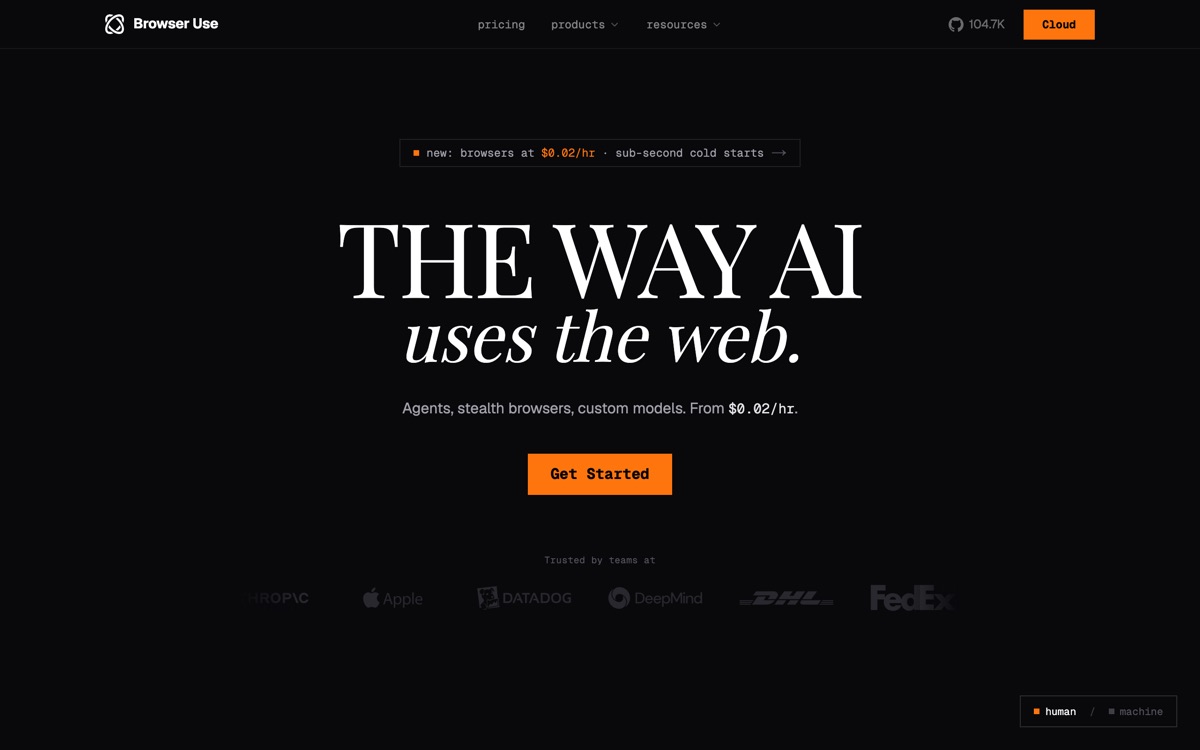
Browser Use lets an AI agent actually drive a web browser: read the page, click, type, scroll, extract. It is the practical answer to the large number of business systems that have a login screen and no API. The open-source library is the reason for its popularity — you can run it yourself, plug in whichever model you like, and keep credentials on your own infrastructure. There is also a hosted cloud with an API, managed browser sessions and proxy bandwidth, billed as you use it, for teams who would rather not operate headless browsers. Set expectations properly. Browser agents remain the least reliable corner of the agent world: pages change, elements move, anti-bot systems fight back, and a run that worked yesterday can fail today for reasons no one can see. Each step costs model tokens, so long journeys are slow and not cheap. Where it works, it works well for scraping, form-filling, QA and monitoring — but treat any production use as something to be watched, retried, and never handed a payment method.
Features
Pros & cons
Pros
- Open source, so you can self-host and keep credentials off a third party
- Solves the real problem of systems that have a UI but no API
- Free tier plus usage-based cloud pricing makes evaluation cheap
Cons
- Reliability is the category's weak point — brittle against page changes and anti-bot defences
- Token cost per step makes long browsing journeys slow and expensive
- Cloud billing spans sessions, proxy bandwidth and model tokens — costs are hard to forecast
- Handing an autonomous agent your logged-in browser is a real security risk
Who Browser Use is for
Browser Use is built for people working with agents. Its free plan makes it easy to evaluate before paying, which suits both individuals and growing teams. Users most often highlight open source, so you can self-host and keep credentials off a third party.
How Browser Use compares in AI Agents
Within agents, the closest alternatives to Browser Use are Devin, LangChain, Lindy — it is worth comparing them side by side on price and the specific features you need before deciding.
Browser Use pricing
Browser Use offers a free plan with paid upgrades. You can start for free and pay only when you need higher limits, advanced features or team seats. See the full Browser Use pricing breakdown →
Browser Use FAQ
Is Browser Use worth it?
Browser Use is most often praised for open source, so you can self-host and keep credentials off a third party. The main trade-off is that reliability is the category's weak point — brittle against page changes and anti-bot defences. For most agents needs it is a credible choice — trial it against one or two alternatives before you commit. ToolsPantry does not yet carry user reviews for this tool.
Is Browser Use free?
Browser Use offers a free plan with paid upgrades. You can start for free and pay only when you need higher limits, advanced features or team seats.
What are the downsides of Browser Use?
The most commonly noted drawbacks are: Reliability is the category's weak point — brittle against page changes and anti-bot defences; Token cost per step makes long browsing journeys slow and expensive; Cloud billing spans sessions, proxy bandwidth and model tokens — costs are hard to forecast; Handing an autonomous agent your logged-in browser is a real security risk. None are dealbreakers for everyone, but weigh them against your specific workflow.
What are the best alternatives to Browser Use?
Strong alternatives in agents include Devin, LangChain, Lindy, AgentGPT. See the full ranked list on the Browser Use alternatives page.
The verdict
Browser Use is a agents option, best known for open source, so you can self-host and keep credentials off a third party. The main trade-off is that reliability is the category's weak point — brittle against page changes and anti-bot defences. Start on the free plan and compare it against the alternatives below before committing.
Embed a badge
Show visitors Browser Use is on ToolsPantry. Paste this into your site — it links back here. About badges →
<a href="https://toolspantry.com/tools/browser-use" target="_blank" rel="noopener">
  <img src="https://toolspantry.com/tools/browser-use/badge" alt="Browser Use on ToolsPantry" width="252" height="60" />
</a>